
Code agents in the terminal are already part of the daily routine for those who program with AI, and the three most cited repositories are open source and active right now. I checked each one on GitHub on 11/23/2026: license, stars, last commit, and installation.
Dicas5 min
Top 3 GitHub repositories for terminal code agents
Compare Codex CLI, OpenCode, and Kilo Code: license, stars, installation, and a usage example from each open-source code agent repository.
The biggest AI newsletter in the World
Get AI articles in your inbox
Technical curation on models, agents and coding tools. No spam, unsubscribe anytime.
The goal here is to help you choose by usage profile, not to crown an absolute winner.
In this article you will see:
- The 3 repositories with license, stars, and activity
- How to install and a usage example for each one
- How to choose and how to combine all three in the same project
How I chose the code agent repositories
I used four criteria, all verifiable on the official page: open license in the LICENSE file or metadata, recent commit, README with installation instructions, and official documentation.
The numbers below came from the public GitHub API on 11/23/2026 and change daily.
| Repository | License | Stars | Last push |
|---|---|---|---|
| openai/codex | Apache 2.0 | 136,105 | 11/22/2026 |
| anomalyco/opencode | MIT | 228,600 | 11/22/2026 |
| Kilo-Org/kilocode | MIT | 28,094 | 11/23/2026 |
Stars measure popularity, not quality. Use the number only as a signal that a community exists and that you can find help when something breaks.
1. Codex CLI (openai/codex): OpenAI's agent that runs locally
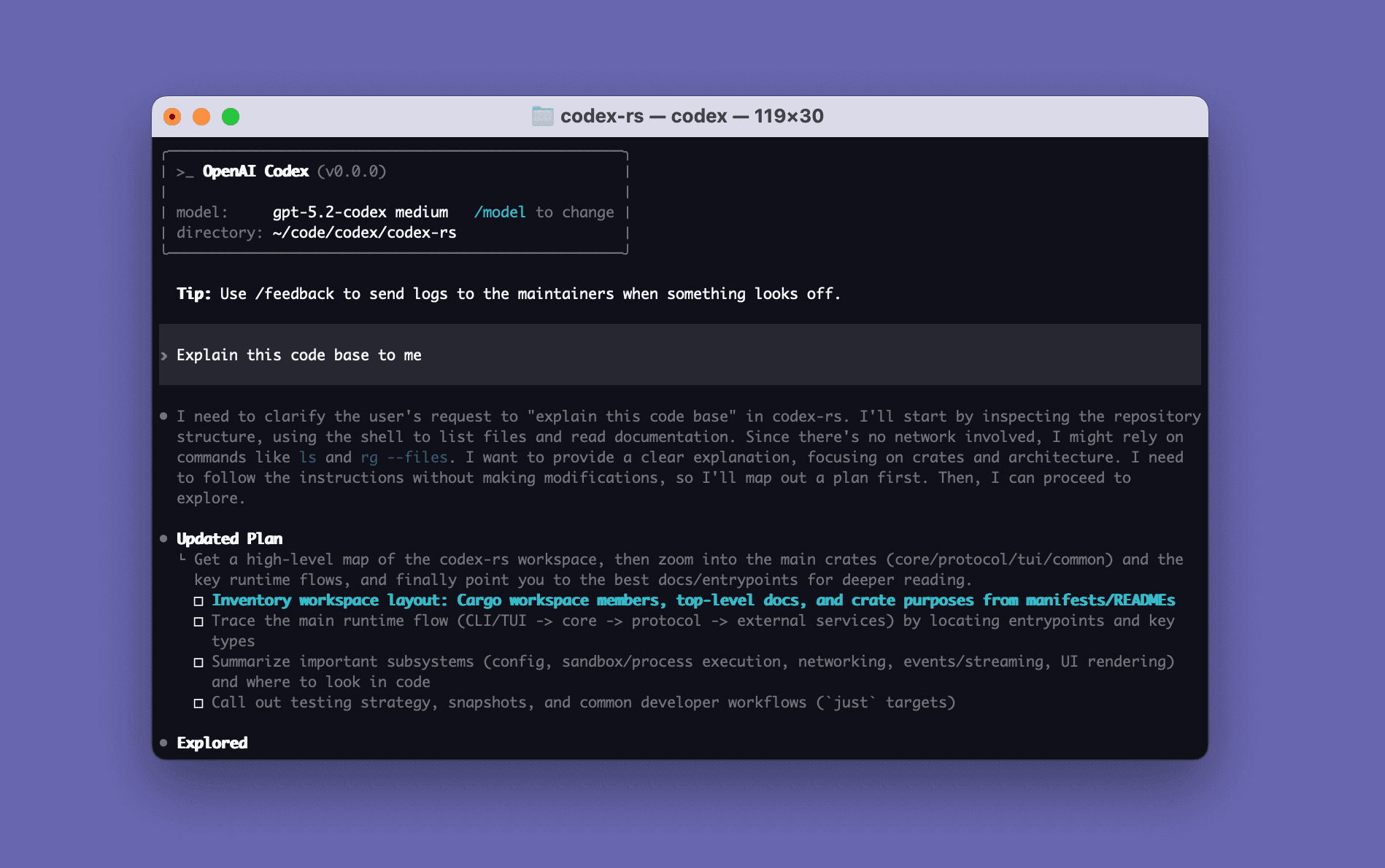
The openai/codex repository describes the project as a lightweight code agent that runs in your terminal. The code is mostly Rust, with an Apache 2.0 license and over 14 thousand commits.
Who it's for: those who already use ChatGPT or the OpenAI API and want a local agent, with approval control over what it executes.
Installation, per the official README:
Terminal
npm install -g @openai/codexTerminal
brew install --cask codexThen just run codex in the project folder. A practical use: ask it to write tests for a module and review the diff before accepting. To understand the security modes, see our post on sandbox and approvals in Codex CLI.
Point of attention: the project states it does not accept external pull requests, only issues.
2. OpenCode (anomalyco/opencode): open and multi-provider agent
OpenCode defines itself as the open source code agent. It has an MIT license, over 23 thousand commits, and a TypeScript and Rust codebase.
Who it's for: those who want to switch models and providers without switching tools, and like extensibility.
The official README provides these installation methods:
Terminal
curl -fsSL https://opencode.ai/v2/install | bashTerminal
brew install anomalyco/tap/opencode-v2A usage example: run a repetitive task, like updating dependencies and fixing the type errors that appear. We've already published a guide with 5 tips to automate the terminal with OpenCode.
Point of attention: the README asks to remove old versions before installing.
3. Kilo Code (Kilo-Org/kilocode): agent platform with CLI and editor
Kilo Code presents itself as a complete engineering platform with agents. It's MIT licensed, with over 34 thousand commits, and the repository includes packages for CLI, VS Code, and JetBrains.
Who it's for: those who want the same agent in the editor and the terminal, with visual permission review.
To install, follow the official Kilo page, because the method varies by editor. A usage example: open a refactoring task in the editor and track each command approval before executing.
Also see the Kilo Code v7.8.28 features guide.
Point of attention: the project moves fast, with frequent releases, so confirm the version before pinning it in your workflow.
How to choose between Codex CLI, OpenCode, and Kilo Code
Answer three questions:
- Do you already pay for a specific provider? Codex CLI fits best with OpenAI.
- Want model freedom? OpenCode is the most open option.
- Prefer editor and terminal together? Kilo Code covers both.
All three work well together as long as each agent has its own workspace. Our guide on Claude Code and Codex in the same repo without conflicts shows how to isolate them with worktrees.
A simple test to compare the three agents
Pick a small, real task from your project, like adding validation to a form and writing the tests. Give the same prompt to all three agents, each on a separate branch.
Then compare three things: whether the code compiles, whether the tests pass, and how many times you had to correct the agent. Note the time spent on each.
Repeat with a second, larger task to see how each agent handles long context. This comparison on your own code is worth more than any public ranking.
Before installing any agent from GitHub
Read the install script before running it, check the license, and review the permissions the agent requests. Start on a test project, not the company repo.
Also prefer running with manual command approval for the first few days.
Frequently asked questions about terminal code agent repositories
Which is the best terminal code agent repository?
It depends on your workflow. Codex CLI is the simplest to start with if you already use OpenAI, OpenCode is the most flexible across providers, and Kilo Code is the most complete if you want an editor and terminal together.
Are these agents truly open source?
Yes, all three have open licenses on GitHub: Codex CLI uses Apache 2.0, while OpenCode and Kilo Code use MIT, according to repository metadata checked on November 23, 2026.
Can I use more than one agent in the same project?
Yes, as long as each one works on a separate branch or worktree to avoid overwriting files. That's the main precaution when running agents in parallel.
Does Codex CLI accept external contributions?
No. The repository policy states that external pull requests are not accepted, and the community contributes through issues with bugs and feature requests.
Do I have to trust curl installation scripts?
Read the script before running it. If you prefer, use a package manager like npm or Homebrew, which the projects also provide.
Which repo to test first
If the question is where to start, install one at a time and use the test above. The results on your code say more than any list.
The real gain appears when you stop switching between tools and start dividing work among agents, each in its own role.
Stop switching between ten AI tools. Coordinate your agents in a single flow on bridgecode.
Source: GitHub
Tags:#github#agentes de código#codex#opencode#kilo code

Developer and creator of bridgecode, an agentic development environment for orchestrating squads of AI agents. Helps people going from vibe coding to professional development move from idea to shipped product.
Related articles
Dicas
5 best GitHub repositories for creating videos with AI
Compare 5 open source repositories for creating videos with AI: ComfyUI, Remotion, LTX-2, MoneyPrinterTurbo, and MoviePy. License, stars, and usage example.
6 min
Dicas
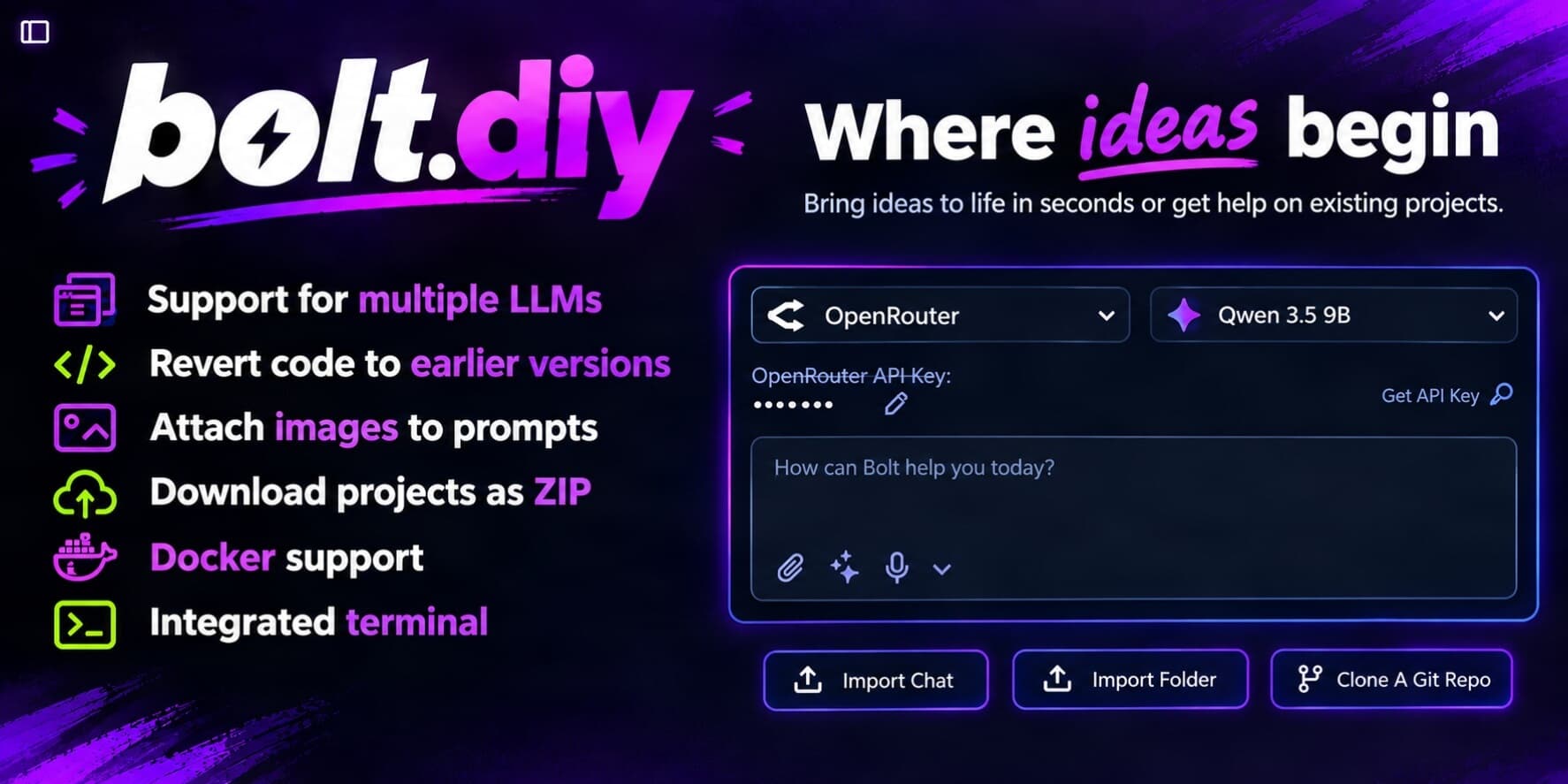
5 best GitHub repositories for vibe coding in 2026
Compare 5 open source repositories for vibe coding: bolt.diy, open-lovable, Dyad, Cline, and OpenHands. License, stars, activity, and usage example for each.
6 min
Dicas
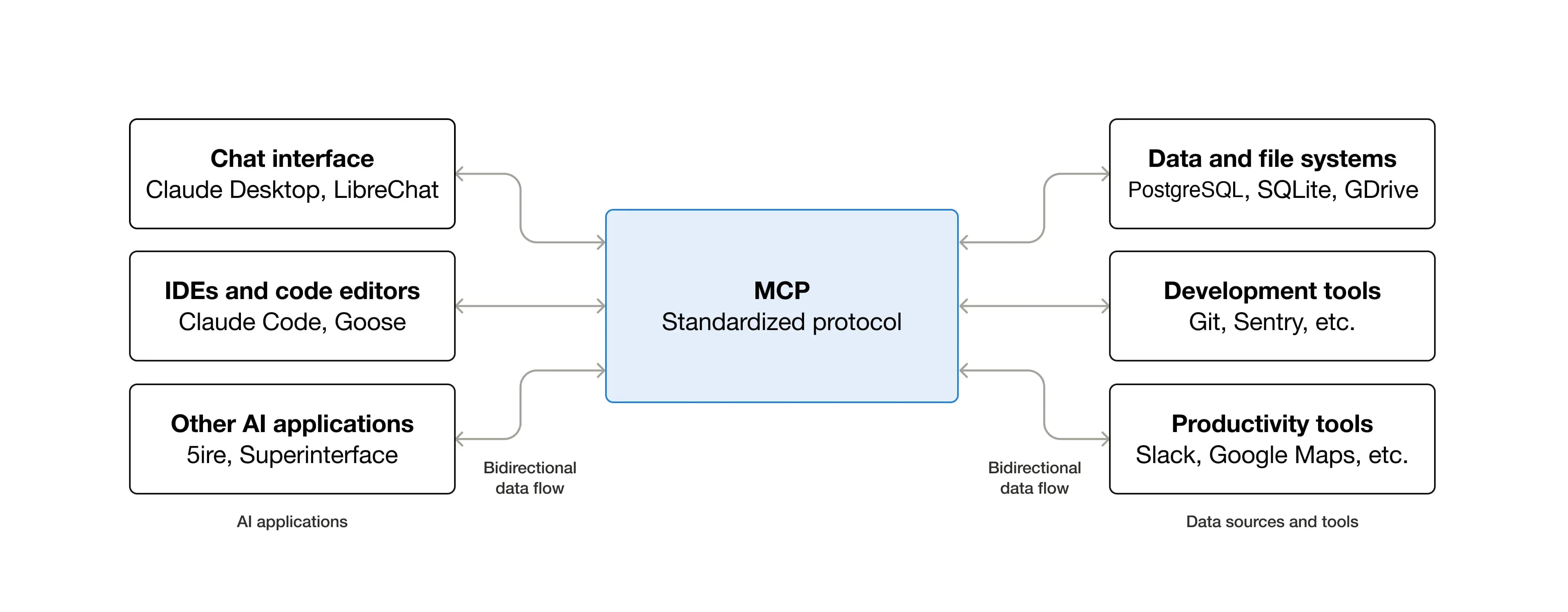
What is MCP: connect AI agents to data and tools
MCP is the open standard that connects AI apps to files, databases, and tools. See how it works, what changes, and how to start testing today.
6 min