
MCP (Model Context Protocol) is an open-source standard for connecting AI applications to external systems. The definition is in the official MCP documentation, accessed on 11/18/2026.
Dicas6 min
What is MCP: connect AI agents to data and tools
MCP is the open standard that connects AI apps to files, databases, and tools. See how it works, what changes, and how to start testing today.
The biggest AI newsletter in the World
Get AI articles in your inbox
Technical curation on models, agents and coding tools. No spam, unsubscribe anytime.
If you have ever copied data from a system to paste into an AI chat, you know the problem the protocol solves. This guide explains the concept without fluff.
In this article you will see:
- What MCP is and why it is compared to a USB-C port
- How the division between servers and clients works
- What changes for those who use AI agents daily
- How to start testing today, securely
What MCP is, the protocol that connects AI to the rest of your world
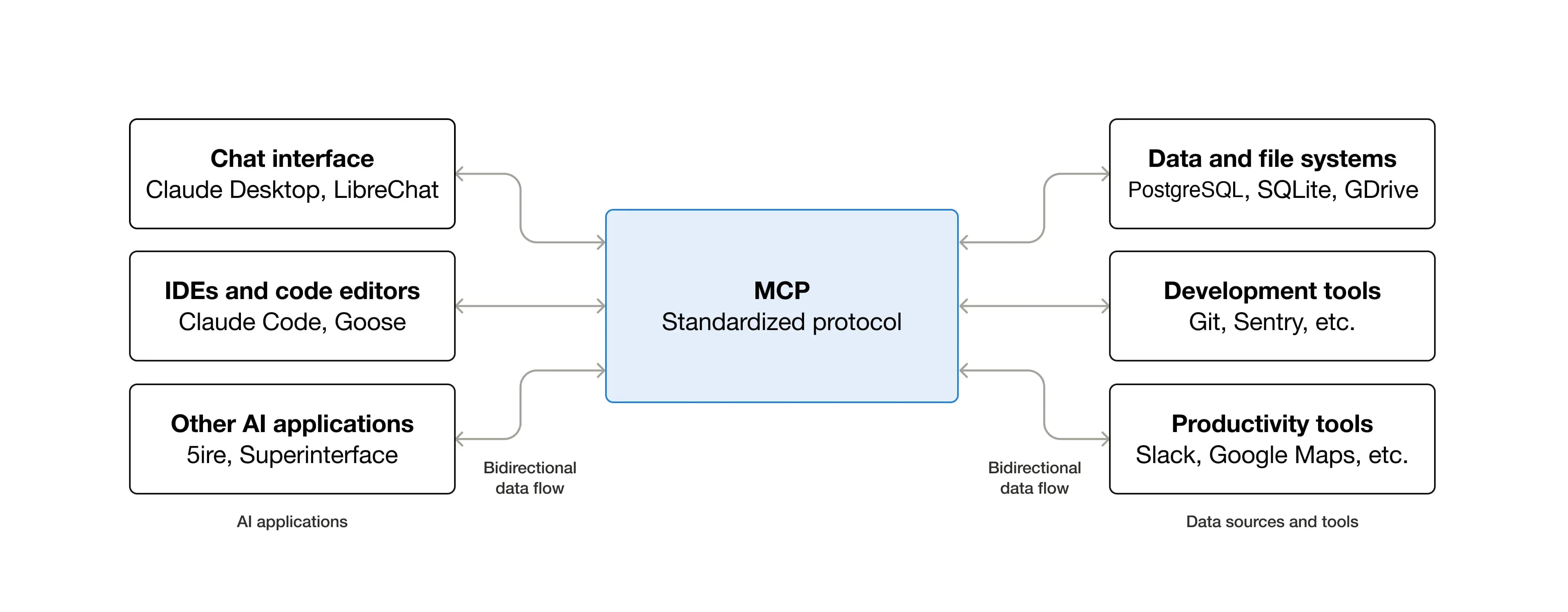
MCP is an open protocol. That means any company or person can implement the standard without depending on a single vendor. With it, applications like Claude or ChatGPT connect to data sources, tools, and workflows.
The documentation gives examples of each type. Data sources include local files and databases. Tools include search engines and calculators. Workflows include specialized prompts.
The official analogy is a USB-C port for AI applications. Just as USB-C standardizes the connection between electronic devices, MCP standardizes the connection between AI and external systems.
Without this standard, every integration becomes custom work. With it, the same connection works for multiple applications.
How MCP works: servers, clients, and applications
The protocol separates two roles. The MCP server exposes data and tools. The client is the part of the AI application that connects to that server and uses what it offers.
The official documentation organizes the path for those who want to build in three areas:
- Build servers: create servers that expose your data and tools
- Build clients: develop applications that connect to MCP servers
- Build MCP Apps: create interactive applications that run inside AI clients
For most people, the starting point is using ready-made servers inside a compatible app. Those who have their own system, such as an internal bank or a company API, can expose that system by creating a server.
The protocol also has dedicated pages for architecture and security. Worth reading both before connecting any server to sensitive data.
What changes with MCP for those who use AI agents
The documentation summarizes the gains by profile. For developers, MCP reduces the time and complexity of building or integrating an AI application or agent. For applications, it opens access to an ecosystem of data, tools, and apps. For the end user, it results in more capable agents that access their data and execute actions on their behalf when needed.
More useful agents in daily life
The official examples show the reach. Agents can access Google Calendar and Notion and act as more personalized assistants. Claude Code can generate an entire web app from a Figma design.
Reusable connections
The official text sums up the idea as build once, integrate anywhere. A well-made MCP server works in multiple clients, avoiding rework.
Company data inside the chat
Another cited example is corporate chatbots that connect to multiple databases in an organization, allowing people to analyze data by conversing. There is also the case of models that create 3D designs in Blender and send them to a 3D printer.
Who supports MCP today
MCP is an open protocol with broad support across clients and servers. The documentation cites AI assistants like Claude and ChatGPT, and development tools like Visual Studio Code, Cursor, and MCPJam.
In practice, for those following the ecosystem, the protocol appears frequently in tooling news. bridgecode, for example, covered Claude Code 2.1.318, which reinforces credentials and MCP, and the restriction of MCP servers in Claude Code sidecalls on TokenEconomizer.
How to test MCP today, step by step
The safest way to get started has four simple steps.
- Choose a compatible client. It can be one of those listed in the documentation, such as Claude, ChatGPT, Visual Studio Code, or Cursor.
- Connect a server with a small scope. Start with something low-risk, like files from a test folder.
- Validate the server before using it. The MCP Inspector lists tools, calls functions, and shows traffic, and there is a complete guide about it on the blog.
- Read the security page. The official documentation has a security best practices tutorial. Give each server only the access it needs.
The integrations you connect to an agent decide what it can read and do. Treat each server as a granted permission and review the list from time to time.
If you later want to build your own server, the official documentation has a dedicated tutorial in Develop, under the Build a server section.
Frequently asked questions about MCP
What is MCP?
MCP (Model Context Protocol) is an open standard for connecting AI applications to external systems, such as local files, databases, search tools, and workflows.
Why is MCP compared to a USB-C port?
Because it provides a standardized way to connect different things. The official documentation uses the analogy: just as USB-C connects various devices, MCP connects AI applications to external systems.
Which tools support MCP?
The official documentation mentions assistants like Claude and ChatGPT and development tools like Visual Studio Code, Cursor, and MCPJam, among others.
Do I need to build an MCP server to use the protocol?
Not necessarily. Those who want to expose data and tools create a server; those developing an application create a client. Using existing servers within a compatible app skips that step.
How to test an MCP server before using it?
Use the MCP Inspector, the reference tool for testing and debugging servers. There's a guide on the bridgecode blog with the step-by-step.
What MCP changes for those working with AI agents
MCP takes AI out of chat isolation. Instead of copying and pasting information, you connect the agent to the system where the information already lives and let it query and act within limits you define.
For those building workflows with multiple agents, the open standard makes it easier to swap tools without redoing integrations. The caution that still applies is the usual one: test first, grant the least access possible, and review what is connected.
An agent that only chats answers questions. An agent connected to data and tools delivers work, and that is the difference the protocol makes accessible. Starting with a simple, validated server with restricted access already shows the gain in minutes.
Divide work among specialist agents and track each step on bridgecode.
Source: Model Context Protocol
Tags:#MCP#agentes de código#Model Context Protocol#integrações

Developer and creator of bridgecode, an agentic development environment for orchestrating squads of AI agents. Helps people going from vibe coding to professional development move from idea to shipped product.
Related articles
Dicas
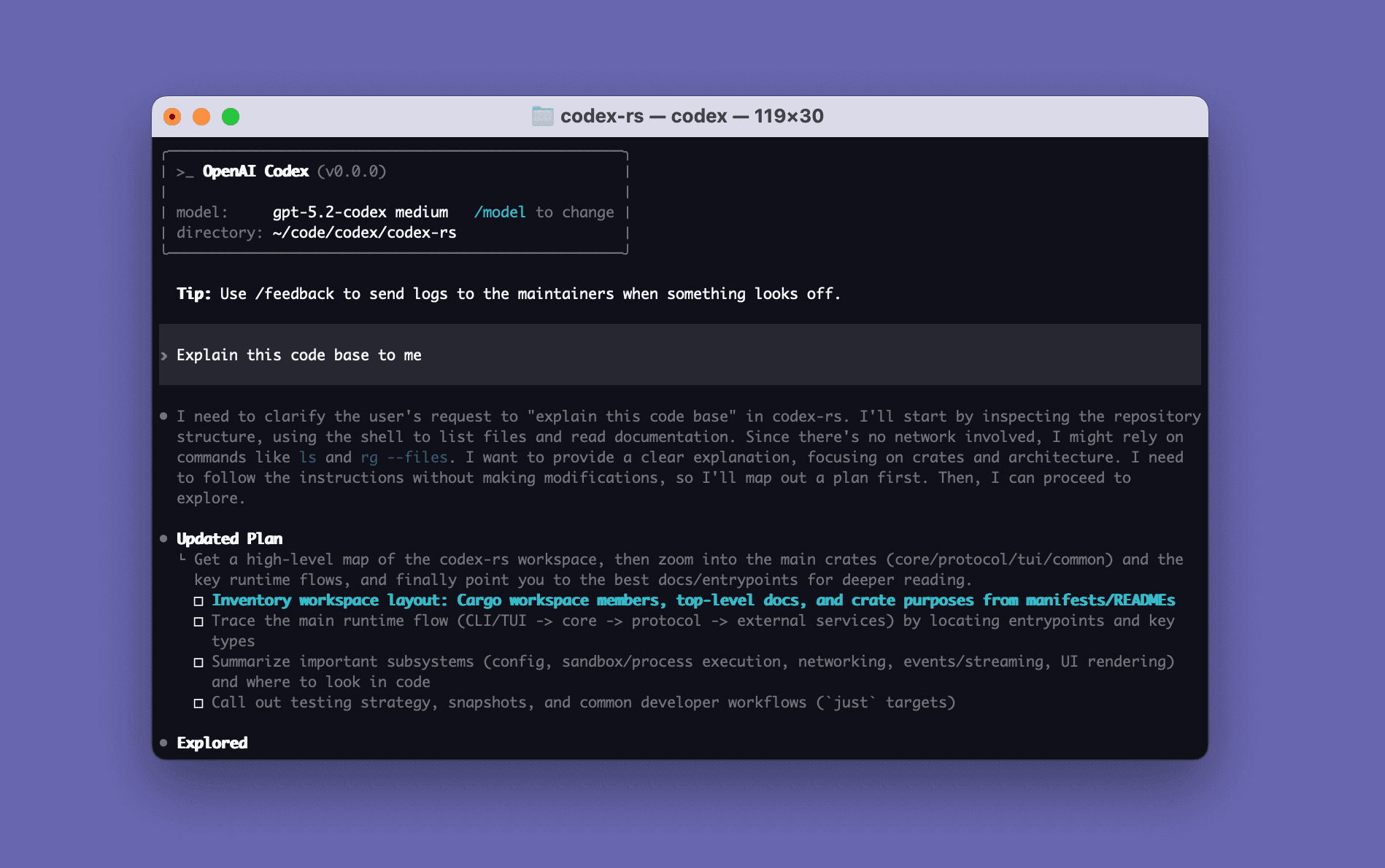
Top 3 GitHub repositories for terminal code agents
Compare Codex CLI, OpenCode, and Kilo Code: license, stars, installation, and a usage example from each open-source code agent repository.
5 min
Dicas
5 best GitHub repositories for creating videos with AI
Compare 5 open source repositories for creating videos with AI: ComfyUI, Remotion, LTX-2, MoneyPrinterTurbo, and MoviePy. License, stars, and usage example.
6 min
Dicas
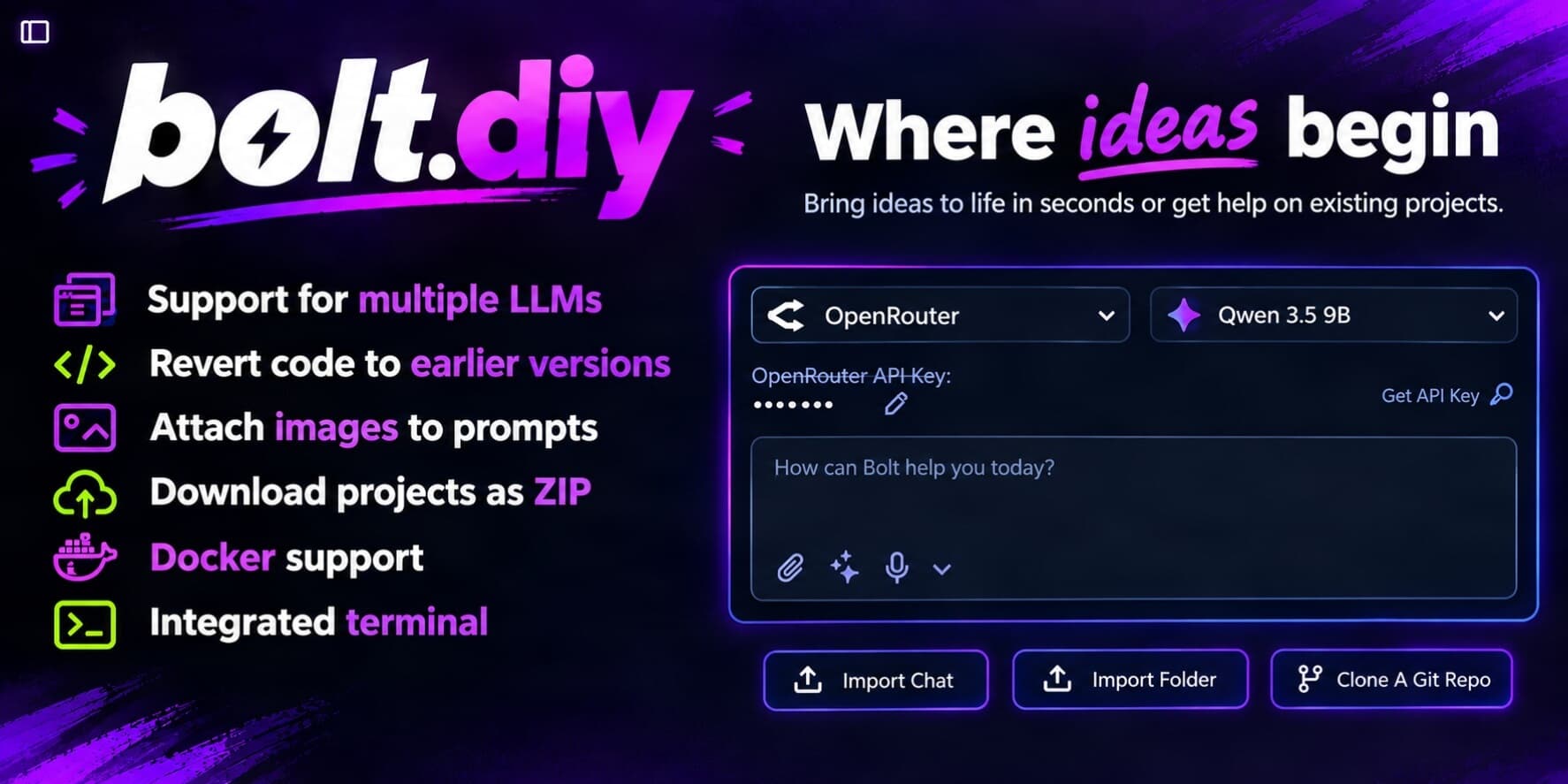
5 best GitHub repositories for vibe coding in 2026
Compare 5 open source repositories for vibe coding: bolt.diy, open-lovable, Dyad, Cline, and OpenHands. License, stars, activity, and usage example for each.
6 min