
Vibe coding is creating software by describing what you want in natural language and letting AI write the code. On 11/24/2026, five open repositories on GitHub solve this flow in different ways: from the in-browser app builder to the agent that runs in your terminal.
Dicas6 min
5 best GitHub repositories for vibe coding in 2026
Compare 5 open source repositories for vibe coding: bolt.diy, open-lovable, Dyad, Cline, and OpenHands. License, stars, activity, and usage example for each.
The biggest AI newsletter in the World
Get AI articles in your inbox
Technical curation on models, agents and coding tools. No spam, unsubscribe anytime.
All data below (stars, license, and last commit) come from the API and official READMEs, consulted on this date. Nothing was executed: the instructions are those the projects themselves publish.
In this article you will see:
- Which five repositories are worth your time for vibe coding
- License, stars, and recent activity for each one
- A usage example and a caveat for each project
- How to choose and how to combine more than one tool
How we selected the vibe coding repositories
We used four criteria: clear official README, open license, recent commit, and real use for creating apps with AI. Archived projects or those stopped for more than six months were left out.
This is the case of Roo Code, which appears as archived on GitHub, and Aider, whose last push was on 05/22/2026. Both remain useful as references, but they do not enter a recommendation list for starting today.
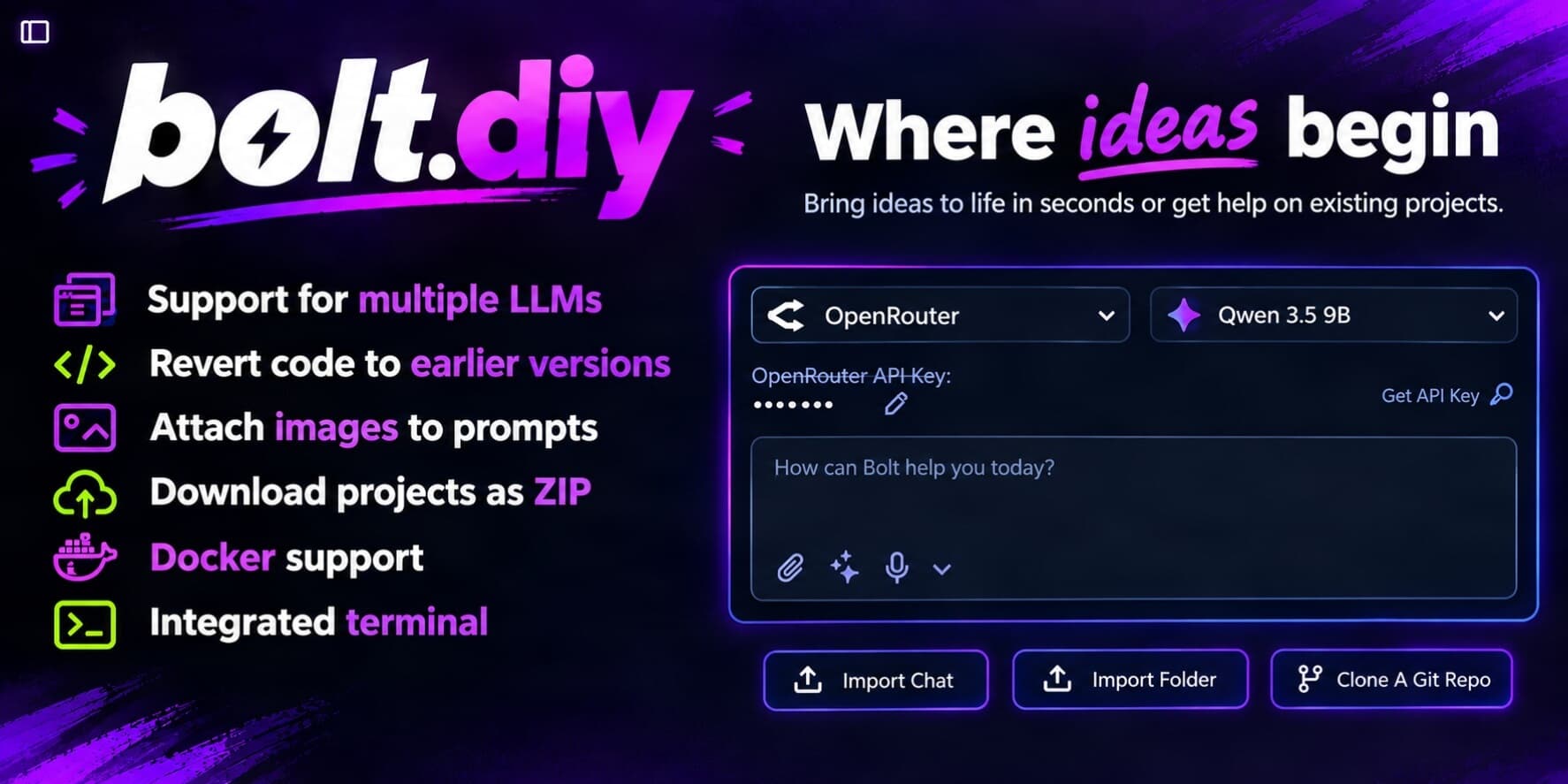
1. bolt.diy: workspace for building full stack apps in the browser
bolt.diy is the open source workspace that lets you choose the AI model at each prompt. The README cites more than 22 providers, including OpenAI, Anthropic, Gemini, Groq, xAI, DeepSeek, Ollama, and LM Studio.
- Stars: around 20.1k
- License: MIT, with the note that it uses the WebContainers API, which has its own commercial terms for companies
- Activity: last push on 11/21/2026
- For whom: those who want an app builder similar to Bolt, but with model choice in their hands
To test, the README asks for Node.js 22.12 or newer and pnpm 9.15.9 or newer.
Terminal
git clone https://github.com/stackblitz-labs/bolt.diy.git
cd bolt.diy
pnpm install
pnpm run devThen open http://localhost:5173 and describe the app. Caveat: I did not find a SECURITY.md file in the repository, so keep your API keys only in environment files that you do not commit.
2. open-lovable: turn a page into a React app
open-lovable is a sample app from the Firecrawl team. The repository description sums up the proposal: clone and recreate a site as a modern React app.
- Stars: around 28.9k
- License: MIT
- Activity: last push on 10/09/2026, the least recent on the list, but within 180 days
- For whom: those who want to start from a visual reference and iterate with chat
The README requires a Firecrawl key, a model provider key (Gemini, Anthropic, OpenAI, or Groq), and a sandbox, which can be Vercel (default) or E2B. After cloning and creating the .env.local file, the command is this:
Terminal
pnpm install
pnpm devThe app opens at http://localhost:3000. Caveat: the README itself describes it as an example, not a complete product, so treat it as a starting point.
3. Dyad: local app builder with your own keys
Dyad is an AI app builder that runs on your machine. The README compares it to Lovable, v0, and Bolt, but with a focus on privacy and no vendor lock-in.
- Stars: around 22.4k
- License: Apache 2.0 for everything outside src/pro. The src/pro folder uses the Functional Source License 1.1 with Apache 2.0
- Activity: last push on 11/24/2026
- For whom: those who prefer downloading an application to configuring Node.js and command line
The README says it requires no signup: you download the app from the official site, for Mac or Windows, and use your API keys. There is a SECURITY.md in the repository, which helps to know how to report vulnerabilities.
4. Cline: code agent in the editor, terminal, and desktop
Cline is an autonomous code agent that runs as a VS Code extension, JetBrains plugin, desktop app, CLI, and SDK. It is the most popular among IDE users.
- Stars: around 71.8k
- License: Apache 2.0
- Activity: last push on 11/23/2026
- Best for: anyone who already has a project and wants an agent with human approval for every action
CLI installation comes straight from the README:
Terminal
npm i -g cline
cline "Run tests and fix any failures"Headless mode also accepts piped input, for example git diff origin/main | cline "Review these changes for issues", useful for CI review. Caution: an agent that runs commands needs review. Read what it asks to execute before approving.
5. OpenHands Agent Canvas: a dashboard for multiple agents
OpenHands now presents itself as Agent Canvas, a self-hosted control center for code agents and automations. It runs OpenHands, Claude Code, Codex, Gemini, Pi, OpenCode, or any ACP-compatible agent, on local, remote, or cloud backends.
- Stars: around 94k
- License: MIT
- Activity: last push on 11/22/2026
- Best for: anyone using more than one agent and wants a single place to track conversations and tasks
An example from the README: generate reports that post to Slack or automatically split GitHub issues into tasks. Installation steps are in the self-hosting guide in the repository.
How to choose among the five repositories
- Starting from scratch: Dyad, for the ready-to-use app
- Want to pick the model at every prompt: bolt.diy
- Want to clone an existing look: open-lovable
- Already have a project and want an agent: Cline
- Use multiple agents at the same time: OpenHands Agent Canvas
If you run more than one agent in the same repository, isolate each in its own worktree. The post on Claude Code and Codex together in the same repo without conflicts shows the step-by-step.
For agents that run in the terminal, also see the 3 best GitHub repos for terminal code agents. And if you want to understand where an agent app differs from an orchestrator, read the comparison between BridgeMind and bridgecode for vibe coding.
Frequently asked questions about vibe coding repositories
What is vibe coding?
It's creating software by describing what you want in natural language while the AI writes the code. You review the result and decide what to accept.
Which vibe coding repository is best for beginners?
Dyad is the shortest path because it's a local app you download and use with your own API keys, no environment setup required. bolt.diy is the next step if you already have Node.js installed.
Are these projects truly open source?
Yes, with a caveat. According to GitHub and the READMEs consulted on 11/24/2026, bolt.diy, open-lovable, Cline, and OpenHands use open licenses (MIT or Apache 2.0). In Dyad, code outside src/pro is Apache 2.0, while the src/pro folder uses the Functional Source License.
Do I need to pay to use these repositories?
The repositories themselves are free to download and run. What you pay for, if anything, is the model usage via your own API keys, and open-lovable also requires a Firecrawl key.
Can I use more than one of these tools on the same project?
Yes, as long as each one works on a separate branch or worktree to avoid overwriting each other's files.
Vibe coding works better with review and task splitting
All five projects have open licenses, recent activity, and official documentation, but none dispense with review. Ask the agent for small tasks, read the diff, and run tests before accepting any change.
Finally, keep API keys out of code and check each project's license before using in a commercial product, especially the note about WebContainers in bolt.diy and the src/pro folder in Dyad.
It's not just code. With bridgecode you orchestrate AI agents on bridgecode to create, develop, and operate whatever you imagine.
Source: GitHub
Tags:#vibe coding#GitHub#open source#bolt.diy#Cline#OpenHands

Developer and creator of bridgecode, an agentic development environment for orchestrating squads of AI agents. Helps people going from vibe coding to professional development move from idea to shipped product.
Related articles
Dicas
5 best GitHub repositories for creating videos with AI
Compare 5 open source repositories for creating videos with AI: ComfyUI, Remotion, LTX-2, MoneyPrinterTurbo, and MoviePy. License, stars, and usage example.
6 min
Dicas
Top 3 GitHub repositories for terminal code agents
Compare Codex CLI, OpenCode, and Kilo Code: license, stars, installation, and a usage example from each open-source code agent repository.
5 min
Dicas
Claude Code: how to block edits to .env and protected files with a hook
Use a PreToolUse hook with exit 2 to prevent Claude Code from editing .env, package-lock.json, and .git, and to block dangerous Bash commands. Includes the limits of this protection.
6 min