
MCP servers are the most direct way to give real tools to a code agent: current documentation, browser, GitHub, debugger. This list gathers 5 GitHub repositories we verified on 11/25/2026, with license, recent activity, and a usage example for each.
Dicas6 min
5 best GitHub repositories for MCP servers for agents
Context7, Playwright MCP, GitHub MCP Server, Chrome DevTools MCP, and MCP reference servers: 5 verified repositories to equip agents with tools.
The biggest AI newsletter in the World
Get AI articles in your inbox
Technical curation on models, agents and coding tools. No spam, unsubscribe anytime.
In this article you will see:
- Why MCP servers matter for agent users
- 5 repositories with stars, license, and usage example
- Security considerations before connecting any server
- How to combine multiple servers in the same workflow
What is an MCP server and why use one
The Model Context Protocol (MCP) is an open standard for connecting AI agents to tools and data. If you are not familiar with the concept yet, read what is MCP and how to connect agents to data and tools.
An MCP server is the side that provides the tools. The agent, acting as a client, discovers what is available and calls it when needed.
All star and activity data below come from the public GitHub API, queried on 11/25/2026. None of the servers were installed or run for this list, so the commands cited come from the official READMEs.
1. Context7: current documentation for the agent
upstash/context7 delivers up-to-date library documentation to agents. The repository itself describes it as "Up-to-date docs for AI agents".
- Stars: around 65.4k
- License: MIT
- Activity: last push on 11/24/2026
Who it's for: anyone who sees the agent invent APIs that don't exist or use an outdated version of a library.
Usage example: when asking for a component with a library that changed recently, the agent consults the current documentation instead of relying only on what it learned during training.
2. Playwright MCP: browser via accessibility tree
microsoft/playwright-mcp allows the agent to interact with web pages via accessibility snapshots, without depending on screenshots or vision models.
- Stars: around 40.1k
- License: Apache 2.0
- Activity: last push on 11/18/2026
The README requires Node.js 20 or newer. The default configuration uses npx with the @playwright/mcp@latest package:
JSON
{
  "mcpServers": {
    "playwright": {
      "command": "npx",
      "args": ["@playwright/mcp@latest"]
    }
  }
}
Who it's for: anyone who wants the agent to test UI flows, such as login or forms.
Usage example: ask the agent to open the local app, fill out a registration, and report what broke. The README also points to the Playwright CLI with skills as a more context-efficient alternative for code agents.
3. GitHub MCP Server: issues, PRs, and Actions via the agent
github/github-mcp-server is GitHub's official server. According to the README, it allows reading repositories and files, managing issues and pull requests, analyzing code, and tracking GitHub Actions runs.
- Stars: around 34.8k
- License: MIT
- Activity: last push on 11/25/2026
- Security: the repository has a security policy in SECURITY.md
Who it's for: teams that want issue triage and PR reviews driven by agents.
Usage example: ask the agent to list open issues with build failures, analyze the Actions log, and propose the fix in a PR.
4. Chrome DevTools MCP: debugging and performance
ChromeDevTools/chrome-devtools-mcp connects the agent to a real Chrome instance. The README mentions performance trace recording, network request analysis, screenshots, and console messages with stack traces.
- Stars: around 59k
- License: Apache 2.0
- Activity: last push on 11/23/2026
Who it's for: anyone debugging slow pages or console errors who wants the agent to investigate with data.
Usage example: ask the agent to record a trace of the home page and point out the biggest loading bottleneck. See the step-by-step in Chrome DevTools MCP to debug pages with an agent.
Note: the README warns that the server exposes browser content to the MCP client. Avoid personal sessions and sensitive data.
5. modelcontextprotocol/servers: official reference
modelcontextprotocol/servers collects the MCP reference servers: Everything, Fetch, Filesystem, Git, Memory, and Sequential Thinking.
- Stars: around 92.2k
- License: Apache 2.0 for new contributions, with existing code under MIT
- Activity: last push on 11/25/2026
Who it's for: anyone who wants to learn how a server is built or needs basic Fetch, Filesystem, and Git.
Usage example: use the Git server to read a local repository's history. Details in mcp-server-git for AI CLIs.
The README is clear: these servers are reference implementations, not production-ready solutions. For a list of published servers, it points to the MCP Registry.
How to choose and secure your MCP servers
Install a few servers at a time. Each exposed tool consumes context and expands what the agent can do on its own.
A practical order:
- Outdated documentation: Context7
- UI testing: Playwright MCP
- Issue and PR flow: GitHub MCP Server
- Performance and console: Chrome DevTools MCP
- Learning or prototyping: reference servers
On security, use minimum-scope tokens, test accounts, and human review before any repository write. No README replaces your own risk assessment.
Frequently asked questions about MCP servers on GitHub
What is an MCP server?
It is a program that exposes tools and data to an AI agent via the Model Context Protocol. The agent calls these tools, such as opening a page, reading documentation, or creating an issue.
Which MCP server should I install first?
Start with the one that solves a concrete pain point. For outdated documentation, use Context7. For interface testing, use Playwright MCP. For issues and pull requests, use GitHub MCP Server.
Are MCP servers secure by default?
No. The Chrome DevTools MCP README warns that browser content is exposed to the client, and the reference servers repository states they are examples, not production-ready solutions. Use test accounts and minimal permissions.
Playwright MCP or Playwright CLI: which to choose?
The Playwright MCP README recommends the CLI with skills for code agents that need to save context. MCP remains useful in loops with persistent state and rich page introspection.
Are all these repositories open source?
Yes, but with different licenses: MIT for Context7 and GitHub MCP Server, Apache 2.0 for Playwright MCP and Chrome DevTools MCP. The reference servers repository uses Apache 2.0 for new contributions, with legacy code under MIT.
MCP servers work better in a squad
Each server solves one step. The gain appears when one agent plans, another implements with Context7 documentation, and another validates in the browser with Playwright MCP, each in its own isolated space.
If you already use more than one agent CLI, it's worth reading how to use Claude Code and Codex together in the same repository without conflicts.
The list changes fast, so always check the README and the last commit date before adopting. Stars indicate interest, not quality or security.
Want to coordinate agents that use these tools? Build your AI agent squad on bridgecode and track every step in one place.
Source: GitHub
Tags:#MCP#GitHub#agentes de código#Context7#Playwright

Developer and creator of bridgecode, an agentic development environment for orchestrating squads of AI agents. Helps people going from vibe coding to professional development move from idea to shipped product.
Related articles
Dicas
5 best GitHub repositories for testing code agents
Spec Kit, promptfoo, mini-swe-agent, SWE-bench, and Langfuse: 5 GitHub repositories to specify, test, and measure code agents with real data.
6 min
Dicas
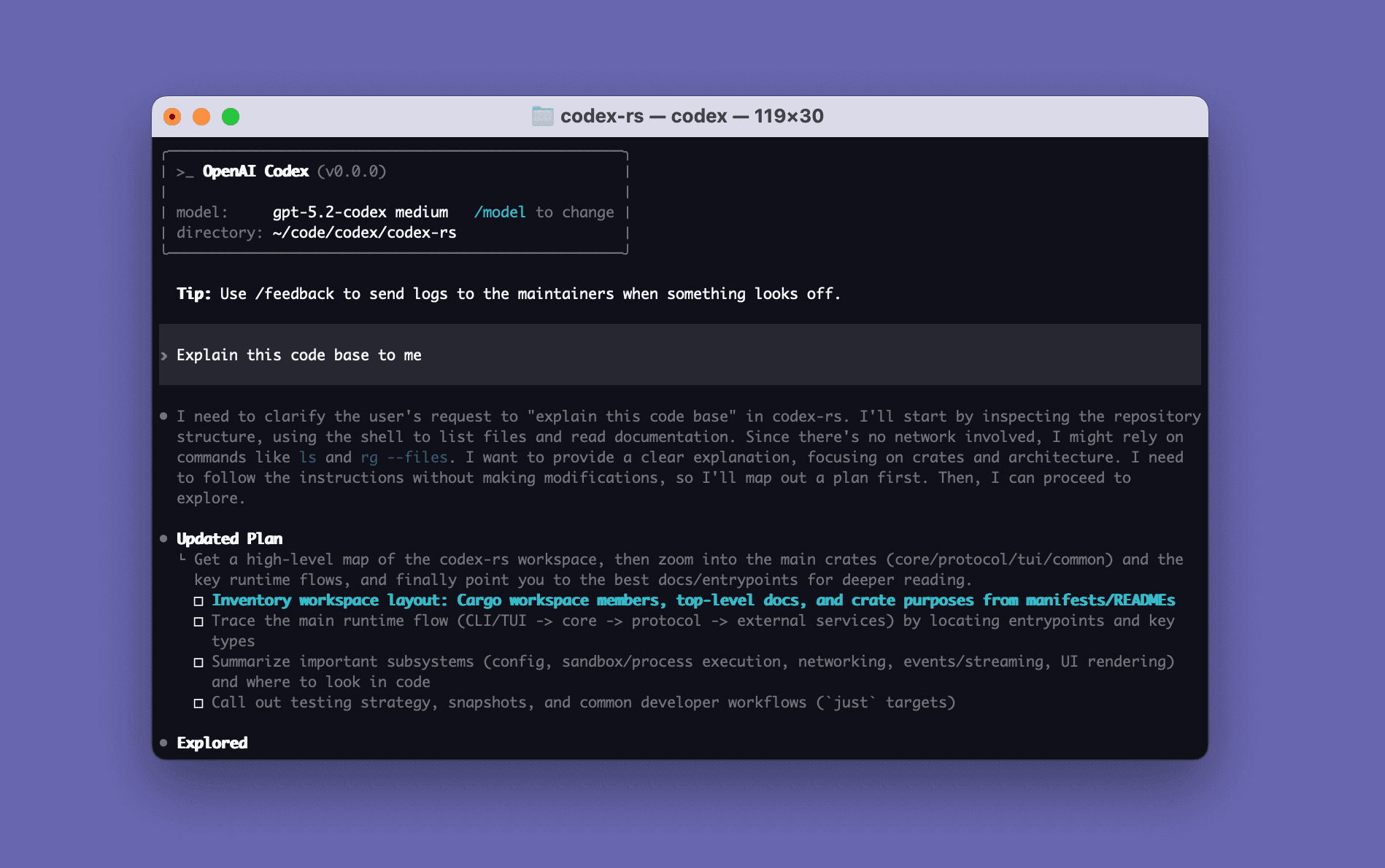
Top 3 GitHub repositories for terminal code agents
Compare Codex CLI, OpenCode, and Kilo Code: license, stars, installation, and a usage example from each open-source code agent repository.
5 min
Dicas
What is MCP: connect AI agents to data and tools
MCP is the open standard that connects AI apps to files, databases, and tools. See how it works, what changes, and how to start testing today.
6 min