
Dicas
5 min
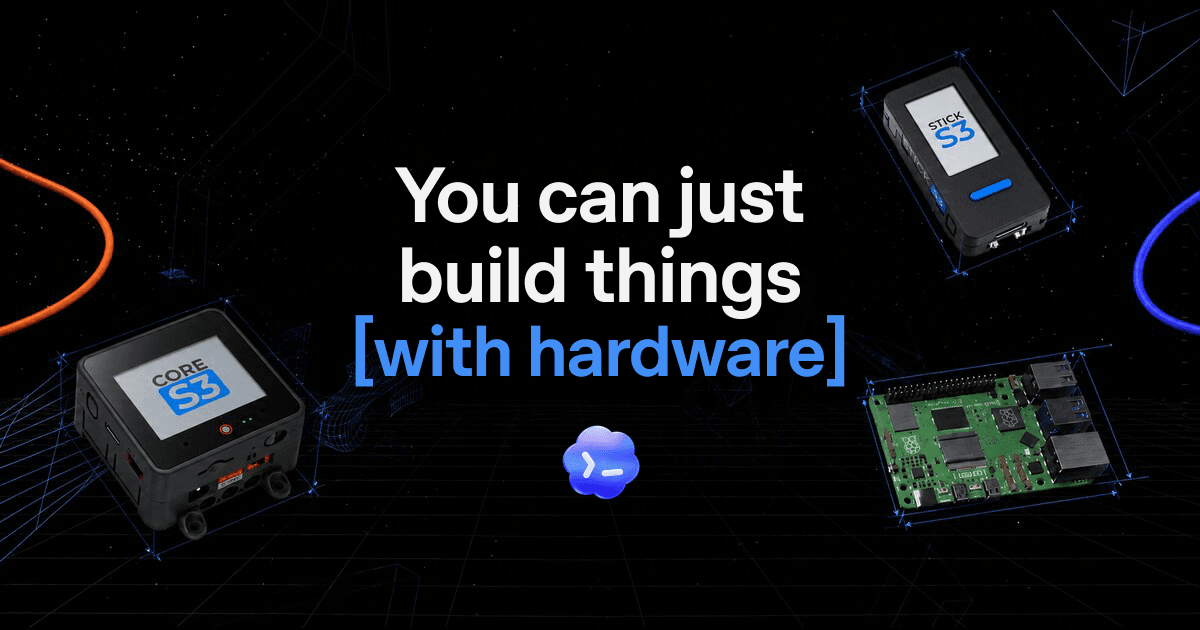
How to use Codex to prototype hardware
Learn how to use Codex to take a physical idea to a prototype, with small steps, on-device testing, documentation and human review.
#Codex#hardware#prototipagem
Workflows práticos, prompts e atalhos para acelerar seu desenvolvimento
Learn how to use Codex to take a physical idea to a prototype, with small steps, on-device testing, documentation and human review.

A playbook for validating pain, defining the MVP, building a first AI powered version and launching safely without automating in the dark.

Turn a recurring pain point into an AI workflow, test it with clear limits and measure the results before automating.

Learn how to define agents with Cursor Agent SDK, write instructions in Markdown, build TypeScript tools, and evaluate behavior before publishing.

Use Codex to break a system into small deliveries, request tests, review diffs and validate permissions before integrating.

Learn how to turn a repetitive task into a lightweight app with ChatGPT Sites, test the preview, review permissions and publish safely.

Install the Antigravity CLI, run `agy` in VS Code's integrated terminal and set up agents, permissions, shortcuts, plugins and MCP.

Learn how to split agent tasks across Git worktrees, open each folder in VS Code, and review changes without mixing branches.

Understand what MCP is and add a server in VS Code via the gallery, using the MCP: Add Server command or the mcp.json file, with security in mind.

Understand why your AI bill can spike unexpectedly and learn simple habits to control tokens: sign in with your subscription, set limits, keep context clean, and use the right model.

Bring extensions, rules and agents from Cursor to VS Code or Antigravity IDE and start working with a team of agents in bridgecode, step by step.

Install Ollama, download a coding model and connect it to an AI agent. Your code stays on your computer, and you can still mix in cloud agents.
In-depth technical curation: agentic architectures, real token benchmarks, MCP servers and open-source tools in your inbox and on the blog.