
Google Antigravity 2.32.0, released on November 13, 2026, introduced Dynamic Workflows, which let agents orchestrate parallel subagents in Python. Version 2.31.0, from November 9, had already added the /swarm command, according to the official Antigravity App changelog.
Dicas5 min
Antigravity 2.32.0: Dynamic Workflows and /swarm
Antigravity 2.32.0 and 2.31.0 bring Dynamic Workflows, parallel subagents in Python, and the /swarm command. See 4 tips from the official changelog.
The biggest AI newsletter in the World
Get AI articles in your inbox
Technical curation on models, agents and coding tools. No spam, unsubscribe anytime.
Anyone who uses coding agents knows the bottleneck: a large task goes to a single agent, which does everything sequentially while you wait. Splitting the work into parallel parts is the obvious path, but building that by hand takes effort.
Both versions bring that split inside the app itself. Below are four tips, all based on the official release notes, to test the two features without surprises.
In this article you will see:
- 4 tips for using Dynamic Workflows and /swarm in Antigravity
- What changed in version 2.33.0
- How to try Antigravity today
4 tips for using Dynamic Workflows and /swarm in Antigravity
Tip 1: use Dynamic Workflows for tasks with independent steps
According to the Antigravity changelog, Dynamic Workflows allow agents to orchestrate parallel subagents and multi-step tasks in Python. The code runs in the Python runtime that comes embedded in the application.
The text provides no examples or usage limits. For that reason, start with a task whose parts do not depend on each other, such as analyzing three separate modules, and observe how the app divides the work.
Parallel subagents are smaller agents that each receive a slice of the problem and run at the same time. The gain appears when the slices do not need to wait for each other's results.
Tip 2: test /swarm on long-running tasks
Version 2.31.0 added /swarm, which coordinates multiple subagents through a message board to complete long-running tasks. A message board is a common channel where agents post and read progress.
Version 2.33.0, from November 17, opened /swarm and UI plugin panels to business and enterprise accounts, when allowed by the organization administrator's settings.
This detail matters for teams. If your account is corporate, the administrator can control access, so confirm with them before planning usage.
Tip 3: review browser agent downloads
Version 2.31.0 started pausing a file download made by the browser agent until you approve it. Pages controlled by the agent can also no longer lock the mouse or keyboard.
Version 2.32.0 reinforced the protection. When a download is rejected by file type, the agent is notified and the downloads panel shows the blocked status. Frames from other sites load without login and stay hidden from the agent, unless explicit permission is given.
In practice, review each download request carefully. Manual approval is the barrier that prevents the agent from bringing files to your machine without your knowledge.
Tip 4: adjust the app to your workflow
Both versions bring everyday usability tweaks. Version 2.31.0 lets you change the font size to 12, 14, or 16 pixels and open plugins next to a conversation in a split view.
Version 2.32.0 adds shortcuts to jump between previous and next prompts, an optional prompt send shortcut, and the Everforest light and dark themes. Installed plugins also show MCP server startup errors.
That last point helps debug integrations. If an MCP server, the protocol that connects agents to tools and data, fails to start, the error now appears on the plugin screen.
What changed in version 2.33.0 for team workflows
Version 2.33.0, from November 17, is the latest listed in the changelog. It lets you connect the app to a 64-bit Linux machine over SSH, with projects, Git worktrees, agents, and terminals running on the remote host.
The same version shows GitHub pull request links as live status badges, with a Pull Requests section in the Overview panel. It also includes 16 improvements and 21 fixes, per the official notes.
Version 2.32.2, from November 16, introduced side question tabs with /btw, where you ask multi-turn questions and the agent reads files and runs read-only commands without interrupting the main conversation.
How to try Antigravity today
The notes say new versions roll out gradually and may take a few days to reach all users. If a feature does not appear, your account may not have received the version yet.
The changelog separates the Antigravity App, the CLI, the SDK, and the IDE. The features in this article are in the Antigravity App section and should not be confused with those in the IDE.
The same page lists, on November 12, Gemini 4 Hydrogen, with the Orchestrator for planning and execution with multiple models alongside Gemini 4 Carbon. To try that model, see How to try Gemini 4 Hydrogen today.
The Orchestrator context is in Google Antigravity Orchestrator with Carbon and Hydrogen. The model numbers are in Gemini 4 Hydrogen on the benchmark.
Frequently asked questions about Antigravity 2.32.0 and 2.31.0
What are Antigravity's Dynamic Workflows?
They are a feature in version 2.32.0, released November 13, 2026, that lets agents orchestrate parallel subagents and multi-step tasks in Python, using the app's embedded Python runtime.
What does the /swarm command do?
The /swarm command, from version 2.31.0 on November 9, coordinates multiple subagents via a message board to complete long-running tasks.
Is /swarm available for enterprise accounts?
Business and enterprise accounts can use it when allowed by the organization admin's settings. This took effect in version 2.33.0 on November 17.
Does the browser agent download files automatically?
No. The download pauses until you approve, since version 2.31.0. Version 2.32.0 notifies the agent when a download is rejected due to file type.
Why don't I see the new features in my Antigravity?
The release notes say versions roll out gradually and may take a few days to reach all users.
What changes for those splitting work across agents
Antigravity now offers, inside the app, what many people build on their own: parallel subagents and coordination by message. The decision to split the work is now one command away.
The quality of the split still depends on you. The notes do not include time or cost benchmarks, so measure on your project before adopting. Assign each subagent a separate slice of the work.
Coordinating agents from different tools, each in its own space, is what bridgecode does. What would a team of AI agents do for your business this week? Find out at bridgecode.
Source: Google Antigravity
Tags:#Google Antigravity#Dynamic Workflows#swarm#subagentes

Developer and creator of bridgecode, an agentic development environment for orchestrating squads of AI agents. Helps people going from vibe coding to professional development move from idea to shipped product.
Related articles
Dicas
5 best GitHub repositories for creating videos with AI
Compare 5 open source repositories for creating videos with AI: ComfyUI, Remotion, LTX-2, MoneyPrinterTurbo, and MoviePy. License, stars, and usage example.
6 min
Dicas
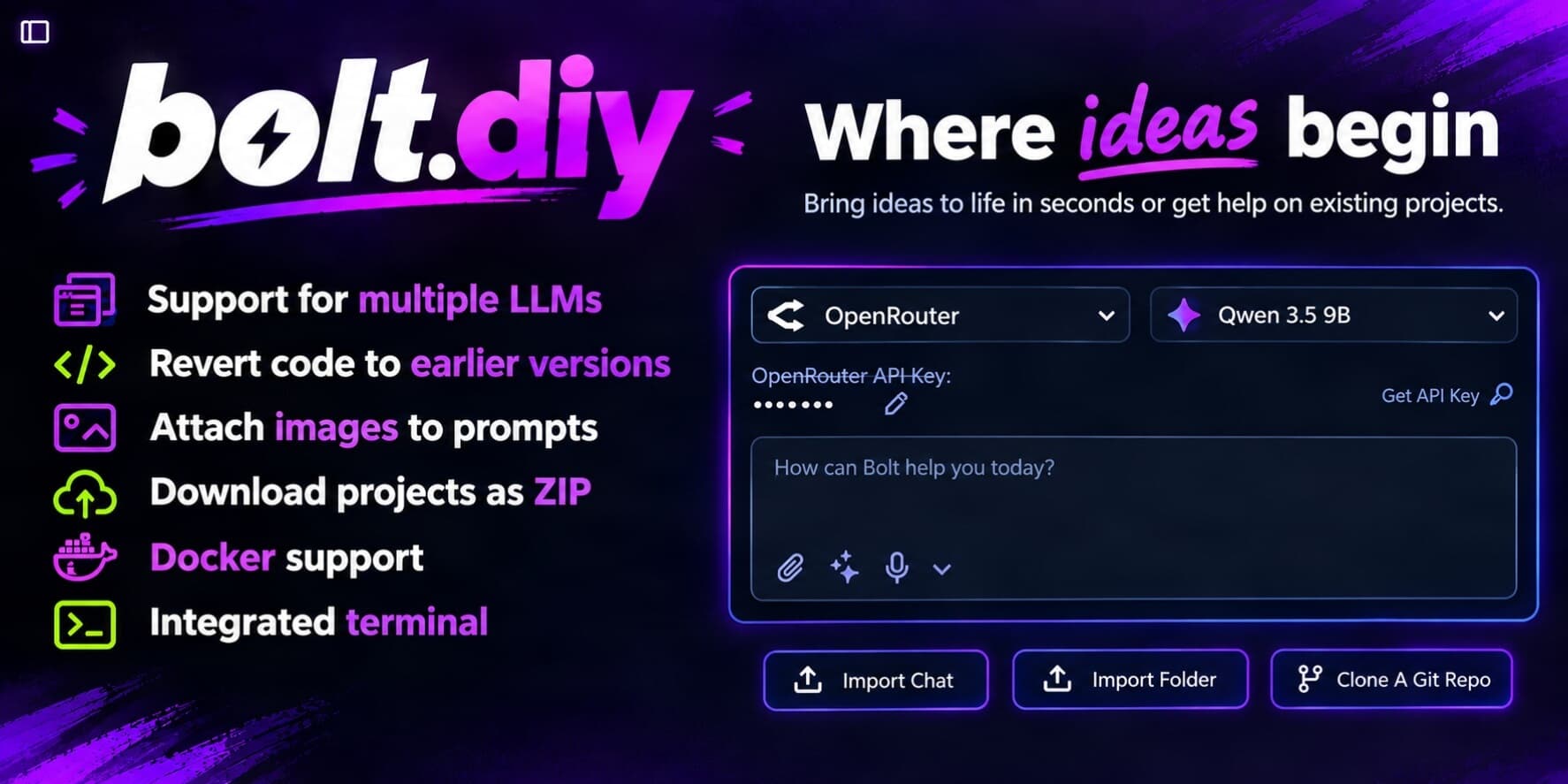
5 best GitHub repositories for vibe coding in 2026
Compare 5 open source repositories for vibe coding: bolt.diy, open-lovable, Dyad, Cline, and OpenHands. License, stars, activity, and usage example for each.
6 min
Dicas
Top 3 GitHub repositories for terminal code agents
Compare Codex CLI, OpenCode, and Kilo Code: license, stars, installation, and a usage example from each open-source code agent repository.
5 min