
Vercel Labs published agent-desktop, an open source tool that lets AI agents operate desktop applications through the operating system's accessibility tree. Instead of capturing screenshots and trying to guess pixels, the agent receives the actual interface structure in JSON, with stable references for each clickable element.

5 tips to operate desktop with agent-desktop
Vercel Labs launched agent-desktop, a tool that lets AI agents operate desktop applications via the accessibility tree. See how it works.

Marcelo Santiago
Criador do bridgecode
The biggest AI newsletter in the World
Get AI articles in your inbox
Technical curation on models, agents and coding tools. No spam, unsubscribe anytime.
The project is written in Rust, has an Apache-2.0 license and already has more than 17 thousand stars on GitHub. Version 1.0 was released on October 28, 2026, with 49 releases and 51 tags. The repository includes SECURITY.md, CONTRIBUTING.md, SUPPORT.md and CODE_OF_CONDUCT.md.
In this article you will see:
- What agent-desktop does and how it works.
- Why the accessibility tree is better than screenshots.
- How to install and use it.
- Where the project still has limitations.
What is agent-desktop
agent-desktop is a CLI and a C library that gives AI agents the ability to see and operate desktop applications on macOS, Windows and Linux. It reads the operating system's accessibility tree and returns the interface structure in JSON, with a reference (ref) for each element the agent can trigger.
The agent clicks or types into a ref, reads the interface again to verify the result and repeats. The loop lives in your agent; agent-desktop has no model inside. It is not an agent framework, it is an interface automation tool.
How it works
The flow is simple: the agent requests a snapshot of the interface, receives the tree of elements with refs, decides which action to take, executes the action (click, typing, scroll) and requests a new snapshot to verify the result.
The accessibility tree contains semantic information: button names, text fields, labels, roles and states. This is much more reliable than trying to identify elements by pixel position or image analysis.
Why the accessibility tree is better
Screenshots and pixel matching are fragile. Changes in theme, resolution, zoom or language break automation. The accessibility tree is stable because it reflects the semantic structure of the interface, not its visual appearance.
Also, the accessibility tree is faster to process than an image. The agent receives structured text instead of pixels, which reduces token cost and latency.
How to install
agent-desktop is available on npm and as a C library. To install via npm:
npm install -g agent-desktop
To use as a C library, see the documentation in the repository. The project also includes skills for integration with agents.
Limitations
agent-desktop depends on the quality of the operating system's accessibility tree. Not all applications expose complete information in the accessibility tree. Custom applications or those with their own rendering (such as games or graphic editors) may have incomplete trees.
Also, the agent needs a decision loop to use the tool. agent-desktop does not make decisions; it only provides the interface and executes actions. The intelligence is in the agent, not in the tool.
How to test today
If you develop AI agents that need to operate desktop applications, agent-desktop is a lightweight and efficient alternative to screenshot based solutions. Clone the repository, install via npm and test with a simple application.
The repository has complete documentation in docs/, including concepts, errors and recovery, skills and contribution. The community is active, with 49 releases and more than 17 thousand stars.
Frequently asked questions about agent-desktop
What is agent-desktop? It is a CLI and C library that lets AI agents operate desktop applications through the operating system's accessibility tree.
How does it differ from screenshot-based solutions? Instead of capturing images and trying to identify elements by pixel, agent-desktop reads the semantic structure of the interface and returns JSON with stable references.
Which operating systems does it support? macOS, Windows and Linux.
Does it need a built-in AI model? No. agent-desktop has no model inside. The decision loop lives in your agent.
Is it free? Yes. Apache-2.0 license for personal and commercial use.
Conclusion
agent-desktop solves a practical problem: how to give AI agents the ability to operate desktop applications reliably. The accessibility tree based approach is more stable, faster and cheaper than screenshot-based solutions.
If you build agents that need to interact with desktop applications, it's worth testing agent-desktop. The project is active, well documented and has a growing community.
CTA
Did agent-desktop catch your attention? Put this new tool to work in an AI agent squad, each in its own role.
5 tips to reduce context with Context Mode
5 tips to work with agents in VS Code 1.145
Source: GitHub
Frequently asked questions about Vercel Labs agent-desktop
What is agent-desktop?
It is a CLI and C library that lets AI agents operate desktop applications through the operating system's accessibility tree.
How does it differ from screenshot-based solutions?
Instead of capturing images and trying to identify elements by pixel, agent-desktop reads the semantic structure of the interface and returns JSON with stable references.
Which operating systems does it support?
macOS, Windows and Linux.
Does it need a built-in AI model?
No. agent-desktop has no model inside. The decision loop lives in your agent.
Is it free?
Yes. Apache-2.0 license for personal and commercial use.
Tags:#radar#ia
Developer and creator of bridgecode, an agentic development environment for orchestrating squads of AI agents. Helps people going from vibe coding to professional development move from idea to shipped product.
Related articles
Dicas
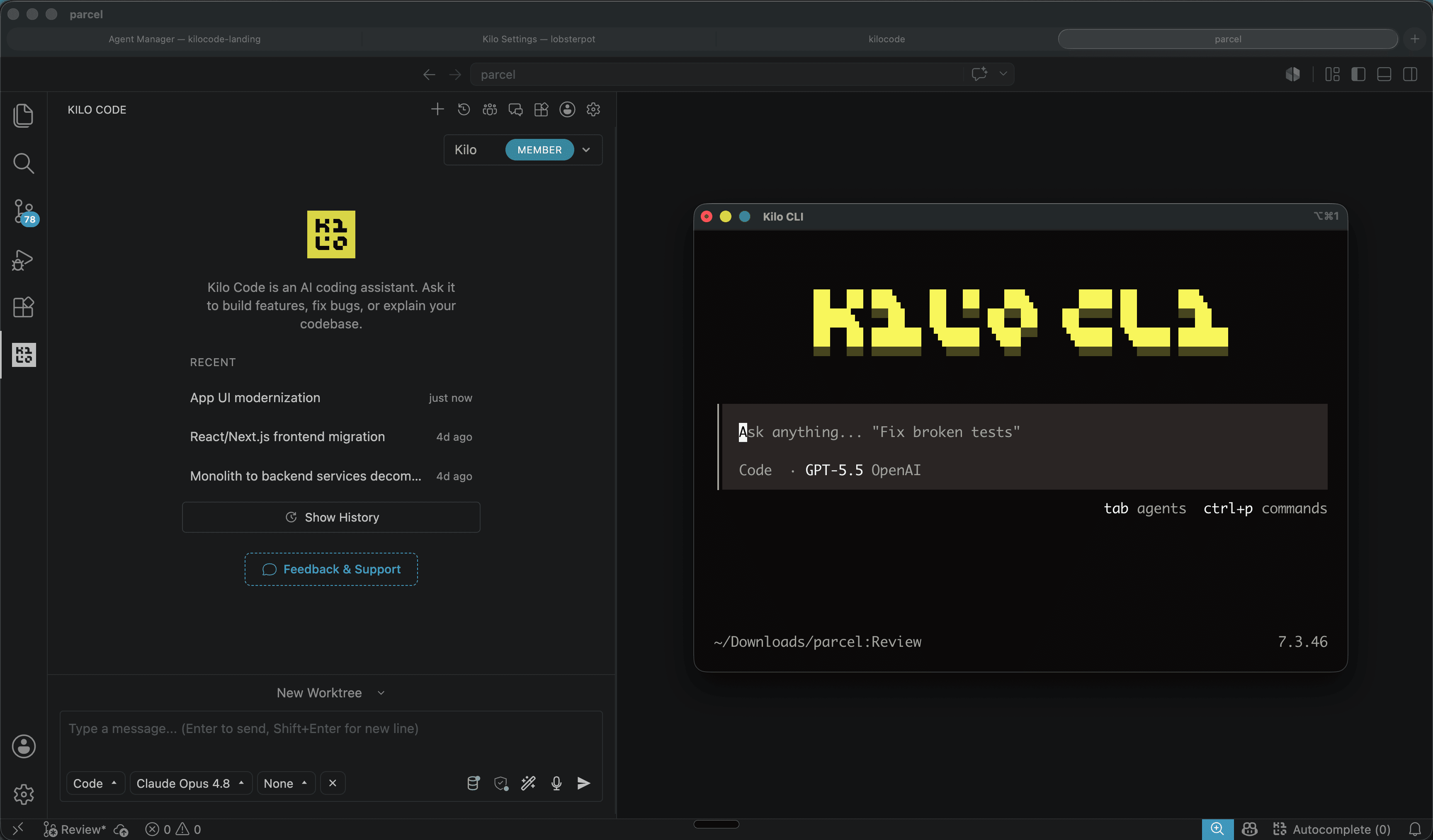
Kilo Code: open source coding agent for VS Code and CLI
Kilo Code is an open source coding agent for VS Code, JetBrains and CLI, with more than 500 models and provider direct pricing.
6 min

Dicas
How to use SuperCLUE to choose an AI model
The November 2026 SuperCLUE covers 19 models and category leaders. This guide shows how to use the category view to pick the right model.
5 min

Dicas
Claude Code 2.1.319: Background MCP and Permissions
Version 2.1.319 of Claude Code adds background MCP tasks, the permissions.denyInsteadOfPrompting option, and new diagnostic commands.
6 min