
Claude Code version 2.1.319 was released on November 6. The changelog is extensive and brings changes that affect users of Claude Code with MCP servers, multiple subagents and Claude apps gateways. This guide summarizes what changed and how to use the new features day to day.

Claude Code 2.1.319: Background MCP and Permissions
Version 2.1.319 of Claude Code adds background MCP tasks, the permissions.denyInsteadOfPrompting option, and new diagnostic commands.

Marcelo Santiago
Criador do bridgecode
The biggest AI newsletter in the World
Get AI articles in your inbox
Technical curation on models, agents and coding tools. No spam, unsubscribe anytime.
In this article you will see:
- MCP tasks in the background in the terminal and how to control this behavior.
- The option permissions.denyInsteadOfPrompting to deny instead of asking.
- The command /claude-api latency-optimize to diagnose latency.
- New environment variables for feature flags and telemetry.
- Relevant fixes for users of LLM gateways.
MCP tasks in the background in the terminal
When an MCP server executes a tool call as a task, Claude Code now moves that task to the background immediately and notifies Claude when it finishes. This prevents a long call from blocking the terminal.
If you prefer Claude Code to wait for the result inside the tool call, use the variable CLAUDE_CODE_DISABLE_MCP_TASK_BACKGROUND. With it active, behavior returns to synchronous.
permissions.denyInsteadOfPrompting
The new option permissions.denyInsteadOfPrompting changes permission behavior. Instead of pausing and asking the user, the tool call is denied and the turn continues. This applies to terminal sessions, subagents and teammates.
It is useful in automated flows, where a permission pause would stall the agent. Denial follows the configured permission rules, so it does not allow anything that was already blocked.
/claude-api latency-optimize
The new command /claude-api latency-optimize analyzes where your Claude API code makes the user wait and tests faster configurations against your evaluation. It is a practical diagnosis for those building on the API who want to reduce latency without losing quality.
New environment variables
Three new variables appear in this release. CLAUDE_CODE_DISABLE_FEATURE_FLAGS stops fetching feature flags without turning off telemetry, using the built-in default for each flag. CLAUDE_CODE_DISABLE_MCP_TASK_BACKGROUND controls the synchronous behavior of MCP tasks. CLAUDE_CODE_AUTO_MODE_SERVER enables server-side checking even with CLAUDE_CODE_DISABLE_EXPERIMENTAL_BETAS active.
For Claude apps gateways, there is also CLAUDE_GATEWAY_LOG_FORMAT=json, which transforms operational log lines into JSON with severity, time and message fields.
Fixes for LLM gateway users
Several adjustments affect users running Claude Code behind a gateway. Auto mode now warns when server-side verification does not reach the session. /status no longer shows "Auto mode server: Enabled" in cases where verification is not active. The model no longer tries to send feedback on third-party gateways, where it cannot be delivered.
A case was also fixed where Bash deny and ask rules did not capture commands written with words in quotes.
How to test today
The simplest flow is: update to 2.1.319, test a long MCP call to see the background behavior, and enable permissions.denyInsteadOfPrompting in a test project to measure the impact on automated flows. For those building on the API, run /claude-api latency-optimize in a real project.
Conclusion
2.1.319 focuses on agentic flows: MCP tasks in the background, permissions that do not block and latency diagnosis. For those using Claude Code in automated pipelines, these changes reduce stalls.
You define the goal and the agents split the tasks: one plans, another executes, another reviews. See how orchestration works at bridgecode.
Fonte: Anthropic
Image and references
See also claude code 2 1 318 reinforces mcp credentials, mcp server git from mcp for ai clis, claude code 2 1 318 reinforces mcp credentials and mcp server git from mcp for ai clis.
Frequently asked questions about Claude Code 2.1.319
What changed in Claude Code 2.1.319?
Background MCP tasks, permissions.denyInsteadOfPrompting, /claude-api latency-optimize and new environment variables.
How to disable MCP background tasks?
Use the CLAUDE_CODE_DISABLE_MCP_TASK_BACKGROUND variable to revert to synchronous behavior.
What does permissions.denyInsteadOfPrompting do?
It denies the tool call instead of prompting, and the turn continues in terminal, subagents and teammates.
What is the /claude-api latency-optimize command for?
It diagnoses where Claude API code causes delays and tests faster configurations against your evaluation.
Who should update?
Those who use MCP servers, multiple subagents or Claude apps gateways benefit the most.
Additional context
This post is part of bridgecode's daily radar, which tracks releases, benchmarks and AI tools for developers. Follow the next editions for more technical analyses and comparisons. The analysis above is based exclusively on official sources and public leaderboards, with no invented data. Always check the original source before making technical decisions. For teams adopting AI in development, the next step is to measure the impact in a real workflow and compare it with what existed before the change. Also follow other blog posts about benchmarks and AI tools to broaden your decision making repertoire. When a new model appears, the practical question is not only the score, but whether it solves your use case with acceptable cost and latency. Real workflow tests, with data from your domain, often reveal differences that benchmarks do not capture. For that reason, use the benchmark as an initial filter and validate with your own experiments before migrating. bridgecode tracks these changes so you do not need to monitor dozens of sources manually. Model choice is an engineering decision, not just marketing. Document the criteria, measure the outcome and review it when new data appears.
Tags:#radar#ia
Developer and creator of bridgecode, an agentic development environment for orchestrating squads of AI agents. Helps people going from vibe coding to professional development move from idea to shipped product.
Related articles
Dicas
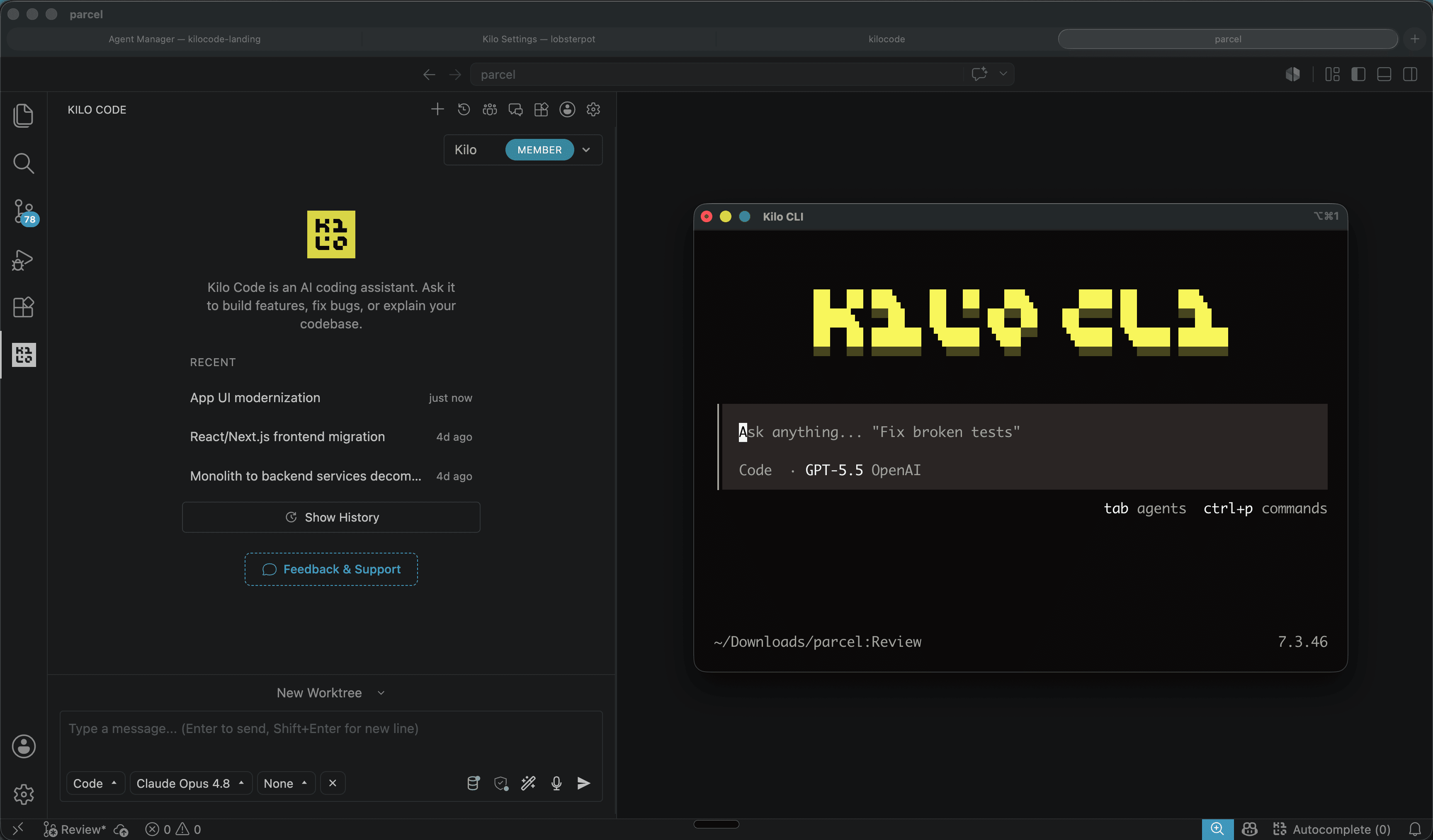
Kilo Code: open source coding agent for VS Code and CLI
Kilo Code is an open source coding agent for VS Code, JetBrains and CLI, with more than 500 models and provider direct pricing.
6 min

Dicas
5 tips to operate desktop with agent-desktop
Vercel Labs launched agent-desktop, a tool that lets AI agents operate desktop applications via the accessibility tree. See how it works.
6 min

Dicas
How to use SuperCLUE to choose an AI model
The November 2026 SuperCLUE covers 19 models and category leaders. This guide shows how to use the category view to pick the right model.
5 min