
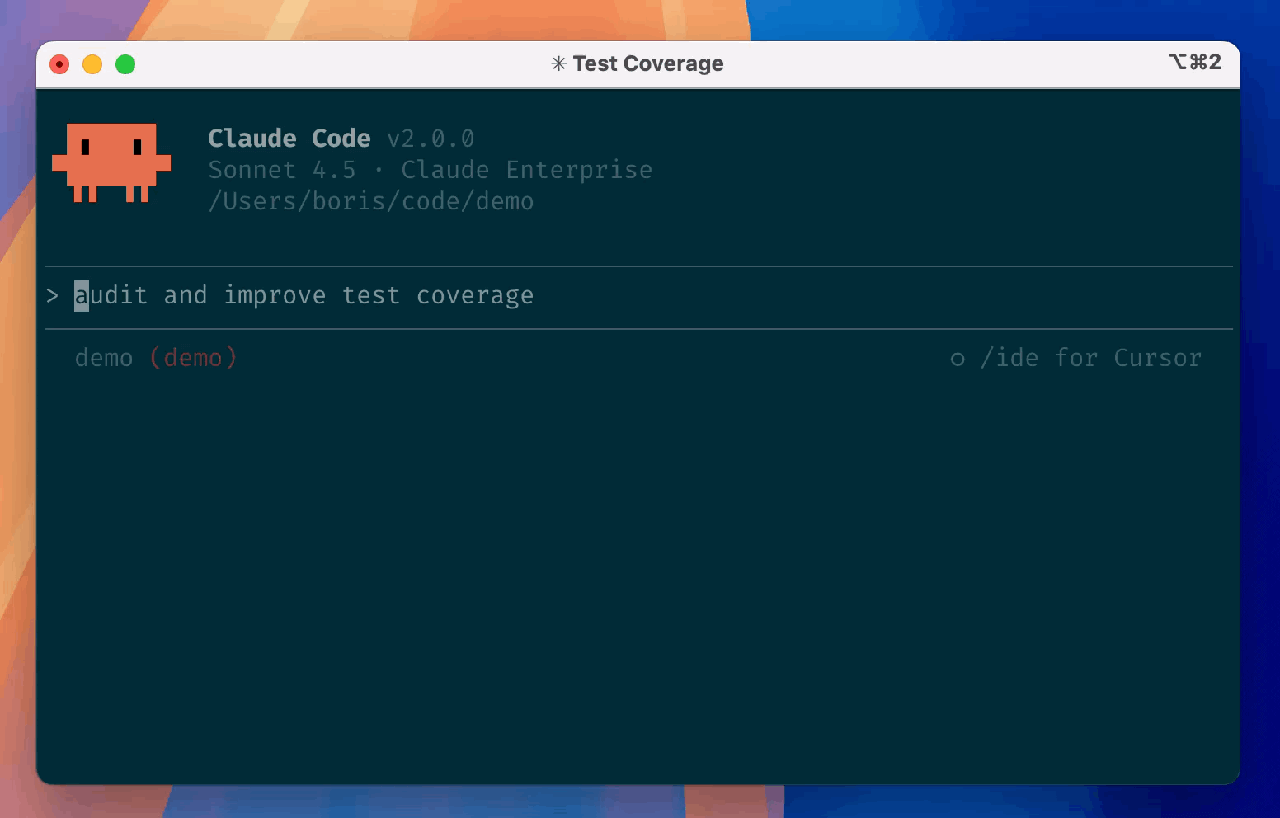
For developers in Brazil, the daily challenge is the same: I want an agent to reread the repository, understand the problem, and deliver the fix without me having to weigh every line. Claude Code is one of those agents. It lives in the terminal, understands your project's code, and executes tasks with natural language. On GitHub, the project already has over 150,000 stars (anthropics/claude-code). The goal is for you to start the task without leaving the terminal, without opening another tab, or reading the documentation before you begin.
Dicas5 min
5 tips for using Claude Code in your workflow
Claude Code is a coding agent that lives in the terminal. Check out 5 tips for installing it, using plugins, protecting your data, and leveraging your project context.
The biggest AI newsletter in the World
Get AI articles in your inbox
Technical curation on models, agents and coding tools. No spam, unsubscribe anytime.
The latest stable version, v2.1.323, was released on November 12, 2026, and it remains one of the easiest tools to integrate into the workflow of those who work with code. We've already compared Claude Code with bridgecode in a guide on which code agent to choose in 2026. See five tips to start using it more safely.
In this article you will see
- What Claude Code is and why it stands out
- How to install with the easiest method
- How it understands your project's code
- How to extend the agent with official plugins
- How to protect your privacy when using it
What is Claude Code
Claude Code is a coding agent that lives in the terminal. Instead of just suggesting code snippets, it executes routine tasks, explains complex sections, and coordinates Git workflows, all through natural language commands. It works in the terminal, in the IDE, or on GitHub when you tag @claude. The goal is to start the task without leaving the terminal.
The practical advantage lies in context. It reads the repository and maintains conversation history, so it's easier to ask "refactor this module" than to paste a snippet and wait for the bot to interpret. This reduces error triage and speeds up delivery in existing projects, without needing more open tabs during the day.
How to install Claude Code
Installation is quick and the official method varies by system. The repository README recommends leaving npm for later; the recommended paths are:
- macOS and Linux:
curl -fsSL https://claude.ai/install.sh | bash - macOS:
brew install --cask claude-code - Windows:
irm https://claude.ai/install.ps1 | iexorwinget install Anthropic.ClaudeCode
After installation, just go to the project directory and run claude. The first command opens the assistant. The installation documentation is at code.claude.com/docs/en/setup.
How Claude Code understands your project
Unlike a chat that only sees what you paste, Claude Code navigates the repository. When it enters a directory, it lists files, reads the structure, and maintains context as the conversation grows. That's why, instead of "edit file X," you can ask "in the payment module, add the discount field" and it locates the right section.
To take advantage of this, start each session always in the project directory. This helps the agent start the right way.
Tip 1: start with the /help menu
The command menu is the starting point. In the terminal, inside a project, type / to see available options. Among them are /help (context and commands), /model (model selection), /clear (clears context), /plugins (manages extensions), and /bug (reports issues). Checking /help before trying something unknown avoids errors and shows what your version can do.
Tip 2: use the plan before editing important files
For operations that affect multiple files, ask the agent to plan first. Describe the objective and ask it to detail the steps; if the plan is well-founded, it executes. This step avoids loose edits in code that depends on internal context, and you review before the changes materialize.
Tip 3: extend with official plugins
The agent has plugins. The claude-plugins-official repository collects plugins maintained by Anthropic, and this project's plugins directory shows how to add your own. If you want to compare agent options in your editor, check out the OpenCode v2.2.7 overview. Plugins are the fastest way to give the agent repeated behaviors, from format validation to pipeline integration.
Tip 4: mind the data it generates
Claude Code collects feedback with usage data and associated conversations, with limited retention and privacy safeguards. The data usage documentation explains how this works, and Anthropic's privacy policy reinforces the safeguards. If you work with confidential code, read these topics before opening real projects.
Common mistake: underestimating updates
The latest stable version, v2.1.323, was released on November 12, 2026. Before an important session, confirm the current version. Overnight changes can bring command and behavior adjustments.
Frequently asked questions about 5 tips for using Claude Code
What is Claude Code?
It's a coding agent that lives in the terminal. It runs tasks using natural language, understands your repository's code, and coordinates Git workflows.
How can I install Claude Code?
Via the recommended method: on macOS and Linux, `curl -fsSL https://claude.ai/install.sh | bash`; on macOS, `brew install --cask claude-code`; on Windows, `irm https://claude.ai/install.ps1 | iex` or `winget install Anthropic.ClaudeCode`. See the official README for more options.
Does it understand my project's code?
Yes. Claude Code navigates the repository, reads the structure, and maintains context throughout the conversation, which helps you request changes to the right file or module without pasting snippets.
How do I extend Claude Code?
With plugins. The claude-plugins-official repository collects plugins maintained by Anthropic; this project's plugins directory shows how to add your own.
Is it safe to use on a private project?
The agent collects feedback with privacy safeguards and limited retention. Review the data usage documentation and Anthropic's privacy policy before opening real projects.
What changes for developers
Claude Code reduces terminal triage time and gives more autonomy for repetitive tasks. Using it well requires reading the official documentation and common sense: install via the recommended path, check /help, use plugins for recurring tasks, and read the data policy before pushing real projects. For those who want to align multiple agents in one place, the practical LangGraph guide shows how to orchestrate more complex flows, from planning to delivery.
Want to run multiple agents with plugins and execution plans in parallel, each in its own isolated space? Check out bridgecode.
Source: Anthropic
Tags:#radar#ia

Developer and creator of bridgecode, an agentic development environment for orchestrating squads of AI agents. Helps people going from vibe coding to professional development move from idea to shipped product.
Related articles

Dicas
How to test Gemini 4 Hydrogen today: access, pricing, and tasks
Access Gemini 4 Hydrogen today, understand the pricing, and see the tasks to test.
4 min
Dicas
5 best GitHub repositories for creating videos with AI
Compare 5 open source repositories for creating videos with AI: ComfyUI, Remotion, LTX-2, MoneyPrinterTurbo, and MoviePy. License, stars, and usage example.
6 min
Dicas
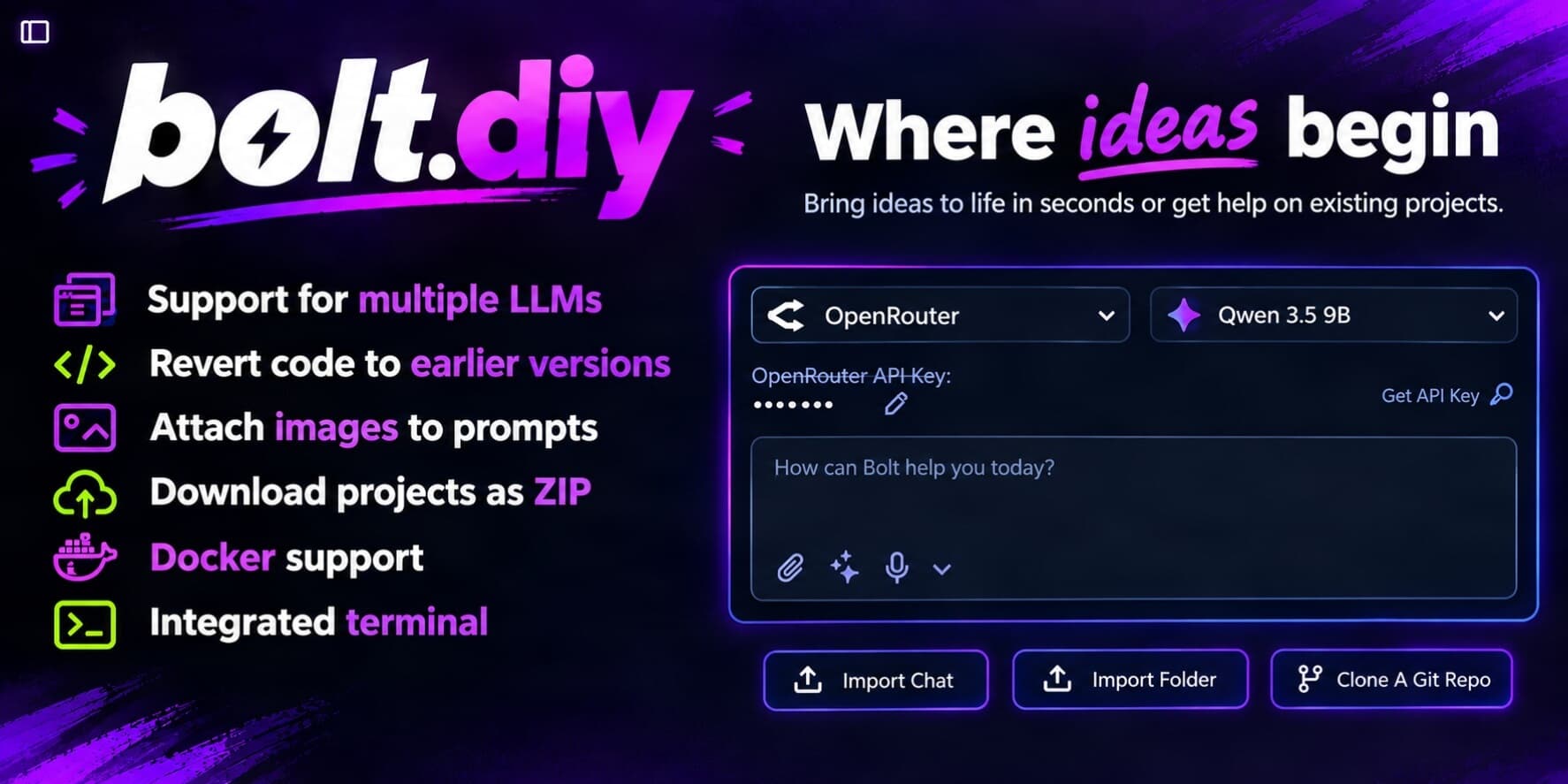
5 best GitHub repositories for vibe coding in 2026
Compare 5 open source repositories for vibe coding: bolt.diy, open-lovable, Dyad, Cline, and OpenHands. License, stars, activity, and usage example for each.
6 min