
If you already use code agents in the terminal or VS Code, Gemini 4 Hydrogen deserves a test in your own repository. Google introduced the model on November 12, 2026 as the fast execution tier of the Gemini 4 line: it was designed for the daily work of agents, such as fixing bugs, running tests, and making small, focused edits, not for deep, long-horizon reasoning. In this practical guide we show where the model is available, how much it costs according to the announcement, which tasks it makes sense for, and, most importantly, how to set up a simple and fair comparative test. The figures cited come from Google and are self-reported, meaning they have not yet been independently verified. For that reason, everything marked as our recommendation is practical guidance from bridgecode, not a measured result.

How to test Gemini 4 Hydrogen today: access, pricing, and tasks
Access Gemini 4 Hydrogen today, understand the pricing, and see the tasks to test.
Get AI articles in your inbox
Technical curation on models, agents and coding tools. No spam, unsubscribe anytime.
What is Gemini 4 Hydrogen
Gemini 4 Hydrogen is the fastest model in the Gemini 4 line. According to Google, while the frontier models Gemini 4 Carbon and Gemini 4 Argon excel at deep, long-horizon reasoning on the hardest problems, Hydrogen was built for fast execution across varied agentic workflows. In practice, this means tasks like resolving issues, debugging code, iterating quickly, and answering questions about the codebase with targeted edits, without rewriting files unrelated to the problem.
The core of the positioning is the combination of speed and efficiency. Google claims that Hydrogen outperforms Argon on the Artificial Analysis Intelligence Index at the standard reasoning level, with 51 versus 50. This is a number released by the company itself, and it is worth treating it as a starting point for your test, not as a conclusion. If you want to understand better how Carbon compares on benchmarks, read our analysis in Gemini 4 Carbon beats the top on MKA and sets price.
Where it is available today
One of the practical advantages of the launch is the breadth. According to the announcement, Hydrogen reaches all tiers of Google AI Studio and the Gemini API, Gemini for business, the Gemini app, and Google Search. Paid subscribers of Google AI Pro and Ultra also have access in Antigravity. This lowers the barrier for anyone who just wants to experiment: you don't need a special plan to start comparing.
For a technical test, the most direct path is Google AI Studio, where the model appears with the identifier gemini-4-hydrogen, or the Gemini API itself if you already have a key. Those who prefer an agent workflow inside the editor can use Antigravity, which also received the Orchestrator, a feature that switches between models like Carbon and Hydrogen in the same session. Our recommendation: start with AI Studio, because it makes clear which model and which reasoning level you are using, and only then take the test to your favorite agent. That way you isolate the effect of the model from the effect of the tool.
Price and context window
The price announced by Google is flat across the entire 1 million token window: $1.50 per million input tokens and $7.50 per million output tokens. In other words, there is no higher tier when the context gets very large, which simplifies the calculation. If you need to review the concepts, it's worth checking our glossary entries on context window and price per million tokens.
How to calculate for your case? Our recommendation is to record, for each test task, how many input and output tokens were consumed and multiply by the values above. Remember that output costs five times more than input, so a model that writes long responses can end up more expensive than it seems. If you're already concerned about your agent's token spend, it's also worth reading our tip on how to cut tokens with rtk, which tackles the input side. Always check the current price on the official page before planning costs.
The four reasoning levels
Hydrogen offers four reasoning levels: low, medium, high, and xhigh. The default is high, and xhigh is a new level aimed at when the task justifies more depth. The idea from Google is that you wait and pay only for the depth the task needs. According to the announcement, the Artificial Analysis index goes from 51 at the default level to 54 at xhigh, also a self-reported number.
For those getting started, understanding how a reasoning model works helps choose the level. Our recommendation is to test the same task at at least two levels: the default and a lower one for simple tasks. If the result at the low level already solves the problem, you gain speed and spend fewer output tokens. Reserve xhigh for cases where the default level fails consistently, and note that difference, because it's the most useful data point for deciding how to configure your agent day to day.
What tasks it's suited for (and when to avoid)
The announcement highlights use in debugging and issue resolution in repositories, with focused edits, plus reading and searching files in parallel instead of inspecting one file at a time. Google also mentions data and enterprise workflows, such as complex graphs and SQL. In general, the ideal profile is repetitive, well-defined tasks: running tests, verifying a change, locating the cause of an error, updating a code snippet.
There are limits. According to the documentation cited in our coverage, the model lacks structured outputs and Live API, so if your workflow depends on those, Hydrogen isn't suitable for now. And, as Google itself separates the roles, for architecture planning, very subtle bugs, and long-horizon reasoning, the company points to Carbon and Argon. Hydrogen doesn't replace Carbon: the two can work together in multi-model workflows. To keep up with other Gemini ecosystem news, also see Google launches Gemini Decisions API.
How to test Gemini 4 Hydrogen today, step by step
This is the playbook we recommend, in four simple steps.
- Open Google AI Studio and select the gemini-4-hydrogen model. Leave the reasoning level at the default high for the first test.
- Pick a real, small task from your repository: locate a bug, run the tests, and fix the failing snippet. Avoid huge tasks on the first run.
- Repeat the exact same task, with the same prompt and the same repository, on the model you use today.
- Compare the two results and log everything in a simple spreadsheet: time to response, input and output tokens, whether tests passed, and how many manual fixes were needed.
The trick is to keep everything identical except the model. If possible, run each task more than once, because language models vary from one execution to another. Three to five different tasks already give a much more reliable picture than a single attempt.
How to interpret the result
After running the test, the question is what to do with the data. Our recommendation is to look at three axes at the same time: speed, cost, and quality. Google states that, in early tests with partners, Hydrogen ran 2x to 2.8x faster and reduced token usage by 12% to 23% compared to 3.8 Flash. These numbers are reported by Google and its partners, and your results may differ significantly depending on the type of task.
If Hydrogen is faster and cheaper but makes more mistakes, the gain can be illusory, because each manual correction costs your time. That is why you should also count human interventions. A good practical criterion is to adopt the model for tasks where it succeeded without help in the majority of attempts, and keep the previous model, or Carbon, for the rest. Record the date, reasoning level, and model version used, because these details change over time and make your test reproducible.
Frequently asked questions about Gemini 4 Hydrogen
Where can I test Gemini 4 Hydrogen today?
According to Google, it is available across all tiers of Google AI Studio and the Gemini API, in Gemini for Business, in the Gemini app, and in Search. Paid subscribers of Google AI Pro and Ultra also access it in Antigravity.
How much does Gemini 4 Hydrogen cost?
The announced pricing is flat across the 1-million-token window: $1.50 per million input tokens and $7.50 per million output tokens. Always check the official page before planning costs.
Does Hydrogen replace Gemini 4 Carbon?
No. Hydrogen is the fast execution layer, while Carbon and Argon remain recommended for deep and long-horizon reasoning. The models can work together in multi-model workflows.
What are the model's reasoning levels?
There are four: low, medium, high (default), and xhigh. We recommend testing the same task at more than one level before deciding on the agent configuration.
Are Google's performance numbers reliable?
They are self-reported and have not been independently verified. That is why we recommend repeating the test in your own repository, comparing latency, tokens, and quality with the model you use today.
Conclusion
Gemini 4 Hydrogen arrives as a fast, flat-priced option for the repetitive work of agents, with broad access from launch. Google's numbers are interesting, but they are self-reported and have not been independently verified, so the best path is to measure on your own code: same task, same prompt, two models, and an honest spreadsheet with time, tokens, and corrections. If the result looks good, use Hydrogen in the execution layer and save Carbon for heavy reasoning. Want to spin up multiple agents testing different models in parallel? Check out bridgecode.
Source: Google Announcement

Developer and creator of bridgecode, an agentic development environment for orchestrating squads of AI agents. Helps people going from vibe coding to professional development move from idea to shipped product.
Related articles
Claude Code: how to block edits to .env and protected files with a hook
Use a PreToolUse hook with exit 2 to prevent Claude Code from editing .env, package-lock.json, and .git, and to block dangerous Bash commands. Includes the limits of this protection.
Claude Code: 3 hooks for desktop alerts, auto-formatting with Prettier, and context retention
Configure three hooks in Claude Code: desktop alerts when the agent waits for you, automatic Prettier after every edit, and context re-injection after compaction.
5 tips for using Claude Code in your workflow
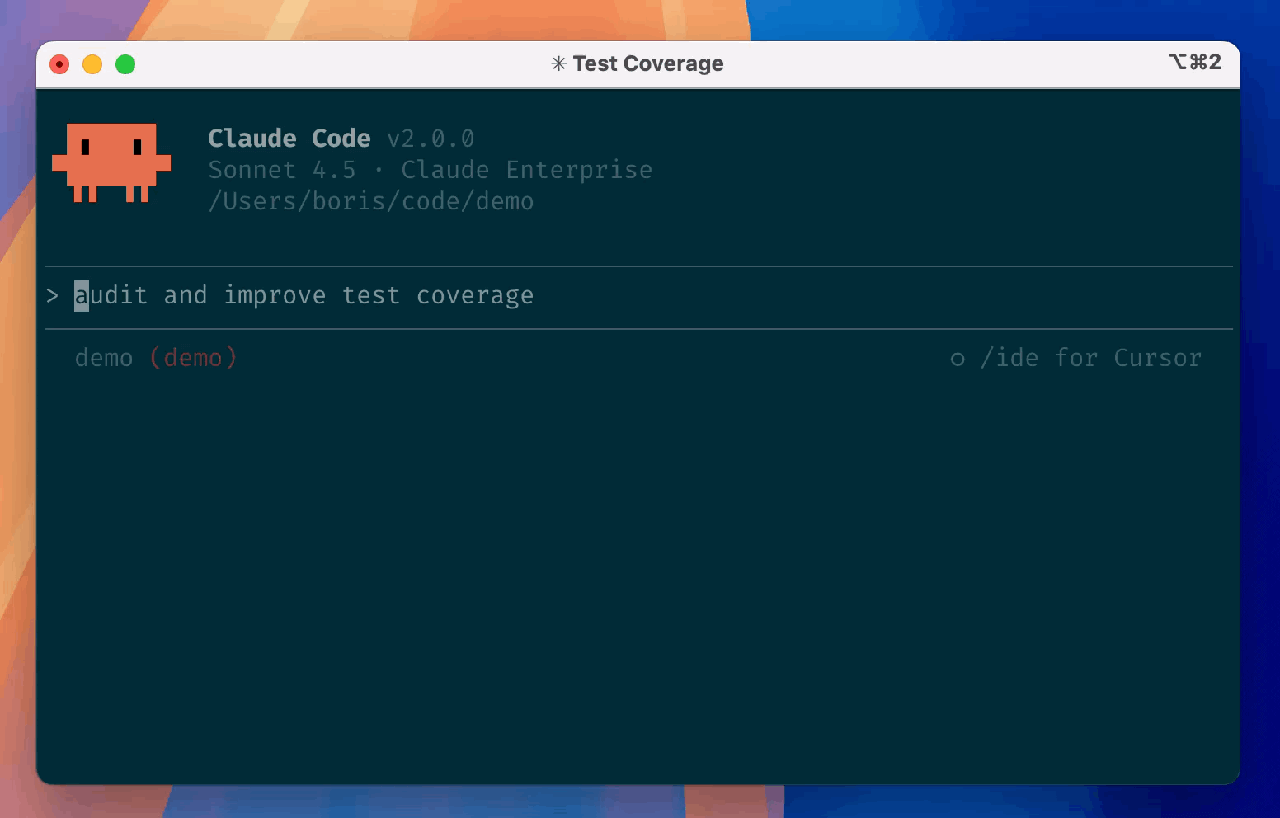
Claude Code is a coding agent that lives in the terminal. Check out 5 tips for installing it, using plugins, protecting your data, and leveraging your project context.