
On November 12, 2026, the Google Antigravity team announced Orchestrator, a new option in the model selector that switches between Gemini 4 Carbon and Gemini 4 Hydrogen within a single task. The idea is to use the frontier model only where it makes a difference and leave routine execution to the faster model.
Newsletter5 min
Antigravity launches Orchestrator: Carbon and Hydrogen together
Google Antigravity adds Orchestrator: a mode that switches between Gemini 4 Carbon and Hydrogen in the same session to reduce quota usage and execution time.
The biggest AI newsletter in the World
Get AI articles in your inbox
Technical curation on models, agents and coding tools. No spam, unsubscribe anytime.
According to the official Antigravity blog, on Terminal-Bench 4.1 the Orchestrator came close to Carbon's solo success rate while consuming 24% less quota on average and finishing 19% faster. These are numbers released by Google itself, with no independent replication so far.
The announcement is about Orchestrator and Hydrogen's arrival on Antigravity. It is not the launch of Hydrogen itself, which was already covered here, and it is not a new frontier model.
In this article you will see:
- What Orchestrator is and how it switches models
- The Terminal-Bench 4.1 numbers and what they say
- Who gets the feature and on which plans
- What changes for those building multi-agent workflows
What is Google Antigravity's Orchestrator
Orchestrator is an option in Antigravity's model selector. Instead of choosing a single model from start to finish, you choose a pair: Gemini 4 Carbon, the frontier model for long-form reasoning, and Gemini 4 Hydrogen, the faster model for day-to-day execution.
Google describes the result as a balance between quality, efficiency, and latency. You write a single prompt, and the model swap happens under the hood, without you needing to manage anything.
In practice, the feature bets on a division of labor that engineering teams already know: the planner does not need to be the one typing every line.

How Orchestrator switches between Carbon and Hydrogen
Antigravity calls the approach dynamic and bidirectional. The blog's own example shows the flow: Carbon starts in a read-only phase, exploring dependencies, resolving ambiguities, and building a plan with explicit replanning triggers.
Then Hydrogen takes over to write edits, update packages, and run tests. If it hits friction, it hands control back to Carbon, which inspects the state, corrects the plan, and lets execution continue.
Google contrasts this with static "model routers," which guess difficulty from the first prompt and send the entire task to the cheapest model that seems sufficient. According to the company, that logic fails when the agent runs longer and difficulty shifts along the way.
Terminal-Bench 4.1: 24% less quota and 19% faster
The headline result comes from Terminal-Bench, a benchmark that measures AI agents on terminal tasks. Antigravity reports that Orchestrator stayed close to Carbon on success rate, with 24% less quota consumed and 19% less time, on average.
Hydrogen alone also appears with numbers: 57% on Terminal-Bench 4.1, versus 18.2% for Gemini 3.8 Flash, and 51 points on the Artificial Analysis Intelligence Index, above Gemini 4 Argon's 50. These data are detailed in another post about the Hydrogen benchmark.
One caveat: Google's blog post about Hydrogen cites Terminal-Bench 4.0 when discussing Orchestrator, while the Antigravity blog cites version 4.1. This text follows the Antigravity blog, which is the source for the feature.
Explicit pipelines with the Antigravity SDK
If you prefer manual control, you can wire the two models directly through the Antigravity SDK. The official demo shows an open source issue triage system with multiple agents.
Hydrogen agents handle triage and coding, keeping up with the volume of incoming issues: they search the codebase, ask clarifying questions and iterate on the UI from PR comments. The Carbon agent handles larger refactors, new features and security checks.
Google also notes that Carbon arrived at the start of the week alongside /swarm, a command for large tasks across multiple worktrees with parallel agent teams. According to the company, tens of thousands of swarms were launched in just a few days.
Who gets Orchestrator and on which plans
Availability is tiered, so read carefully:
- Gemini 4 Hydrogen: available to paid Google AI Pro and Ultra subscribers on Antigravity.
- Orchestrator (Carbon) and Orchestrator (Argon): for Google AI Ultra subscribers.
- Orchestrator (Argon): for paid Google AI Pro subscribers.
- Business: access to both via Gemini for business.
Google says more models and plans will be supported in the future. For details on using Hydrogen in other products, see the guide on how to test Gemini 4 Hydrogen today.
Frequently asked questions about Google Antigravity's Orchestrator
What is Google Antigravity's Orchestrator?
It's an option in the model selector that switches between Gemini 4 Carbon and Gemini 4 Hydrogen within the same task. Carbon plans and Hydrogen executes, handing back to Carbon when there is friction.
How much does Orchestrator save?
According to Antigravity, on Terminal-Bench 4.1 it came close to Carbon's success with 24% less quota and 19% faster performance on average. The numbers are published by Google.
Who can use Orchestrator?
Google AI Ultra subscribers get Orchestrator (Carbon) and (Argon). Paid AI Pro subscribers get Orchestrator (Argon). Businesses access it via Gemini for business.
Is Orchestrator the same as a model router?
No. According to Google, static routers choose the model based on the first prompt, while Orchestrator switches models during the task as difficulty changes.
Can you combine Carbon and Hydrogen manually?
Yes. With the Antigravity SDK you can connect the two models and define which handles each role, as in the official example for triaging open source issues.
What Orchestrator changes for teams working with multiple agents
The announcement makes it clear that picking a single model for an entire task is becoming outdated. Planning with a strong model and executing with a fast one cuts cost and wait time, and Google shows numbers to back that up, even if they are internal benchmarks.
For anyone coordinating agent squads, the lesson is about roles: one model plans, another executes, another verifies. It is the same design Antigravity describes for parallel flows, with Carbon coordinating and Hydrogen on execution and verification agents.
A recent Antigravity update, voice mode to guide agents, points in the same direction: more control over agents without switching tools.
Instead of just following news like Antigravity's Orchestrator, put AI to work for you at bridgecode.
Source: Google Antigravity
Tags:#radar#ia

Developer and creator of bridgecode, an agentic development environment for orchestrating squads of AI agents. Helps people going from vibe coding to professional development move from idea to shipped product.
Related articles
Newsletter
Automattic brings vibe coding apps together on a platform to publish to the web
Automattic brings vibe coding apps together on a platform to publish apps to the web. See how it works and what changes for teams that build with AI.
4 min
Newsletter
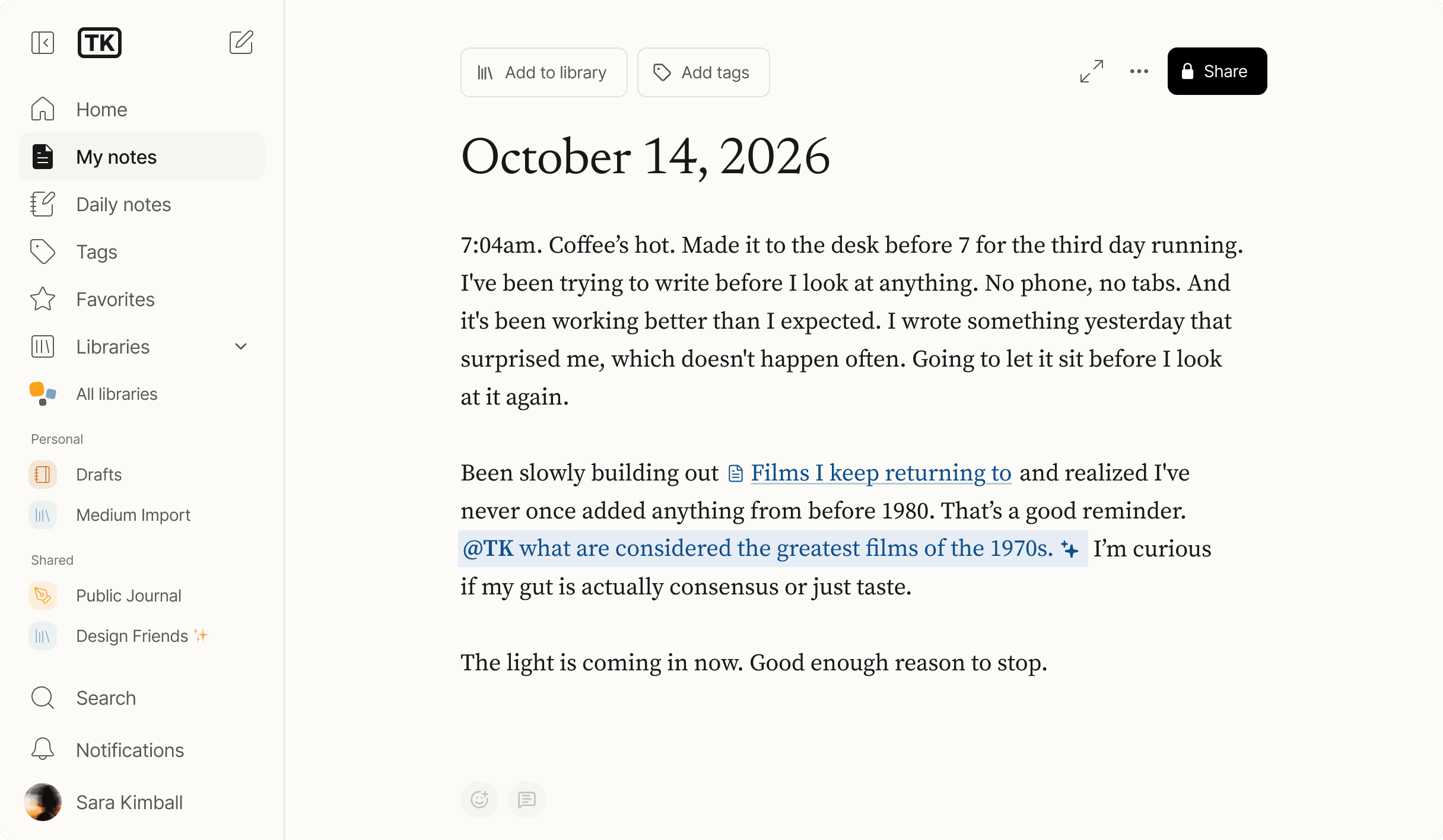
Medium launches TK, a notes app with AI in the editor
Medium launched TK, a notes and writing app with an AI assistant built into the editor. See how it works and what changes for writers.
6 min
Newsletter
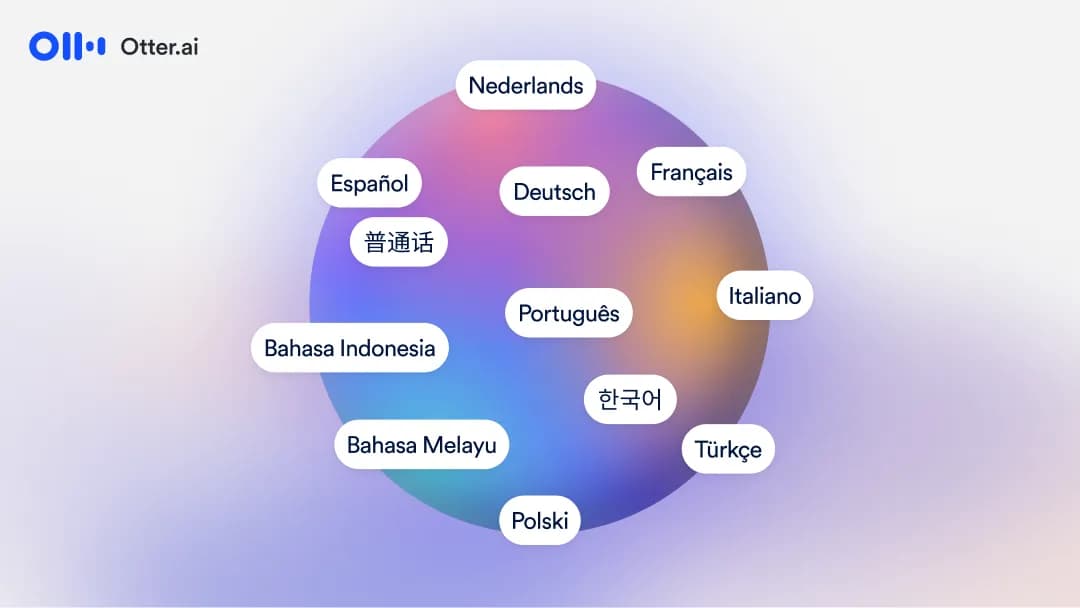
Otter.ai launches biggest multilingual expansion in its history
Otter.ai announced 27 new languages and multilingual transcription that follows language switching within the same meeting. See what changes and how to test it.
6 min