
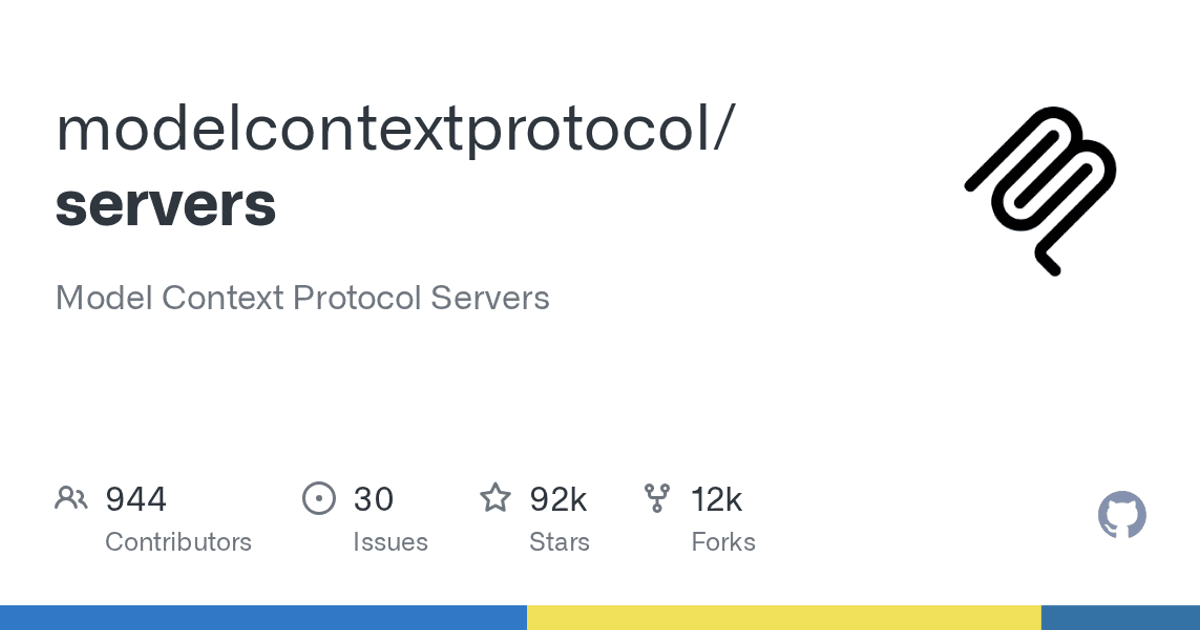
The modelcontextprotocol/servers repository collects reference servers for connecting local tools to AI agents via the Model Context Protocol, or MCP.
Dicas6 min
mcp-server-git: MCP Git for AI CLIs
Meet the official MCP Git server: uvx installation, conditional use in AI CLIs, license and security risks verified on GitHub.

Marcelo Santiago
Criador do bridgecode
The biggest AI newsletter in the World
Get AI articles in your inbox
Technical curation on models, agents and coding tools. No spam, unsubscribe anytime.
This guide focuses on mcp-server-git, which provides Git operations for a compatible CLI. It also separates what is documented from what has not yet been confirmed on bridgecode.
On the November 4, 2026 check, the repository activity page showed the most recent commit on October 28.
The release v2.2.0, published on the same date, lists the mcp-server-git package at version 2026.10.28.
In this article you will see:
- What the repository maintains and which license applies to the Git server.
- Who
mcp-server-gitis useful for and how the README guides starting it. - How to configure the server manually in a compatible CLI on bridgecode.
- Which permissions and security warnings need to be considered.
What is the modelcontextprotocol/servers repository
The project maintains reference implementations of MCP servers, organized by server with their own documentation and dependencies.
The main README lists examples such as Git, Filesystem and Fetch. They are not an agent platform nor a squad manager.
mcp-server-git is the Python component that exposes operations on a local repository. The README documents state and history queries, differences between files and branch creation.
There are also actions like staging and commit. This way, the agent receives tools to act on the repository, not just a textual explanation about Git.
The Git component documentation declares an MIT license.
The LICENSE file at the root describes licensing in transition for the set.
The root file licenses new code and contributions to the specification under Apache-2.0. Documentation, except specifications, is under CC-BY-4.0; contributions without explicit consent for relicensing remain under MIT.

The avatar belongs to the official Model Context Protocol organization and identifies the origin of the project, not a security certification.
Who the MCP Git server is for
mcp-server-git serves those who use an MCP compatible programming CLI and want the agent to query or change a delimited repository, for example to inspect differences or prepare changes for review.
To learn how to add a server to a client, see the guide for MCP configuration in VS Code.
To understand the structure of a server, consult the tutorial for creating an MCP server in TypeScript.
The project warns that the servers are reference implementations, not production ready solutions without evaluation.
The Git server is also described as in initial development, so the interface and tools may change. For critical automations, review the code and test in a disposable clone.
How to install mcp-server-git
The Official Git server README documents the use of uvx.
The command below follows the published form and restricts the server to the informed repository:
Terminal
uvx mcp-server-git --repository path/to/git/repoReplace path/to/git/repo with the path to the repository you want to expose. Without --repository, the documentation says the server can reach other Git repositories available in the environment.
The server resolves a path inside the Git tree to the repository root. Pointing to a subfolder therefore does not restrict access to just that subfolder.
For that reason, do not point to your home folder or to an area that contains other projects and secrets.
The project lists the MCP Python SDK as a dependency, in range mcp>=2.3,<3. The repository release keeps its own versions for each package.
2026.10.28 is the version of the Git component in the release checked, not a universal number for all servers in the monorepo.
Installation is not tested; the steps were checked in the official README.
Before running on a workstation with important data, review the source, the resolved version and the permissions granted.
How to use with AI CLIs in bridgecode
The bridgecode site describes agent orchestration and the use of different CLIs.
I did not find public instructions that confirm automatic registration of this server. Treat the integration as manual and conditional.
Claude Code documents adding a local server over stdio; the README for mcp-server-git documents the command and --repository. The conditional combination is:
Terminal
claude mcp add --transport stdio git -- uvx mcp-server-git --repository /caminho/absoluto/do/projetoThe command was not executed. It only applies if Claude Code and uvx are available in the environment where the CLI starts.
Check the Claude Code MCP documentation. There is no confirmation that bridgecode propagates this configuration to other agents or worktrees.
If the environment does not expose uvx, the repository path or local configuration to the CLI process, the integration will not be ready. Validate these prerequisites in the flow you use, without assuming automatic synchronization.
Security risks of mcp-server-git
The server can read the repository and execute actions that change its state, such as staging, commit and reset.
A connected CLI delivers these tools to the agent. Allow only the operations needed and review changes before confirming or publishing them.
The MCP security guide advises treating local servers and configured commands as code executed in the client environment.
--repository limits the intended scope of the server, but does not turn the process into an operating system sandbox.
The repository SECURITY.md defines the private reporting channel and declares the packages in src/ as in scope. Archived servers do not receive fixes.
GitHub lists warnings on the Security Advisories page.
Advisory GHSA-w766-5x43-whvw was published on October 28, 2026.
It describes a confinement failure linked to a nested .git and --repository.
The same day release v2.2.0 fixes package mcp-server-git at version 2026.10.28. Use that version or later and check the advisory before deploying.
The same release states that mcp-server-git does not make network calls during execution. This data refers to the server, not to other CLI processes or to the initial package retrieval.
The advisories page also lists alerts for Filesystem, Fetch and Everything. These warnings do not imply a vulnerability in mcp-server-git; each package has its own surface, and the absence of an alert does not prove security.
This check covered the READMEs, license, activity, release, policy and security warnings published on GitHub.
No complete audit of the code, transitive dependencies or machine configuration was performed. Packages, commands or scripts from the project were also not installed or executed.
Frequently asked questions about the mcp-server-git from the Model Context Protocol
What is mcp-server-git?
It is a Python MCP server that exposes Git operations on a local repository to a compatible CLI.
How to install mcp-server-git?
The official README documents `uvx mcp-server-git --repository path/to/git/repo`. The installation has not been tested; replace the path and check the version and permissions.
Does the --repository parameter restrict access to a subfolder?
No. The server resolves the path to the Git repository root, so a subfolder does not limit access to it only.
Does mcp-server-git connect automatically to bridgecode?
There is no evidence of automatic configuration in the public documentation consulted. The connection depends on configuring MCP in the CLI used and on the environment prerequisites.
Is mcp-server-git safe for projects with secrets?
There is no security guarantee. The server accesses the local repository; use a patched version, limit the scope and review changes before granting access to important data.
Conclusion: use the Git server with scope and review
mcp-server-git provides useful operations for CLIs that accept MCP, and the verified release includes important fixes.
Start with a disposable clone, --repository pointing only to it, pinned version and human review before relevant changes.
At bridgecode, the public documentation consulted confirms the use of CLIs, but not the automatic configuration of this server.
Connect via the mechanism officially documented by the chosen CLI and validate the environment limits before granting access to the repository.
Is a software delivery stuck? Put the AI powered Git workflow to work on it and build your AI agent squad at bridgecode.
Source: GitHub
Tags:#MCP#mcp-server-git#Git#CLIs de IA#segurança
Developer and creator of bridgecode, an agentic development environment for orchestrating squads of AI agents. Helps people going from vibe coding to professional development move from idea to shipped product.
Related articles

Dicas
5 tips to give context to agents with NVIDIA Auto Ontology
Learn about NVIDIA Auto Ontology, an Apache 2.0 repository for giving semantic context to agents and the security considerations before adopting it.
6 min
Dicas
Kilo Code: open source coding agent for VS Code and CLI
Kilo Code is an open source coding agent for VS Code, JetBrains and CLI, with more than 500 models and provider direct pricing.
6 min
Dicas
How to test AI agents in cloud operations with CloudOpsBench
CloudOpsBench releases 45 cloud operation tasks to test your AI agent. See how to clone, validate and run against an emulator or real AWS.
6 min