
Summary

Dicas7 min
Continue.dev closed: what are the best alternatives in 2026?
Continue.dev was acquired by Cursor and is no longer maintained. See simple alternatives to keep using AI in VS Code and a practical workflow to create, review and publish.

Marcelo Santiago
Criador do bridgecode
The biggest AI newsletter in the World
Get AI articles in your inbox
Technical curation on models, agents and coding tools. No spam, unsubscribe anytime.
- What you will learn: what happened to Continue.dev and where to go next.
- Who it's for: people starting with vibe coding who used Continue in VS Code.
- Outcome: a new tool installed and a simple flow to create, review and publish.
- Estimated time: about 15 minutes.
Continue.dev was a free, open source extension to use AI inside VS Code. You chatted with the AI and it helped you write code.
The official site now says Continue was acquired by Cursor. And the GitHub repository warns that the project is no longer maintained.
In this guide you understand what changes, you learn about alternatives and you see a practical flow from request to publication.
What changed with the end of Continue.dev
The repository notice says the code is now read only. Version 2.0.0 was the last release for the VS Code extension, the CLI and the JetBrains plugin.
In practice, the installed extension still opens, but it receives no fixes nor support for new models. Over time, it tends to fall behind.
The code remains open under the Apache 2.0 license. That means anyone can copy and continue the project, but no one guarantees that will happen.
What to look for in an alternative
- Works in your editor: VS Code or Antigravity IDE, without forcing you to switch.
- Simple login: preferably with a subscription, without needing to create a key.
- Does whole tasks: not just chat replies, but creates files and tests.
- Shows what changed: so you can review before accepting.
The simplest alternatives to get started
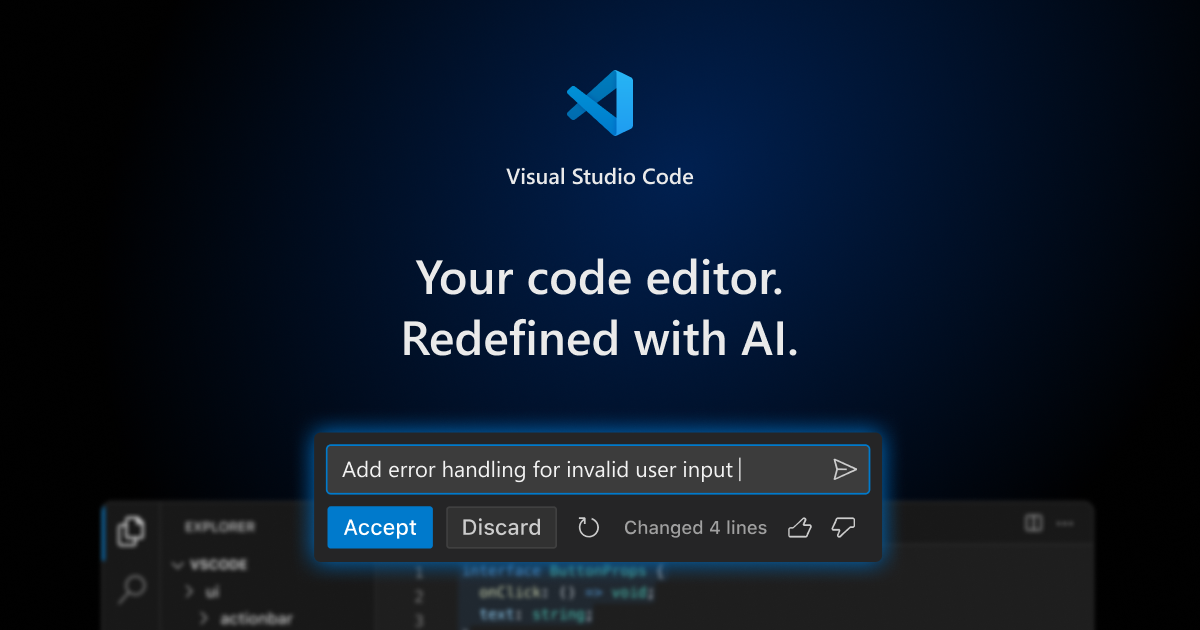
Claude Code
It is Anthropic's programming assistant. It has an official extension for VS Code and you sign in with a paid Claude subscription, like Pro or Max, directly in the browser.
According to the official documentation, you do not need an API key in this case. The key remains an option for those who use an account on Claude Console.
Cline
Open source extension for VS Code, with an active project on GitHub. You connect the model you want, including local models, and approve each step the agent wants to take.
Aider
Open source tool that runs in the terminal, that text command screen. Each accepted change becomes a commit, that is, a saved point in the project history.
It is lightweight, but requires more comfort with the terminal. For those starting out, an extension with a UI is usually easier.
bridgecode
Extension for VS Code that puts several AI agents working together, each with a role. Each agent works on a separate copy of the project, so it does not touch what you are editing.
And Roo Code?
A lot of people who left Continue looked at Roo Code. But its GitHub repository is also archived, so it is not a good bet for new projects.
How to migrate in 4 steps
Step 1. Note what you were using
Check in Continue which models and services were connected. If you used local models via Ollama, note the address, usually http://localhost:11434.
Step 2. Install the new extension
In VS Code, open the extensions tab with Ctrl + Shift + X (or Cmd + Shift + X on Mac). Search for the tool name and click install.
Step 3. Disable Continue
Having both extensions on at the same time makes them compete for the same shortcuts. Disable Continue in the same extensions tab.
Step 4. Sign in
In Claude Code, click sign in and confirm in the browser with your subscription. In the other tools, connect the model you were already using.
Practical flow: create, review and publish
1. Create a feature
Write the request as if you were talking to a colleague:
Request: "Create a product page with photo, name and contact button. Before you touch anything, show me the plan."
Read the plan, approve it or ask for adjustments. Then the agent writes the code and runs the project to check.
2. Review the code
Look at the changes before accepting them. The Source Control tab in VS Code shows each line changed.
You can also ask: "Review what you did and explain in simple language." If something breaks, paste the error in the chat and ask for a fix.
3. Publish with git and pull request
Git is the project version history. A pull request, or PR, is a request to merge your changes into the main project after a review.
- Ask: "Create a branch called pagina-produtos and make a commit with a clear message."
- Ask: "Push the branch to GitHub and open the PR."
- Review the PR on GitHub and merge it.
This movement of acquisitions and mergers between tools is part of a larger trend, as shown by the xAI plan that brings together Grok, Cursor and X Premium.
The same flow in bridgecode, with separate roles
In bridgecode you split this work between agents:
- Planner: reads the request and breaks it into small tasks.
- Executor: writes the code for each task.
- Reviewer: checks everything and points out errors before the PR.
You approve the plan at the start and the PR at the end. In the middle, the agents work without blocking your editor.
If you used Continue with local models, it is worth knowing new open models like the Beam from Reflection for code and agents.
Frequently asked questions about alternatives to Continue.dev
Is Continue.dev really over?
Yes. The official site says Continue was acquired by Cursor, and the GitHub repository warns that the project is no longer maintained. Version 2.0.0 was the last release.
Can I still use the Continue extension?
It still opens, but it receives no fixes or support for new models. For new projects, it is worth migrating.
Which alternative is easiest for beginners?
An extension with a panel in VS Code. Claude Code, for example, lets you sign in with a paid Claude subscription in the browser, without creating an API key.
What is an API key?
It is a password for programs to access an AI model. It is the alternative for those who do not use sign in with a subscription.
What is a pull request?
It is a request to merge your changes into the main project. It shows everything that changed and allows review before the merge.
Does it work in Antigravity IDE?
Check the page for each extension. Terminal tools, like Aider and the Claude Code CLI, run in any editor with an integrated terminal.
Life after Continue
The end of Continue does not force anyone to change editor. You can keep using VS Code with an active tool and a simple flow of create, review and publish.
Want to go beyond a single agent? Build your AI agent squad in bridgecode, with planner, executor and reviewer working in VS Code or the Antigravity IDE you already use.
Sources: Continue (acquired by Cursor), README of the continuedev/continue repository, Roo Code repository, Cline repository and Claude Code documentation in VS Code
Tags:#continue-dev#alternativas#vs-code#open-source#dicas
Developer and creator of bridgecode, an agentic development environment for orchestrating squads of AI agents. Helps people going from vibe coding to professional development move from idea to shipped product.
Related articles
Dicas
How to test AI agents in cloud operations with CloudOpsBench
CloudOpsBench releases 45 cloud operation tasks to test your AI agent. See how to clone, validate and run against an emulator or real AWS.
6 min

Dicas
Tencent's Hy4: 1M context, vision and tool calling
Tencent's Hy4 brings 1 million tokens of context, vision and native tool calling for code agents and long duration tasks.
5 min

Dicas
5 tips to operate desktop with agent-desktop
Vercel Labs launched agent-desktop, a tool that lets AI agents operate desktop applications via the accessibility tree. See how it works.
6 min