
Summary

Dicas6 min
Top 5 open source AI assistants to run locally in 2026
Ollama, OpenCode, Cline, Aider and OpenHands: see how to use open source coding AI on your computer and how to mix local and cloud models.

Marcelo Santiago
Criador do bridgecode
The biggest AI newsletter in the World
Get AI articles in your inbox
Technical curation on models, agents and coding tools. No spam, unsubscribe anytime.
- What you will learn: five open source tools to use programming AI on your computer.
- Who it is for: people who want privacy or want to test AI without relying only on the cloud.
- Result: a model running locally and an agent talking to it.
- Basis of analysis: official repositories and documentation, with no own performance testing.
Running AI locally means the model stays on your computer. Your project code does not need to leave your machine.
The trade off is that local models tend to be smaller than cloud models. For simple tasks, they work well. For larger requests, you can mix local and cloud.
A 2026 change: Continue.dev stopped being developed. We cover everything in the text about the alternatives to Continue.dev after the project ended.
What you need before you start
- A computer with enough memory for the chosen model.
- VS Code or Antigravity IDE.
- A test project in Git.
1. Ollama: the engine for local models
Ollama downloads and runs open models on your computer. The other four on the list can use it as a model source.
After installing from the official site, run in the terminal:
Terminal
ollama run qwen2.5-coderThis downloads the model and opens a chat. See also our guide to running local LLMs with Ollama.
2. OpenCode
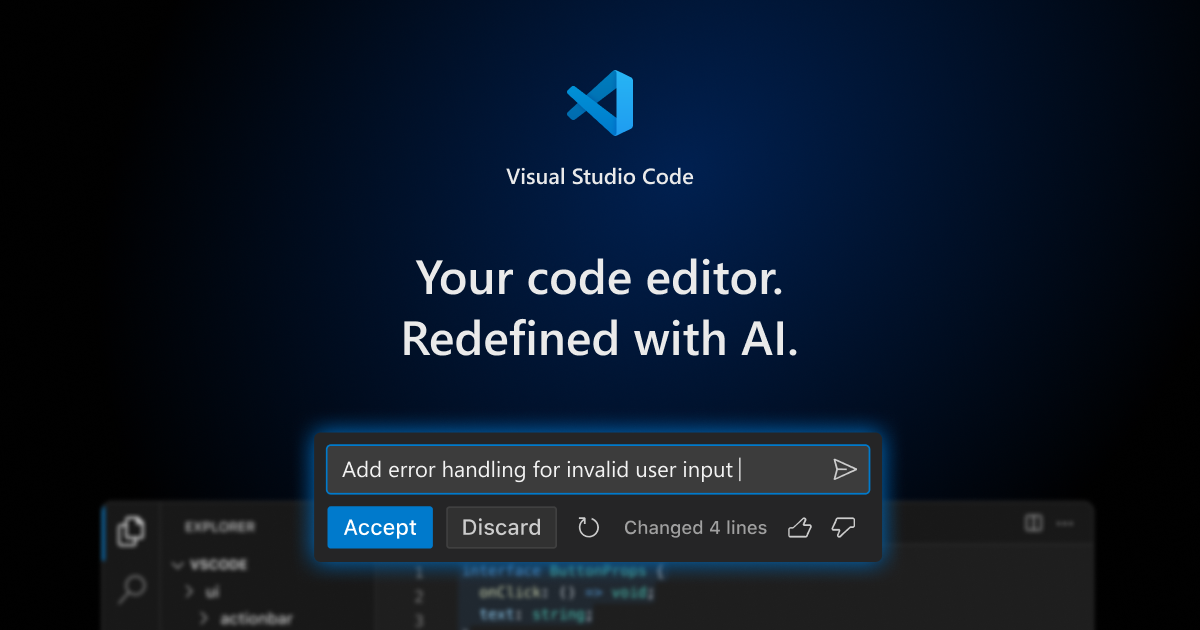
OpenCode is an open source agent that runs in the terminal, as an app or as an extension. It accepts several providers, including local models.
Install with curl -fsSL https://opencode.ai/install | bash, run opencode and use /connect to choose the provider.
3. Cline
Cline is an open source extension for VS Code, with Apache 2.0 license. It plans, edits files and asks for your approval on actions.
In the settings, you can point Cline to Ollama and use a local model.
4. Aider
Aider is an open source coding assistant that runs in the terminal. It works directly with Git and makes a commit for each change.
This makes it easy to undo any step. The documentation shows how to connect Aider to Ollama.
5. OpenHands
OpenHands became a control center for agents you host. According to the official repository, it runs locally by default.
It can run the OpenHands agent itself or others, like Claude Code, Codex and OpenCode.
Left out: Roo Code
Roo Code had its repository archived and no longer receives updates. Prefer the active options above.
Sign in: local and subscription together
Local models do not require sign in. For larger tasks, you can add a cloud agent with your subscription, like Claude Code with a Pro or Max account, without a key. See our guide on how to install and use Claude Code in VS Code.
Practical flow: create, review and publish
1. Create
Write the request as if you were talking to a colleague:
Request: "Create a tip calculator with value and percentage fields. Before you change anything, show me the plan."
Read the plan, approve it or ask for adjustments. Then the agent writes the code and runs the project to check.
2. Review
Review the changes before accepting. The Source Control tab in the editor shows each line changed.
Ask also: "Review what you did and explain in simple language." If something breaks, paste the error in the chat and ask for a fix.
3. Publish
Git is the project version history. A pull request, or PR, is a request to merge changes into the main project after review.
- Ask: "Create a branch called calculadora-gorjeta and make a commit with a clear message."
- Ask: "Push the branch to GitHub and open the PR."
- Review the PR on GitHub and merge it.
The same flow in bridgecode, with separate roles
In bridgecode, which accepts Ollama as a provider, you can mix local and cloud in the same team:
- Planner: reads the request and breaks it into small tasks.
- Executor: writes the code for each task.
- Reviewer: checks everything and flags errors before the PR.
Each agent works on a separate copy of the project, so one does not interfere with the other. You approve the plan at the start and the PR at the end.
For example, a local model handles simple tasks and a cloud agent reviews.
Common mistakes and how to avoid them
Downloading a model that's too large
Start with a small model. If your computer slows down, switch to a smaller one.
Expecting the same results as the cloud
Local models are smaller. Break requests into small parts.
Frequently asked questions about local AI assistants
What is ADE?
ADE stands for Agentic Development Environment, or agentic development environment. It is an environment where AI agents receive a goal, plan, write, test and deliver the result for you to review.
Do I need internet to use local AI?
Only to download the model. After that, the model runs on your computer.
Is Continue.dev still an option?
It is not the best choice. The project was discontinued and the repository is read only.
What is CLI?
It is a program used by the terminal, that text command screen. Claude Code, Codex and OpenCode have CLI versions that run in the terminal of VS Code or Antigravity IDE.
What is a pull request?
It is a request to merge your changes into the main project. It shows everything that changed and allows review before the merge.
Privacy without complication
Ollama plus an open agent already handles a lot on your computer. When you need more power, add a cloud agent.
Want to mix both? Use local and cloud models in an AI agent squad in bridgecode, in VS Code or in the Antigravity IDE you already use.
Sources: Ollama, OpenCode, Cline, Aider, OpenHands and official bridgecode site
Tags:#open-source#ollama#ia-local#privacidade
Developer and creator of bridgecode, an agentic development environment for orchestrating squads of AI agents. Helps people going from vibe coding to professional development move from idea to shipped product.
Related articles
Dicas
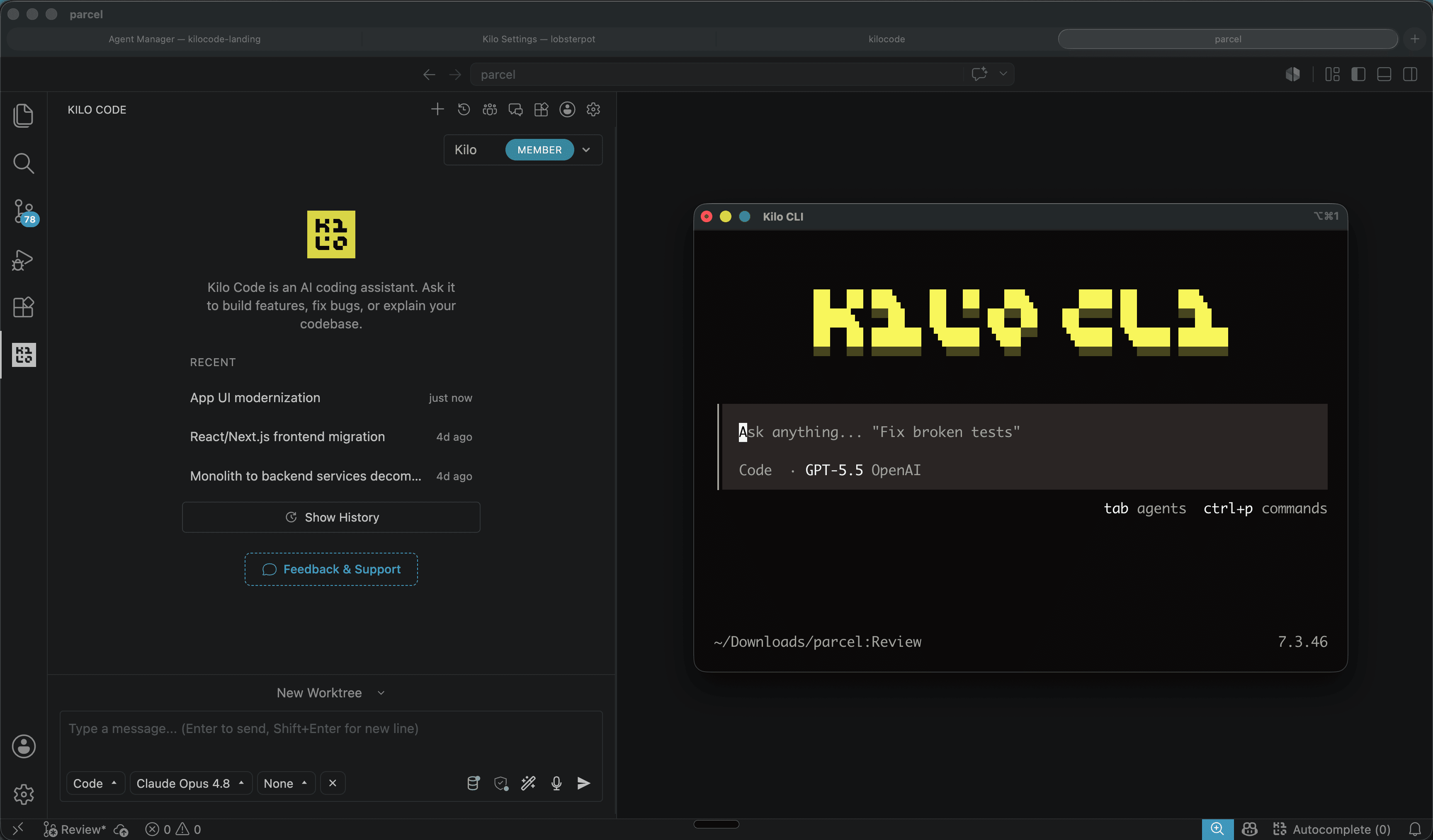
Kilo Code: open source coding agent for VS Code and CLI
Kilo Code is an open source coding agent for VS Code, JetBrains and CLI, with more than 500 models and provider direct pricing.
6 min
Dicas
How to test AI agents in cloud operations with CloudOpsBench
CloudOpsBench releases 45 cloud operation tasks to test your AI agent. See how to clone, validate and run against an emulator or real AWS.
6 min

Dicas
Tencent's Hy4: 1M context, vision and tool calling
Tencent's Hy4 brings 1 million tokens of context, vision and native tool calling for code agents and long duration tasks.
5 min