
Summary

Dicas7 min
BridgeMind vs. bridgecode: which to choose for vibe coding?
BridgeMind is a desktop app for agents. bridgecode lives inside VS Code or Antigravity IDE. Understand the difference and see a simple flow to create, review and publish.

Marcelo Santiago
Criador do bridgecode
The biggest AI newsletter in the World
Get AI articles in your inbox
Technical curation on models, agents and coding tools. No spam, unsubscribe anytime.
- What you'll learn: what BridgeMind and bridgecode do and where each one runs.
- Who it's for: people starting with vibe coding who want to use multiple AI agents.
- Outcome: knowing which one fits your way of working.
- Basis of the analysis: official websites and documentation for each tool, with no own performance testing.
Vibe coding is creating software by describing what you want in natural language. You explain, the AI writes the code and you review.
BridgeMind and bridgecode were built for this way of working. Both let you use agents that already exist, like Claude Code and Codex, with your own accounts.
The main difference is where each one lives: one is a desktop app, the other lives inside your editor.
What you need before you start
- A subscription to at least one agent, such as Claude Pro or Max, or ChatGPT with access to Codex.
- VS Code or Antigravity IDE if you want to test bridgecode.
- A test project in Git.
What is BridgeMind
According to the official site, BridgeMind is a desktop app that brings agents together in one place. It has three modes:
- Agent: named agents that work on scheduled routines.
- Code: real terminals over your project folders, where you open Claude Code, Codex, Gemini CLI and others.
- Thread: each session becomes a conversation you can read, instead of staring at the terminal.
Agents use the accounts you already pay for, and BridgeMind itself has a separate subscription.
What is bridgecode
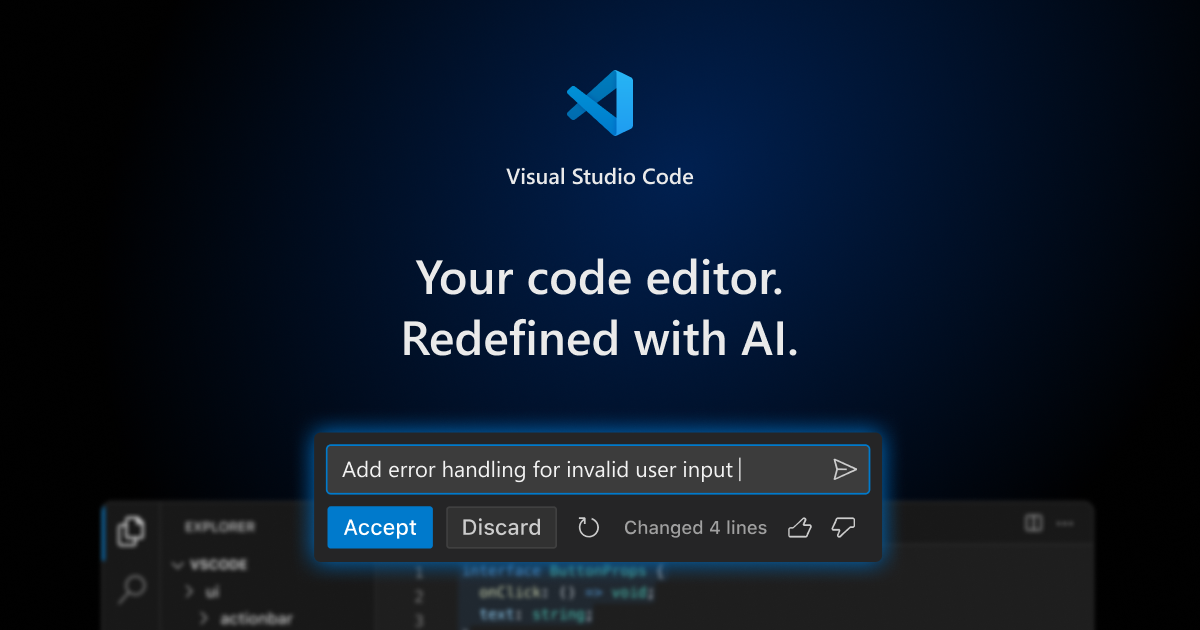
bridgecode is an extension you install in VS Code or Antigravity IDE. It opens agents side by side, with an orchestrator that splits the work.
Each agent works in a git worktree, a separate copy of the project. According to the official site, it works with Claude Code, Codex, Antigravity, OpenCode, Cline and others, using your subscriptions or keys.
Login: start with your subscription
In both cases, the agents do the work, and the simplest way to access them is with a subscription.
In Claude Code, for example, you sign in with your Pro or Max account via browser, without creating a key. The API key remains an alternative for those who use the Claude Console. See the step by step in our guide on how to install and use Claude Code in VS Code.
Which one to choose
If you like everything in a separate app
BridgeMind makes sense if you want a dedicated window for agents, scheduled routines and conversations.
If you want to stay in the editor
bridgecode makes sense if you already live in VS Code or Antigravity IDE and want agents close to your code.
Practical workflow: create, review and publish
1. Create
Write the request as if you were talking to a colleague:
Request: "Create a simple store with a showcase of 6 products and a contact form. Before you change anything, show me the plan."
Read the plan, approve it or ask for adjustments. Then the agent writes the code and runs the project to check.
2. Review
Look at the changes before accepting them. The Source Control tab in the editor shows each line changed.
Also ask: "Review what you did and explain it in simple language." If something breaks, paste the error in the chat and ask for a fix.
3. Publish
Git is the version history of the project. A pull request, or PR, is a request to merge changes into the main project after review.
- Ask: "Create a branch called loja-vitrine and make a commit with a clear message."
- Ask: "Push the branch to GitHub and open the PR."
- Review the PR on GitHub and do the merge.
The same flow in bridgecode, with separate roles
In bridgecode you split this same flow between agents, each with a role:
- Planner: reads the request and breaks it into small tasks.
- Executor: writes the code for each task.
- Reviewer: checks everything and flags errors before the PR.
Each agent works on a separate copy of the project, so one does not interfere with the other. You approve the plan at the start and the PR at the end.
Common mistakes and how to avoid them
Skipping review
Vibe coding is fast, but code without review becomes a problem later. Read the changes before accepting.
Thinking you need to pay for the models again
Both tools use the accounts of the agents you already have. Check on each official page what is included.
To understand why multi-agent environments are growing, see why devs are swapping traditional IDEs for agentic environments.
Frequently asked questions about BridgeMind and bridgecode
What is ADE?
ADE stands for Agentic Development Environment, or agentic development environment. It is an environment where AI agents receive a goal, plan, write, test and deliver the result for you to review.
What is vibe coding?
It is building software by describing what you want in natural language. The AI writes the code, and you review and decide what to accept.
Do BridgeMind and bridgecode replace Claude Code?
No. Both use agents like Claude Code and Codex with your own accounts. They organize the work, they do not replace the agent.
What is a git worktree?
It is a separate working copy of the same project in another folder. This way each agent works in its own copy without messing with what you are editing.
What is a pull request?
It is a request to merge your changes into the main project. It shows everything that changed and allows review before the merge.
Vibe coding with method
BridgeMind and bridgecode solve the same desire in different ways. Choose based on where you like to work: a separate app or your editor.
Want to try it in the editor? Build your AI agent squad in bridgecode and put planner, executor and reviewer to work in VS Code or the Antigravity IDE you already use.
Sources: official BridgeMind site and official bridgecode site
Tags:#bridgemind#bridgecode#vibe-coding#dicas
Developer and creator of bridgecode, an agentic development environment for orchestrating squads of AI agents. Helps people going from vibe coding to professional development move from idea to shipped product.
Related articles
Dicas
How to test AI agents in cloud operations with CloudOpsBench
CloudOpsBench releases 45 cloud operation tasks to test your AI agent. See how to clone, validate and run against an emulator or real AWS.
6 min
Dicas
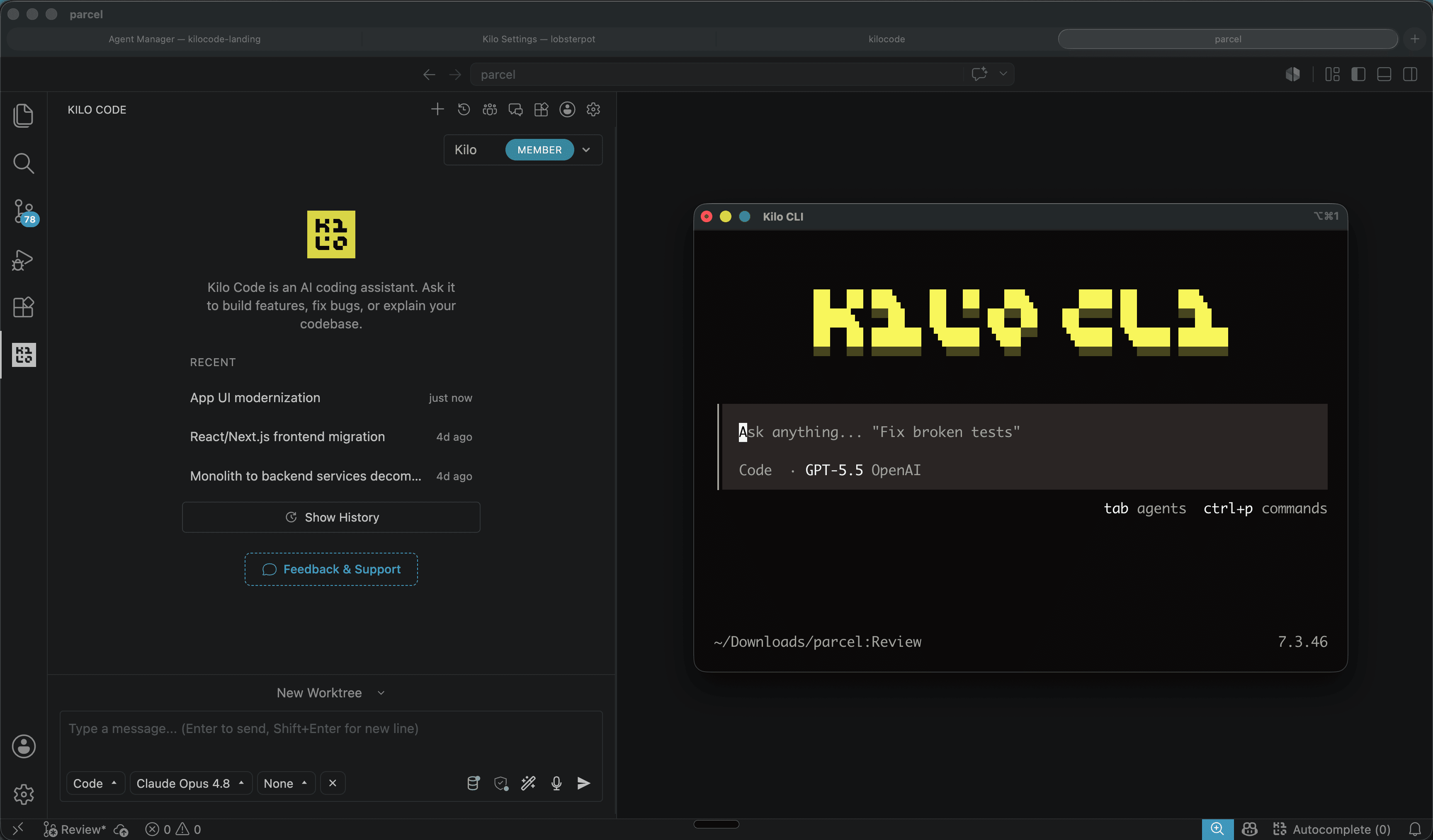
Kilo Code: open source coding agent for VS Code and CLI
Kilo Code is an open source coding agent for VS Code, JetBrains and CLI, with more than 500 models and provider direct pricing.
6 min

Dicas
Tencent's Hy4: 1M context, vision and tool calling
Tencent's Hy4 brings 1 million tokens of context, vision and native tool calling for code agents and long duration tasks.
5 min