
AI coding agents help when they get a clear task, enough context and boundaries for action. Without that, the agent can change too many files, solve the wrong problem or deliver code that's hard to review.

Dicas6 min
AI Agents for Coding: 6 Steps with Review
A practical workflow for delegating tasks to AI coding agents, reducing rework and reviewing code before merging changes.

Marcelo Santiago
Criador do bridgecode
The biggest AI newsletter in the World
Get AI articles in your inbox
Technical curation on models, agents and coding tools. No spam, unsubscribe anytime.
Rework grows when the team confuses “the agent responded” with “the task is done”. A simple flow of definition, isolated execution and verification makes delegation more predictable, without depending on a specific tool.
In this article you will see:
- How to turn an idea into acceptance criteria.
- What context and permissions to give the agent.
- How to avoid conflicts when working in parallel.
- How to review changes before integrating them into the project.
How to use AI agents for programming without losing control
If you are still choosing a tool, our guide compares three AI agents for programming.
This article focuses on another step: organizing the work after choosing the agent.
Tip 1: describe the outcome before delegating
Write the expected behavior in observable terms. Instead of “improve the signup screen”, specify what should happen with valid data, empty fields, API errors and keyboard navigation.
Include acceptance criteria and limits. For example, say which files can change, which dependencies must not be altered and how you will verify the result.
The official documentation for GitHub Copilot agents recommends starting a task with clear context and objective.
This principle applies to any programming agent.
Tip 2: provide the minimum context needed to get it right
Point to the files, interfaces, tests and conventions that actually affect the task. A README, a project instruction and a similar example are usually more useful than asking the agent to read the entire repository without direction.
Also say what it should not assume. If an API cannot be called, a migration is not authorized or the screen must remain accessible, write that before execution.
Tip 3: ask for a short plan before large changes
For tasks that span multiple components, ask for a proposal of steps and affected files before editing. Review the plan, correct assumptions and only then authorize implementation.
This pause reveals hidden scope. It also helps break a large task into smaller units, each with an outcome you can test without rebuilding the entire project.
An official Cursor demonstration shows a page with a marked area and visual observations.
The card below identifies the example; the image does not prove that the change produced by the agent is correct.
Tip 4: isolate agents that work at the same time
If two agents edit the same files, one can overwrite the other's work. Divide the project into parts with clear boundaries and use separate branches or git worktrees when tasks can advance in parallel.
Also define who integrates the result. One agent can work on the interface, another on tests and a responsible person compares the changes, resolves conflicts and decides what goes into the main branch.
Do not turn parallelism into a goal. If tasks depend on each other or change the same module, a short sequence is usually easier to validate.
Tip 5: make tests part of the instruction
Say which tests to run and ask for the observed result, not just a sentence stating that “everything passed”. If the project does not have a test for the new behavior, ask for a verifiable case and review whether it covers the main risk.
The Stack Overflow Developer Survey 2026, published on October 6, recorded that 6,872 of 14,304 respondents, or 48%, trust AI when they can easily verify the output.
This data describes declared confidence, it does not prove that a specific workflow is safe.
Therefore, add a concrete check to the request: command executed, tests approved, files changed and limitations found. If a verification could not run, the agent should say so instead of guessing the result.
Tip 6: review the diff before integrating
Read the changes like a normal code review. Check if the agent changed files outside the scope, added dependencies, introduced excessive permissions or left error paths without handling.
For UI tasks, compare the final screen with the visual criteria. For data or authentication, look for side effects and check if tests cover failures and unexpected inputs.
If you are building agents instead of just using them, see our tutorial on the Cursor Agent SDK.
It covers the separation between instructions, tools and evaluations.
A short flow to get started today
Pick a small task, write the expected outcome and limit the files that can change. Ask for a plan, run it in an isolated branch and request tests and a diff summary.
Then review the code and compare what was delivered with the initial criteria. If there are gaps, turn each one into a new bounded task instead of asking for a vague fix.
Frequently asked questions about AI coding agents
How do you break down a task for a coding agent?
Specify the expected behavior, the files and scope limits of the task, and the tests that prove the result before authorizing edits.
How do you avoid conflicts between coding agents?
Avoid having agents change the same files at the same time. Use separate branches or git worktrees and define who integrates and reviews the changes.
Do I need to review code generated by an agent?
Yes. Read the diff, run the tests and confirm that the changes respect scope, permissions, security and project dependencies.
What does the Stack Overflow 2026 survey say about trust in AI?
In the 2026 survey, 6,872 of 14,304 respondents, or 48%, said they trust AI when they can easily verify the output.
Do I need to use Cursor Annotate to give context to an agent?
No. Visual annotations are an option for context on UI tasks, but written criteria, code and tests remain important.
AI coding agents need human review
Agents speed up parts of the work, but they do not take responsibility for the impact of a change. The person who integrates the code remains responsible for security, compatibility, tests and licenses.
Start with a small task, keep permissions proportional and increase scope only after you understand how the agent fails. That way the team gains speed without treating a convincing response as proof that the software is ready.
From draft to finished product: split the work among specialist agents and track each step on bridgecode.
Tags:#agentes de IA#programação#workflow de código#revisão de código#vibe coding
Developer and creator of bridgecode, an agentic development environment for orchestrating squads of AI agents. Helps people going from vibe coding to professional development move from idea to shipped product.
Related articles
Dicas
How to test AI agents in cloud operations with CloudOpsBench
CloudOpsBench releases 45 cloud operation tasks to test your AI agent. See how to clone, validate and run against an emulator or real AWS.
6 min

Dicas
5 tips to give context to agents with NVIDIA Auto Ontology
Learn about NVIDIA Auto Ontology, an Apache 2.0 repository for giving semantic context to agents and the security considerations before adopting it.
6 min
Dicas
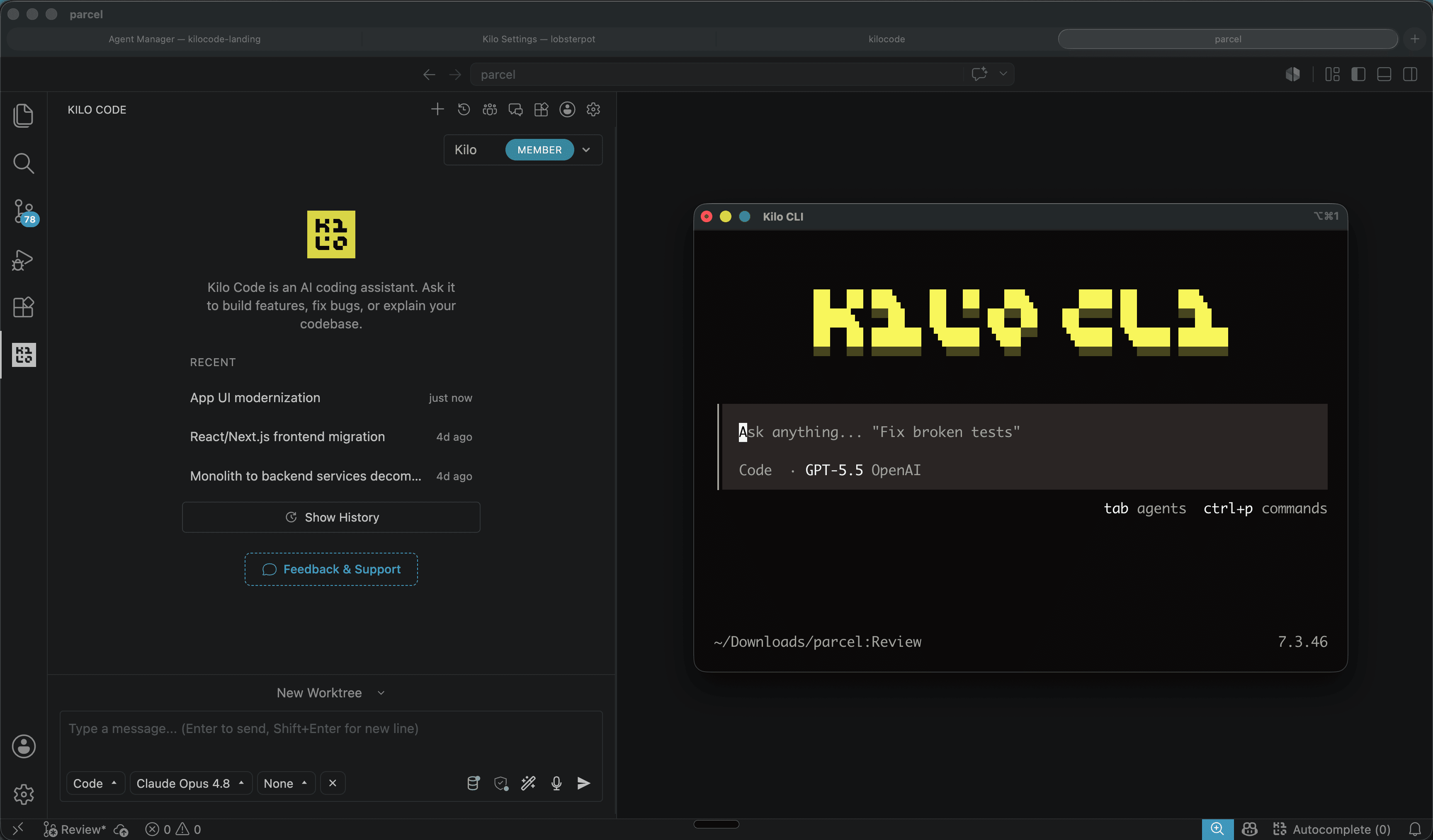
Kilo Code: open source coding agent for VS Code and CLI
Kilo Code is an open source coding agent for VS Code, JetBrains and CLI, with more than 500 models and provider direct pricing.
6 min