
AI agents that click, fill forms, and extract data from pages have become routine for anyone automating work. The problem is choosing among dozens of repositories on GitHub. Here are 8 projects verified on 11/27/2026, with license, stars, and activity checked via the GitHub API.
Dicas6 min
8 best GitHub repositories for AI browser agents
browser-use, agent-browser, Playwright MCP, Stagehand, Skyvern, Midscene, Steel, and Lightpanda: 8 verified repositories for browser-based agents.
The biggest AI newsletter in the World
Get AI articles in your inbox
Technical curation on models, agents and coding tools. No spam, unsubscribe anytime.
In this article you will see:
- 8 repositories for controlling the browser with AI agents
- License, stars, and last commit for each one
- A usage example and who each project is for
- How to choose and what precautions to take
How we selected the browser agent repositories
All projects below have commits in recent days, a declared license, and an official repository on GitHub. Stars are from the day of the query and change quickly.
We did not run or install any of them for this article. Descriptions come from what each repository declares on its own page, and usage examples are typical scenarios, not our own tests.
A browser agent is a program in which an AI model decides the steps: open a page, click, type, and read the result. It replaces fixed scripts with natural language instructions.
1. browser-use: Python library for browser agents
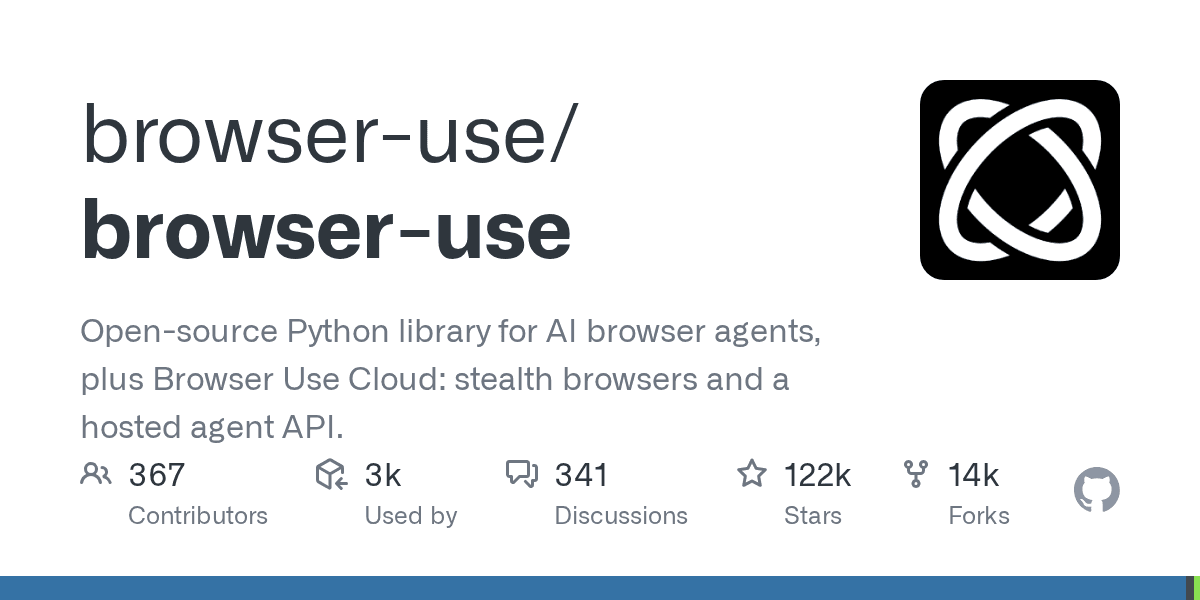
browser-use is an open-source Python library for AI agents that control the browser. The repository has about 122k stars and an MIT license, with the last push on 11/26/2026.
It serves those who already code in Python and want an agent that navigates on its own. Usage example: ask the agent to open a dashboard, filter orders from the week, and return a list.
We covered the basics in browser-use: how to connect AI agents to the browser.
2. agent-browser: Vercel Labs automation CLI
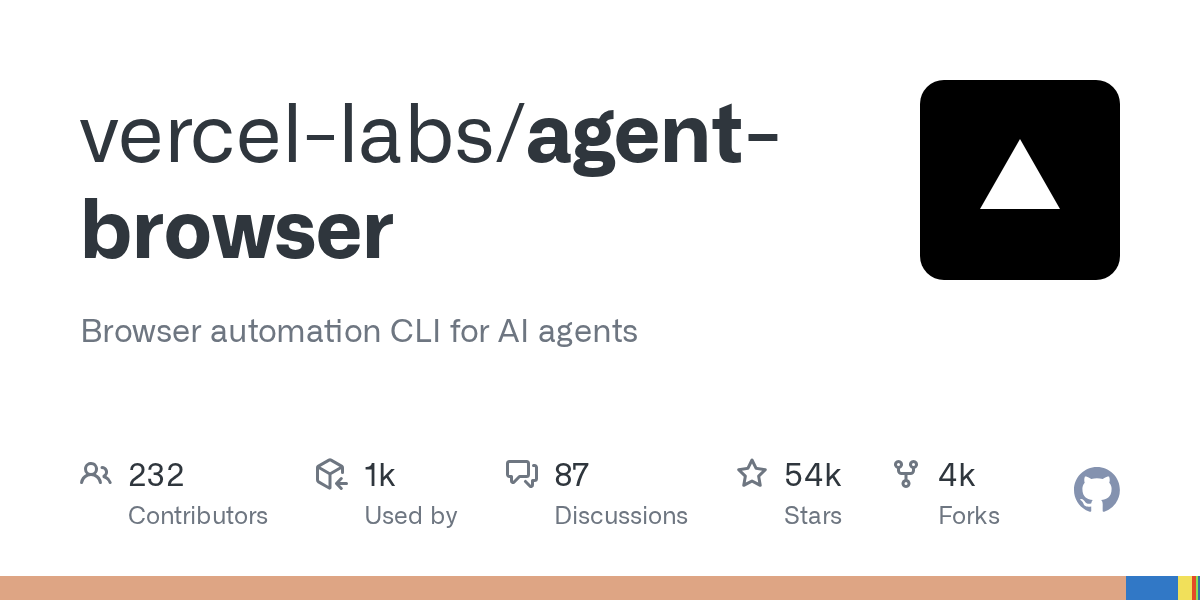
agent-browser is a browser automation CLI for AI agents, written in Rust. It has about 54k stars, an Apache 2.0 license, and a push on 11/26/2026.
It serves those who use code agents in the terminal, such as Claude Code or Codex, and want to give them a browser via commands. Example: the agent opens your local page, checks if the form works, and reports the result.
3. Playwright MCP: the browser as an MCP server
Playwright MCP is Microsoft's MCP server that connects agents to Playwright. It has about 40k stars and an Apache 2.0 license. The last push was on 11/18/2026.
It serves those who already use MCP (the protocol that connects agents to external tools) in the editor or CLI. Example: ask the agent to test your app's signup flow. See also our list of best MCP server repositories for agents.
4. Stagehand: Browserbase's TypeScript SDK
Stagehand is an SDK for extracting data and interacting with any site. It has about 26k stars, an MIT license, and a push on 11/25/2026.
It serves TypeScript teams that want to mix traditional code with natural language instructions. Example: extract price and availability from a product page in structured format.
5. Skyvern: workflow automation with AI and vision
Skyvern automates browser workflows with AI. It has about 23.5k stars and a push on 11/25/2026. The license is AGPL 3.0.
It serves repetitive back-office processes, such as filling portals. Example: register the same data in multiple web systems. Note the AGPL: it imposes obligations if you offer the software as a service.
6. Midscene: E2E tests in natural language
Midscene describes itself as "seeing interfaces like a human," with E2E tests in natural language. It has about 15.7k stars, an MIT license, and a push on 11/25/2026.
It serves QA teams that want to write UI tests without brittle selectors. Example: describe "click login and confirm the dashboard appears".
7. Steel Browser: Browser API for Hosting
Steel Browser is an open-source browser API for agents and apps. It has around 8k stars, an Apache 2.0 license, and a push on 11/25/2026.
It's for anyone who wants a sandboxed browser without building infrastructure from scratch. Example: spin up the service and point multiple agents to separate sessions.
8. Lightpanda: Headless Browser for AI
Lightpanda is a headless browser built for AI and automation, written in Zig. It has around 42.6k stars, an AGPL 3.0 license, and a push on 11/27/2026.
It's for those who need many pages with low resource usage and use Playwright or Puppeteer via CDP. Example: run high-volume scraping on a modest server. Verify compatibility with your site before migrating.
Mental Table: Which Repository for Which Profile
- Python and rapid prototyping: browser-use
- Terminal agent: agent-browser
- Editor with MCP: Playwright MCP
- TypeScript in production: Stagehand
- Back-office processes: Skyvern
- UI testing: Midscene
- Self-hosted browser: Steel Browser or Lightpanda
How to Choose Among the 8 Repositories
Start with the language: Python points to browser-use and Skyvern, TypeScript to Stagehand and Midscene. If your agent already runs in the terminal, agent-browser and Playwright MCP fit better.
Then look at the license. MIT and Apache 2.0 are permissive. AGPL 3.0 requires legal review for commercial products.
Finally, look at activity. All had recent commits, but open issues and release frequency say more about maintenance than star count.
Safeguards When Giving an Agent Browser Access
Use test accounts and isolated sessions. Don't hand over personal credentials, and limit what the agent can do without approval, such as purchases and submissions.
If you want to go beyond the browser, also check out the guide on Chrome DevTools MCP for debugging pages with an AI agent.
Frequently asked questions about AI browser agents
Which browser agent repository should you choose to get started?
browser-use is a good starting point for Python users, while Stagehand suits those who prefer TypeScript. Both have MIT licenses and recent activity on GitHub.
What is the difference between Playwright MCP and agent-browser?
Playwright MCP exposes the browser as an MCP server for your agent. agent-browser is a browser automation CLI designed for agents, written in Rust, that runs via commands.
Is there an option to run the browser without relying on the cloud?
Yes. Steel Browser is a browser API you host yourself, and Lightpanda is a lightweight headless browser. Both have code on GitHub.
Do you need to worry about licensing?
Yes. Skyvern and Lightpanda use AGPL 3.0, which requires caution for distributed products or services. Read the license before integrating.
Is it safe to give login credentials to a browser agent?
Use test accounts and isolated sessions. Avoid handing over personal credentials, and review what the agent does before allowing actions like purchases or form submissions.
Which Browser Agent to Use in Your Workflow
There's no single winner. For Python prototypes, browser-use. For terminal, agent-browser. For UI testing, Midscene. For your own infrastructure, Steel or Lightpanda.
Testing two or three side by side on the same problem gives the most honest answer for your case.
Stop switching between ten AI tools. Coordinate your agents in a single flow on bridgecode.
Source: GitHub
Tags:#GitHub#agentes de navegador#automação de navegador#browser-use#Playwright

Developer and creator of bridgecode, an agentic development environment for orchestrating squads of AI agents. Helps people going from vibe coding to professional development move from idea to shipped product.
Related articles
Dicas
5 best GitHub repositories for MCP servers for agents
Context7, Playwright MCP, GitHub MCP Server, Chrome DevTools MCP, and MCP reference servers: 5 verified repositories to equip agents with tools.
6 min
Dicas
5 best GitHub memory repositories for AI agents
Cognee, Mem0, Graphiti, Letta, and RAGFlow: 5 verified repositories to give AI agents long-term memory, with license, activity, and usage examples.
5 min
Dicas
5 best GitHub repositories for running LLMs locally
See 5 GitHub repositories for running LLMs on your computer or server: llama.cpp, Ollama, vLLM, Unsloth, and Open WebUI, with license, stars, and usage example.
5 min