
Impeccable is a set of instructions and tools to guide programming agents when creating or reviewing interfaces.

Dicas6 min
5 tips for reviewing interfaces with Impeccable
Use Impeccable commands to guide agents, review UX and detect visual patterns, but check permissions before enabling live mode.

Marcelo Santiago
Criador do bridgecode
The biggest AI newsletter in the World
Get AI articles in your inbox
Technical curation on models, agents and coding tools. No spam, unsubscribe anytime.
The official repository describes 24 commands and a detector with 62 deterministic rules to flag problematic visual patterns.
The version consulted had activity on GitHub on November 5, 2026. This guide organizes what the documentation recommends, without installing or running the project, and highlights an important caution in live mode.
In this article you will see:
- How to give visual and product context to the agent.
- When to use critique, audit, polish and the detector.
- What to check before enabling live mode.
- How to test an interface change without relying only on the image.
How Impeccable guides agents in interface review
Impeccable offers a command language to request specific changes.
Instead of writing only “make the page prettier”, a person can ask for a critique of the pricing area, adjust the page rhythm, or review the signup form.
The official README of Impeccable organizes the commands into visual guidance, review, finishing and planning.
The repository also describes a detector that applies deterministic rules, without relying on another model call.
The maintainers show in the README two results for the same description of an inn. The example image illustrates a visual direction, but it is not an independent test nor proof that every interface will improve with the tool.
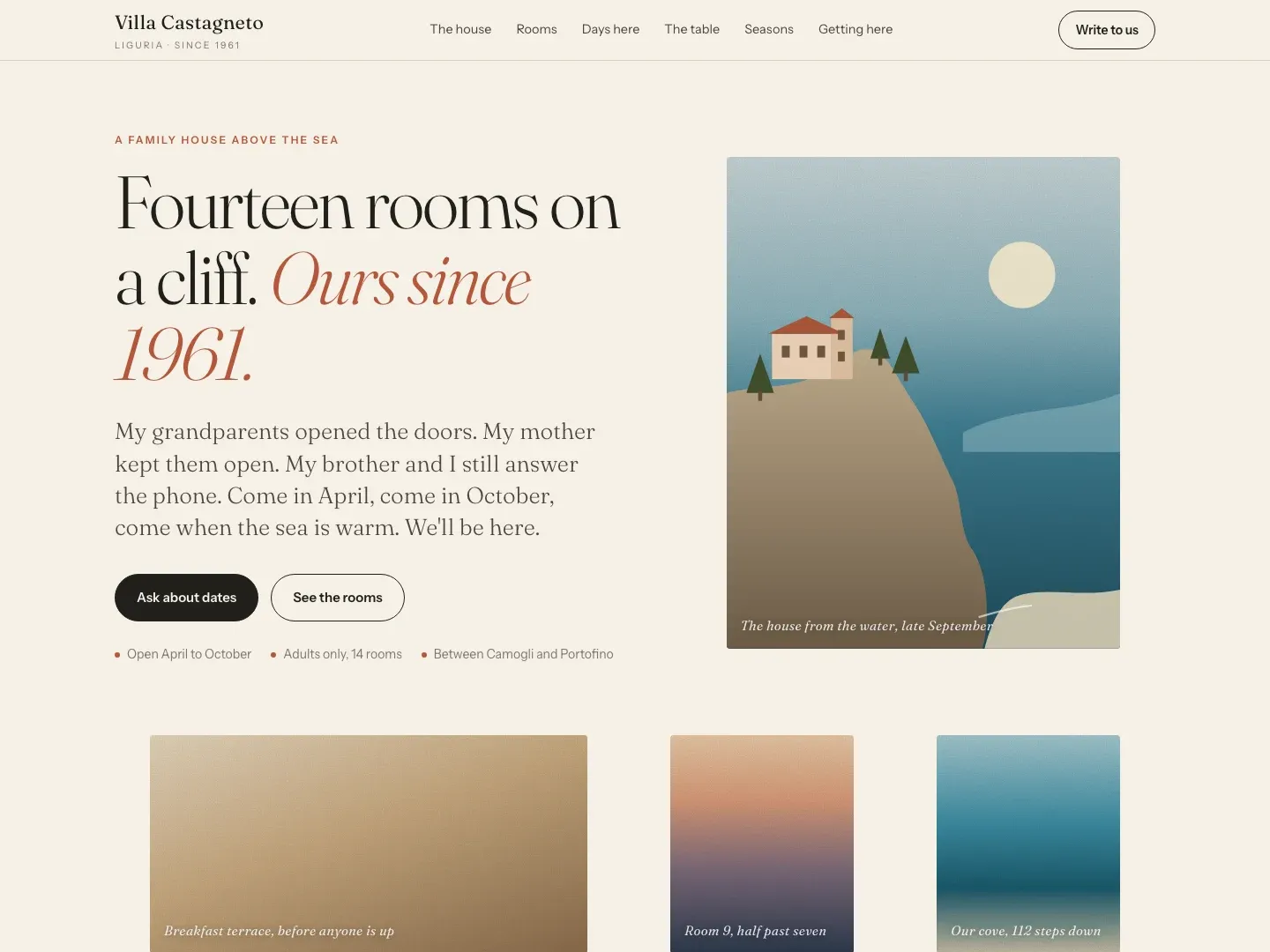
5 tips to review interfaces with Impeccable
Tip 1: register the product goal before the review
The command init asks what is missing to understand the project and writes the file PRODUCT.md, according to the documentation.
Use this moment to explain the audience, the main task, the constraints and the outcome the interface needs to enable.
Do not start with a list of colors. If the agent does not know whether the page should generate a lead, explain a feature or complete a purchase, it can polish a screen that does not solve the right problem.
Tip 2: document the existing visual system
The command document records in DESIGN.md the visual patterns that already appear in the project.
This helps the agent preserve typography, spacing, colors and components that are part of the identity, instead of replacing everything with a generic look.
Review the file produced before treating it as a rule. Correct decisions that do not represent the brand and remove old exceptions.
The agent will use this context in the next changes, so a saved error can repeat on other pages.
To plan what will be done before the visual, see the task planning tips with the BMAD Method.
They help separate goal, steps and acceptance criteria.
Tip 3: ask for a review of one area at a time
The README recommends pointing the command to a narrow target. For example, ask for a critique of the pricing page or use polish on a specific section, instead of asking to review the whole product in a single pass.
A bounded area makes it easier to compare before and after and decide if the change solves a problem. If the response brings several recommendations, choose one priority, apply it and check the result before moving on to the next.
Tip 4: differentiate critique, audit and detector
critique is described as a UX evaluation. audit generates a technical report on topics such as accessibility, performance, responsiveness and visual theme.
They answer different questions, so do not use one output as a substitute for the other.
The detector lists 62 deterministic rules, according to the README. Some checks work on interface files.
Checks like contrast and text size depend on a rendered page. The documentation recommends pointing the detector to a local server when the rule requires rendering.
The result is a list of signals to investigate, not a certificate of accessibility or quality. Confirm the findings in the browser, with keyboard and on screen sizes that represent real use.
Tip 5: use hooks to detect regressions, but review permissions
Impeccable describes a design hook that returns findings to the agent after it edits interface files.
If the tool you use offers this hook, it can remind the team to check visual patterns during work, instead of relying on a final check that is forgotten.
The project also describes a live mode to select elements on a local server and test variants.
The guide to creating websites with AI in seven steps shows other ways to validate layout, forms and content before publishing.
What to check before using live mode
The README warns that Apply can launch the Codex CLI or Claude with approvals, permission checks and sandbox disabled if there is no chat session using live mode.
This should not be treated as a secure by default configuration.
The documentation states that IMPECCABLE_LIVE_COPY_AGENT=chat keeps Apply in the chat session.
IMPECCABLE_LIVE_COPY_AGENT=off disables this action. Keep live mode only on a local server and review the behavior before accepting changes.
Do not weaken the security policy of a published site.
The main repository declares an Apache 2.0 license. As of the November 5 check, I did not find a SECURITY.md file nor any advisories published on the GitHub advisories page.
This does not prove the absence of vulnerabilities. Review permissions and code before adopting the project in a sensitive environment.
Frequently asked questions about Impeccable for programming agents
What is Impeccable?
Impeccable is a set of commands and tools to guide programming agents when creating and reviewing interfaces. The repository describes UX commands, technical audits and a deterministic detector.
How many commands and rules does Impeccable document?
The README lists 24 commands and a detector with 62 deterministic rules. A command called craft is described as a deprecated alias, so check the current list before using it.
What is the difference between critique and audit in Impeccable?
critique is presented as a UX evaluation. audit generates a technical report on topics such as accessibility, performance, responsiveness and visual theme.
Is Impeccable live mode safe by default?
No. The README warns that Apply can launch Codex or Claude with approvals and sandbox disabled if there is no active chat session. The documentation provides the IMPECCABLE_LIVE_COPY_AGENT variable to keep the action in chat or disable it.
Was Impeccable tested in this article?
No. This article summarizes the documentation and the official README, without installing or running the repository. The visual example cited is a demonstration by the maintainers, not an independent test.
What Impeccable adds to the interface workflow
Impeccable can turn vague requests into more specific reviews and changes. Product context, documented design and narrow targets help make the agent's work more verifiable.
The detector and live mode add other review paths, but they do not replace human validation. The project's example image is a demonstration by the maintainers, not an independent comparison.
To apply this process to a larger delivery, build an agent squad on bridgecode and track planning, implementation and review in a single flow.
Source: Impeccable
Tags:#Impeccable#agentes de programação#design de interface#UX#acessibilidade#segurança de agentes
Developer and creator of bridgecode, an agentic development environment for orchestrating squads of AI agents. Helps people going from vibe coding to professional development move from idea to shipped product.
Related articles
Dicas
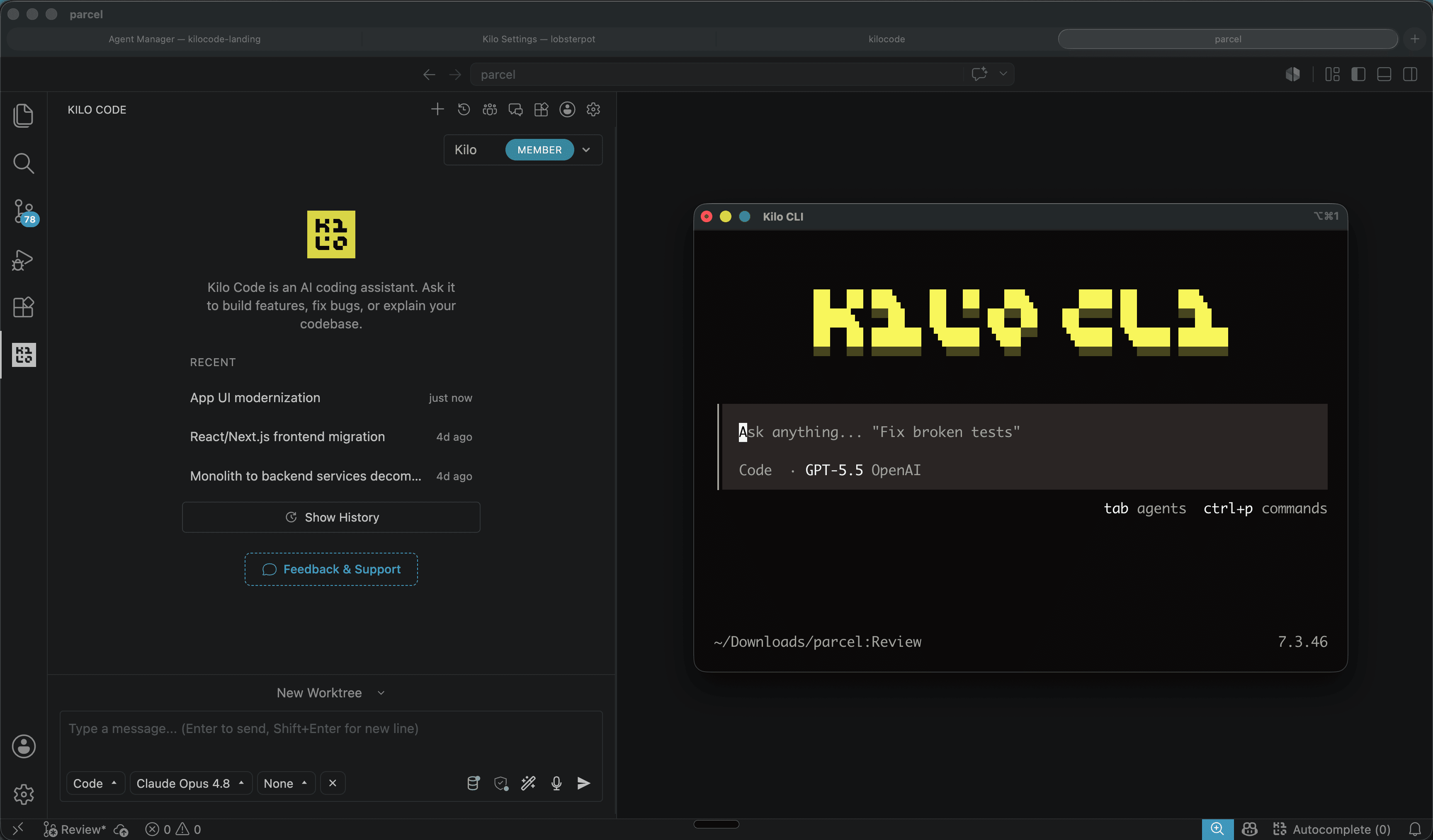
Kilo Code: open source coding agent for VS Code and CLI
Kilo Code is an open source coding agent for VS Code, JetBrains and CLI, with more than 500 models and provider direct pricing.
6 min
Dicas
How to test AI agents in cloud operations with CloudOpsBench
CloudOpsBench releases 45 cloud operation tasks to test your AI agent. See how to clone, validate and run against an emulator or real AWS.
6 min

Dicas
Tencent's Hy4: 1M context, vision and tool calling
Tencent's Hy4 brings 1 million tokens of context, vision and native tool calling for code agents and long duration tasks.
5 min