
On October 28, 2026, at 1:09 p.m. Brasília time, GitHub unveiled at Universe 2026 new ways to coordinate agents with Copilot, including Projects, Fusion, automations and continuity across interfaces. The proposal is to take software tasks from issue to review without tying work to a single session or screen.
GitHub Universe 2026 expands Copilot agents
GitHub unveiled Projects, Fusion, session continuity and automations to coordinate agents from issue to merge in Copilot.

Marcelo Santiago
Criador do bridgecode
The biggest AI newsletter in the World
Get AI articles in your inbox
Technical curation on models, agents and coding tools. No spam, unsubscribe anytime.
The announcement brings together different features, not a new language model. Copilot Projects coordinates work across multiple repositories; Copilot Fusion selects and combines models for distinct steps; automations can start tasks by schedule or event, with results subject to human review.
In this article you will see:
- What GitHub calls Projects and Fusion
- How continuity and automations connect
- What infrastructure data helps us understand
- How to check access and test the features
What GitHub calls Projects and Fusion
Copilot Projects is an agent work experience inside the GitHub Copilot app. The company says the feature can start tasks from issues and work across multiple repositories, in managed sessions that run in parallel. Instead of asking for just a change in a file, a person can delegate a larger goal and track progress.
Working across multiple repositories does not mean unrestricted access to company code. The team still defines the scope, reviews permissions and checks changes before merging them. The platform coordinates the flow, but does not replace the team's access rules.
Copilot Fusion is presented as a model orchestrator. Instead of assuming a single model will be the best option at every step, the system can route work to different models, depending on the task type. The announcement describes a layer that decides how to use models, not a new family of weights released by GitHub.
This distinction matters: one agent can plan, another implement and another review. Fusion's promise is to coordinate selection inside Copilot; the result still depends on context, tools and validation.

The thumbnail is from an official demonstration of the Copilot app with a Logitech MX Keypad. It illustrates a way to trigger tools and work areas, while the post cover identifies the Universe 2026 event.
How continuity and automations connect
GitHub also describes session continuity between the Copilot app, VS Code, the command line and the web. The intent is that a task started in one interface can be followed in another without rebuilding all the context. For people who switch between planning and implementation, this can reduce fragmentation of instructions.
Session continuity does not mean perfect memory. The team needs to confirm that the agent received the relevant files, decisions and criteria and review diffs, tests and references before accepting changes.
Copilot automations can be triggered by events or defined schedules and work on activities like issue triage and code review. GitHub also says they can learn from previous results and suggest improvements for approval. That approval step matters: an agent suggestion is not the same as a policy automatically applied.
The announcement also mentions Copilot Code Review Max to find important problems in reviews. GitHub claims the tool achieved the best F1 on high severity issues in ReviewBench. Since the publication does not show a full scoreboard in the text, that result should be understood as a company claim about a specific test, not proof of superiority across all code review.
For teams building their own agents, the Cursor Agent SDK allows defining agents as code and evaluating them. GitHub Copilot and the Cursor SDK are different products, but both make the handoff from a programming task to a flow with tools and review more visible.
What infrastructure data helps us understand
Agents that work on multiple tasks need a platform that can handle sessions and concurrent executions. GitHub says it added 4 million CPU cores, 160 petabytes of high speed storage and 50 terabits per second of network capacity to its datacenter platform. Those numbers are published by the company to contextualize the infrastructure, not an independent measurement of speed for each user.
The company also ties that growth to the migration of workloads to a multiregional infrastructure on Azure. The publication treats the expansion as part of the evolution of the software delivery platform, alongside collaboration, automation and agents. That is different from saying every Copilot session uses the total capacity cited or that the performance of a specific project will increase in the same proportion.
The multi-agent workflows at bridgecode split planning, execution and review. The useful comparison is not which product replaces the other, but which parts of the flow should stay under control of the repository, the development platform and the person responsible for delivery.
How to check access and test the features
GitHub said Copilot Projects would start rolling out in the app on the announcement day, October 28. The post does not guarantee that all accounts will get the same features at the same time. To test, check the options shown in your account and read the availability notes associated with Copilot.
Start with a small issue, with clear criteria and a limited set of files. Check whether the agent identifies the scope, proposes a clear plan, and keeps changes within the defined limits. Then run the project tests and compare the result with the expected behavior before accepting any change.
For automations, start with a low risk task and ask for approval before actions that change code or affect users. Record the trigger, the output produced, failures, and review time. This data helps you decide whether the automation actually removes repetitive work or just shifts effort to the review step.
The official video below demonstrates the GitHub Copilot app with a Logitech MX Keypad and shows actions to switch between editors, open the terminal, and access chat.
Frequently asked questions about the GitHub Universe 2026 announcements
What is Copilot Projects?
Copilot Projects is an in-app experience in GitHub Copilot to start tasks from issues and work across multiple repositories, with managed sessions that can run in parallel.
What does Copilot Fusion do?
GitHub presents Copilot Fusion as an orchestrator that can route steps to different models depending on the task. The announcement does not present Fusion as a new language model.
Which interfaces does Copilot maintain session continuity on?
GitHub describes session continuity between the Copilot app, VS Code, command line and web. Teams still need to check that relevant files and criteria reached the agent.
Can Copilot automations change code without review?
GitHub says automations can be triggered by events or schedules and suggest improvements for approval. The company does not say suggestions replace team review policies.
When does Copilot Projects become available?
GitHub said Copilot Projects would start rolling out in the app on the day of the announcement. Availability may vary by account, so check the current Copilot options and notes.
GitHub brings agents closer to the software delivery flow
Universe 2026 sets a clear direction: agents start taking part in longer tasks, with parallel sessions, context that follows the person, and reviewable automations. Projects and Fusion are part of that direction, not a promise that generated code removes the need for tests or review.
To adopt this kind of flow, start with a small scope, restricted permissions, explicit acceptance criteria, and automated validation. Useful autonomy grows when each step can be observed and corrected by someone responsible for the outcome.
From draft to finished product: split the work among specialist agents and track each step on bridgecode, with planning, execution, and review in the same flow.
Source: GitHub
Tags:#github#copilot#agentes#universe-2026#desenvolvimento
Developer and creator of bridgecode, an agentic development environment for orchestrating squads of AI agents. Helps people going from vibe coding to professional development move from idea to shipped product.
Related articles

Newsletter
GitHub rebuilds Git storage for agents
GitHub announced its new Git storage architecture, Project Rubicon, capable of handling thousands of writes per second to a single repository.
6 min
Newsletter
Karpathy builds a video platform over a weekend with Claude
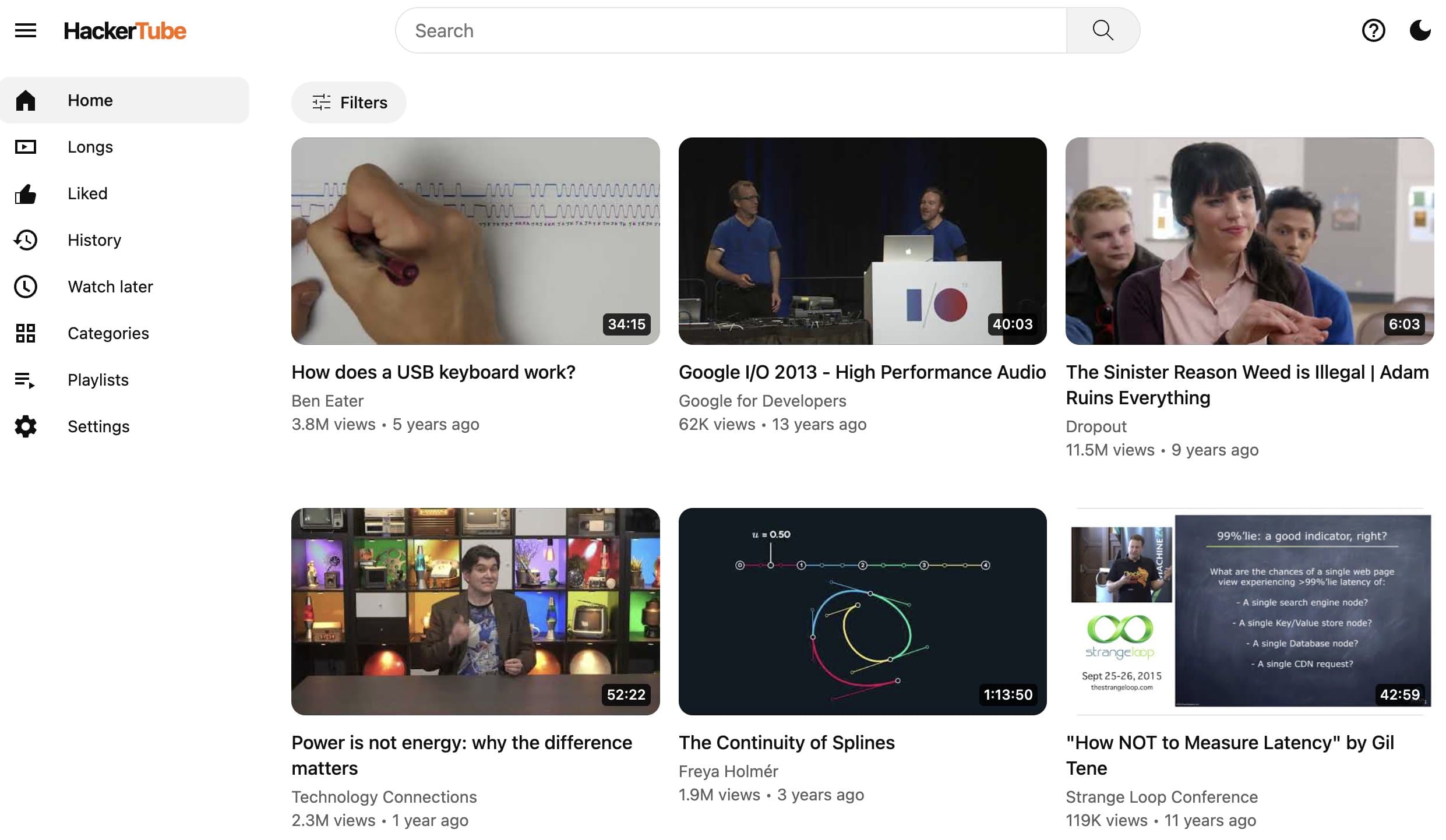
Andrej Karpathy built HackerTube in a weekend with Claude. What it says about development speed with coding agents.
5 min
Newsletter
Box uses Nvidia's Nemotron for agent content search
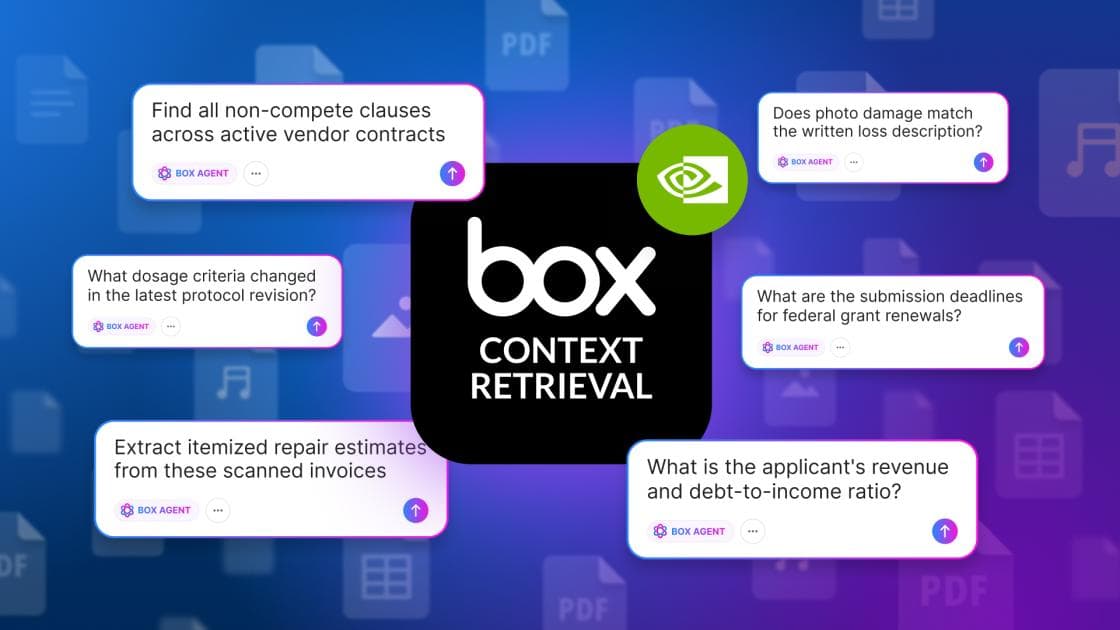
Box and Nvidia announce Box Context Retrieval, a semantic search engine powered by Nemotron that turns enterprise content into knowledge for AI agents.
5 min